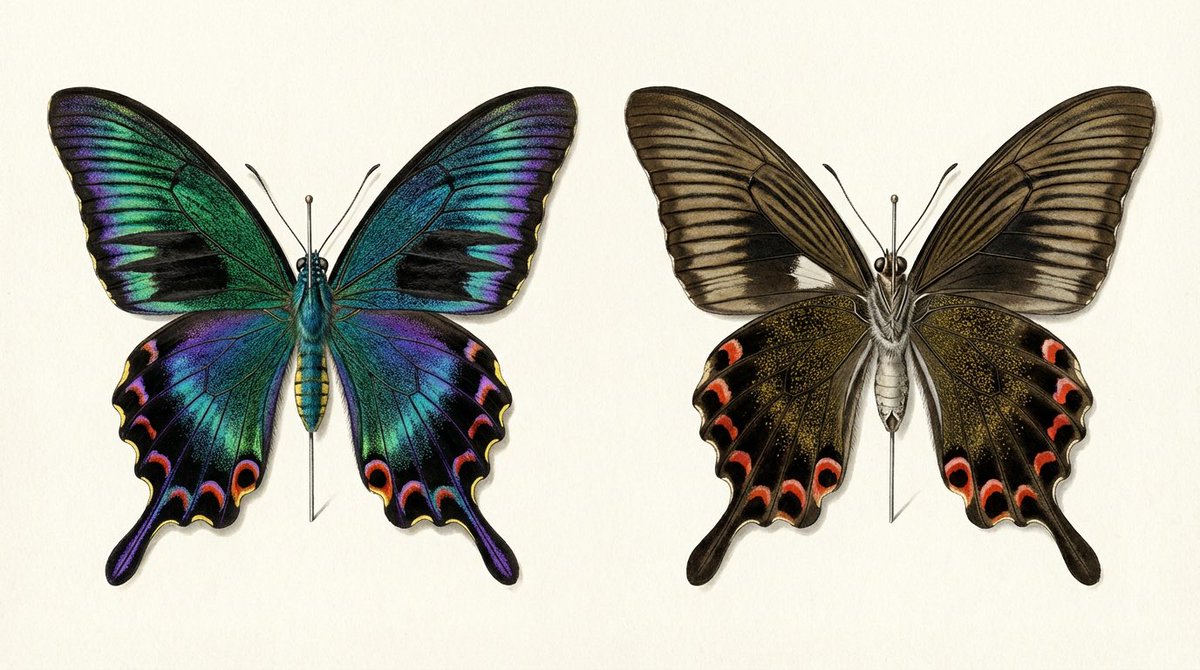
Infographic / Edu Visual - Generating a Butterfly Image with Selective Iridescence

This prompt is designed to address a common issue in AI image generation where specifying 'iridescent' makes the entire subject glow. The goal is to generate an image of a butterfly (specifically a male *Atrophaneura alcinous* spring form) that accurately depicts selective structural color (iridescence) on the left wing and a matte brown color on the right wing, requiring precise control over light and texture.

Prompt

457 charactersOpen Astorie studio ↗
Comparison of the front and back of a mounted specimen of a male {argument name="butterfly species" default="Atrophaneura alcinous"} spring form. The information in this illustration shows that the structural color on the left and the {argument name="color" default="matte brown"} on the right are the same butterfly. When you write 'iridescent' to the AI, everything shines. The job of the prompt is to specify 'this part shines, this part does not shine'.
From sourceView source ↗

More to explore

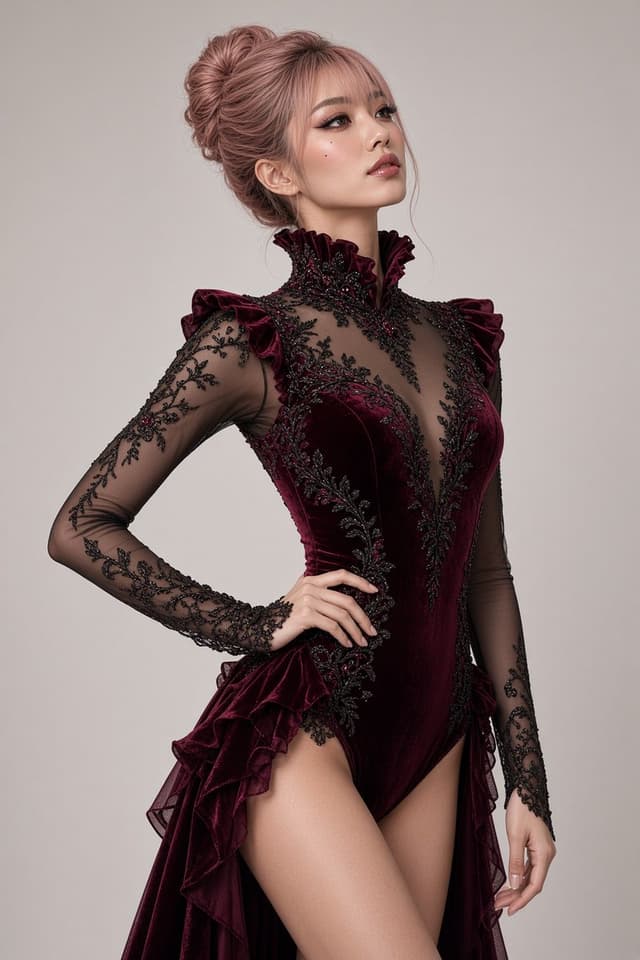
Social Media Post - Red Velvet Leotard Portrait Comparison
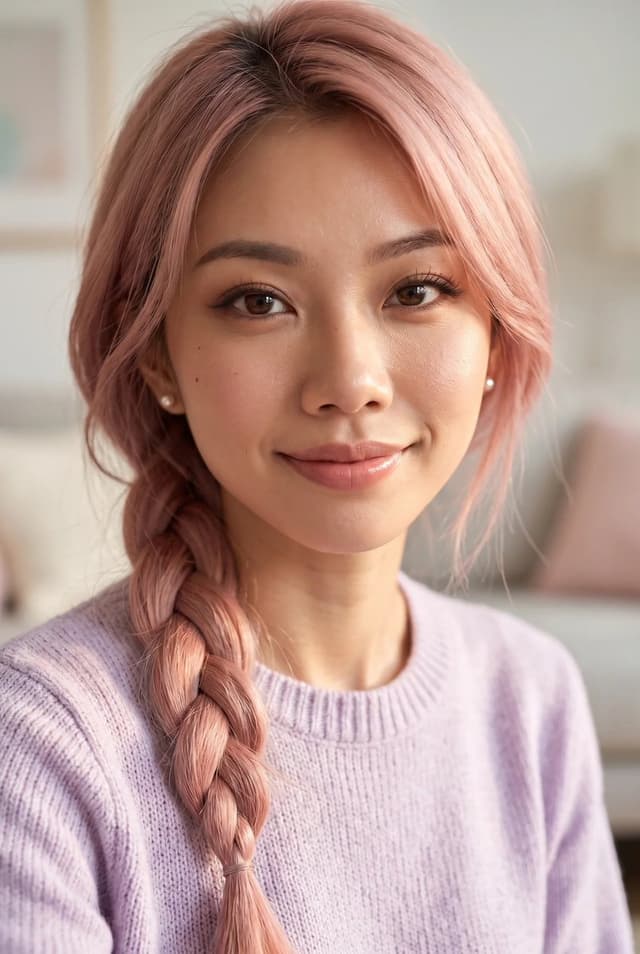
Profile / Avatar - Purple Sweater Portrait Comparison
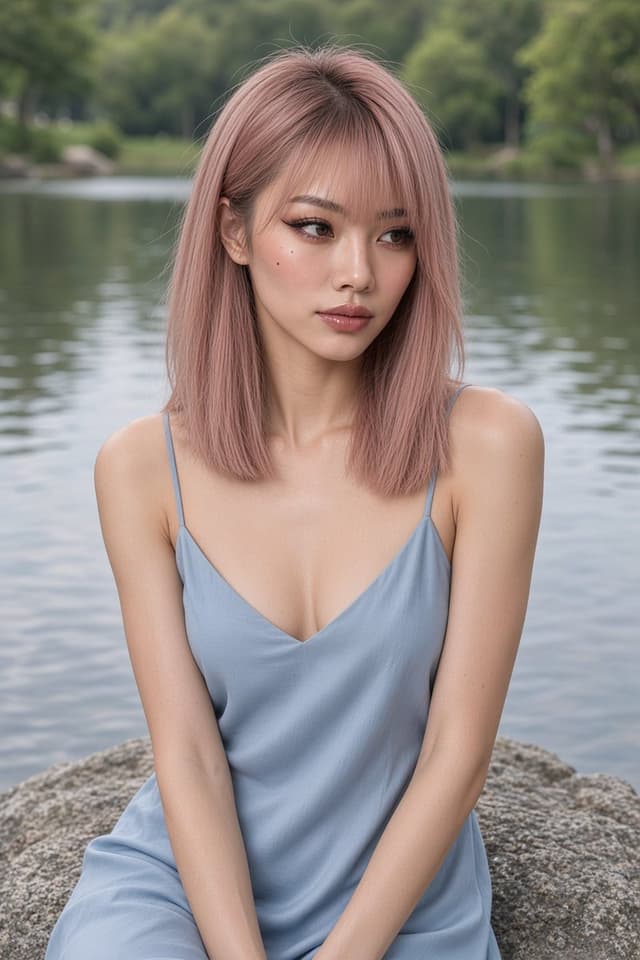
Profile / Avatar - Nano Banana Pro Lake Portrait Comparison
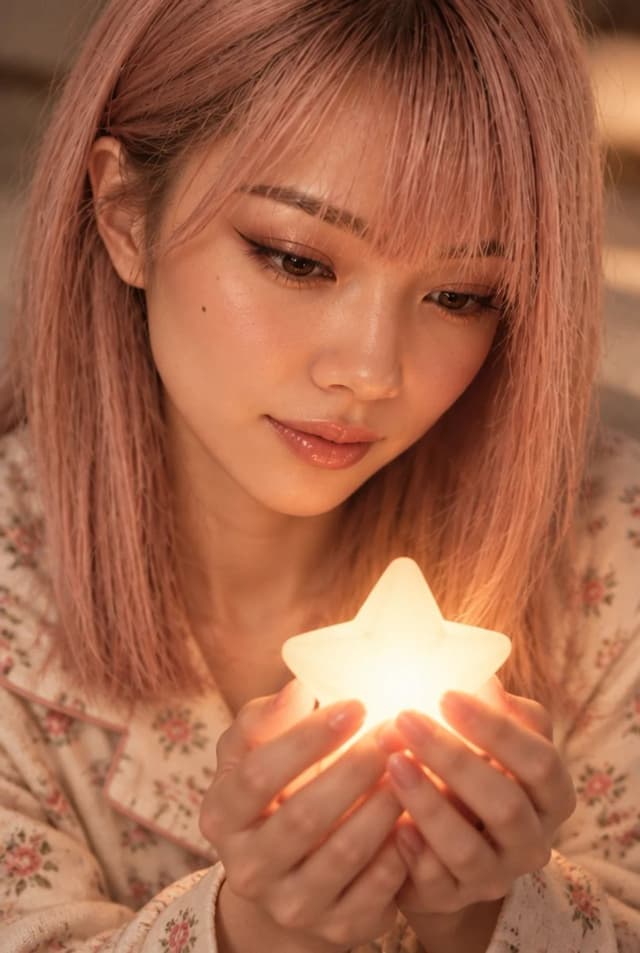
Profile / Avatar - Cute Star Night Light Portrait Comparison
Social Media Post - Nano Banana Pro Silver Metallic Gown Portrait
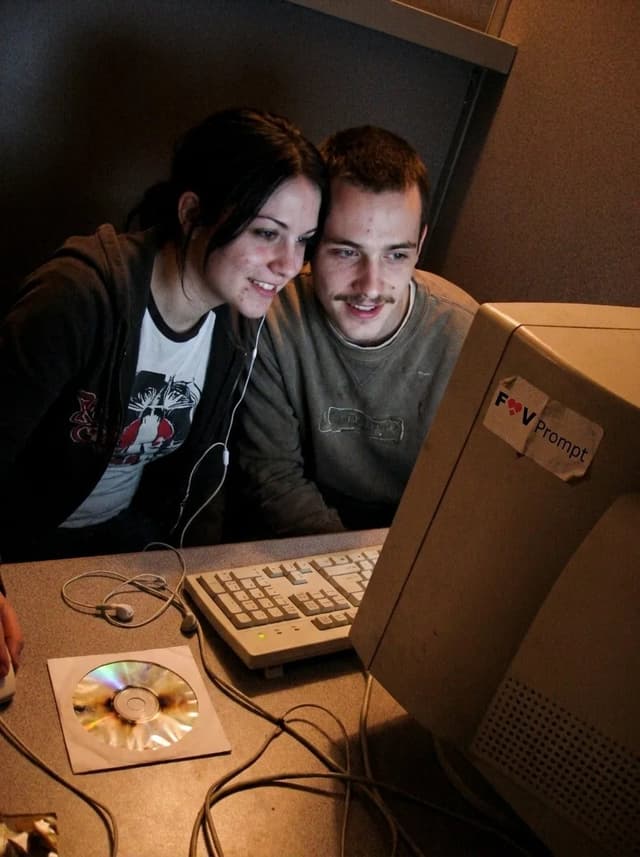
Profile / Avatar - Early 2000s Internet Cafe Webcam Couple

Profile / Avatar - Early 2000s Internet Cafe Webcam Couple

Fav PromptNano Banana Pro
A candid couple photo of the Woman's Look and Man's Look in the Setting, engaged in the Activity. Render it as the Camera Type, with soft focus, smeared facial detail, color noise, dim uneven indoor light and low-resolution compression. Use awkward webcam framing from a desk-level angle, with a slight tilt and casually cropped shoulders or arms. Include the Era Props naturally in the booth. The couple should look genuinely close and relaxed, with real skin, messy everyday hair and no heavy retouching. Use Face Reference for the matching faces when applicable. Make it feel like an unedited early-2000s personal photo from an old Facebook album or MSN chat, not a modern image with a retro filter. No date stamp, text, watermark, modern electronics or current fashion. Output in the Format.

Use these details:
Woman's Look: "{argument name="woman's look" default="Young woman in her early 20s with straight black hair, a casual graphic T-shirt and a loose zip hoodie"}"
Man's Look: "{argument name="man's look" default="Young man in his early 20s with a thin mustache, tousled hair and a worn casual sweatshirt"}"
Setting: "{argument name="setting" default="A cramped internet cafe booth with a laminate desk, worn carpet, beige walls and bulky CRT monitors"}"
Activity: "{argument name="activity" default="Leaning close together and looking into the webcam during an online chat"}"
Camera Type: "{argument name="camera type" default="Low-resolution built-in webcam capture from a chunky desktop computer"}"
Era Props: [{argument name="era props" default="Wired earphones, A burned CD in a paper sleeve, A chunky desktop keyboard"}]
Face Reference: "{argument name="face reference" default="Use attached photos for the matching person's face when provided; if none are attached, invent both faces"}"
Format: "{argument name="format" default="4:3 landscape"}"

Find your next direction

ASTORIE CANVAS

Take the idea further.

Bring your prompts, references and results together in one creative space.

Open your canvas ↗