

Visual treatment
Explore a different mood or color direction and compare it with the source.
EDIT EXISTING FOOTAGE
Set the edit intent before changing a scene, then compare the result with the source. The bicycle frames are illustrative concepts, not actual edit results or evidence of exact subject preservation.
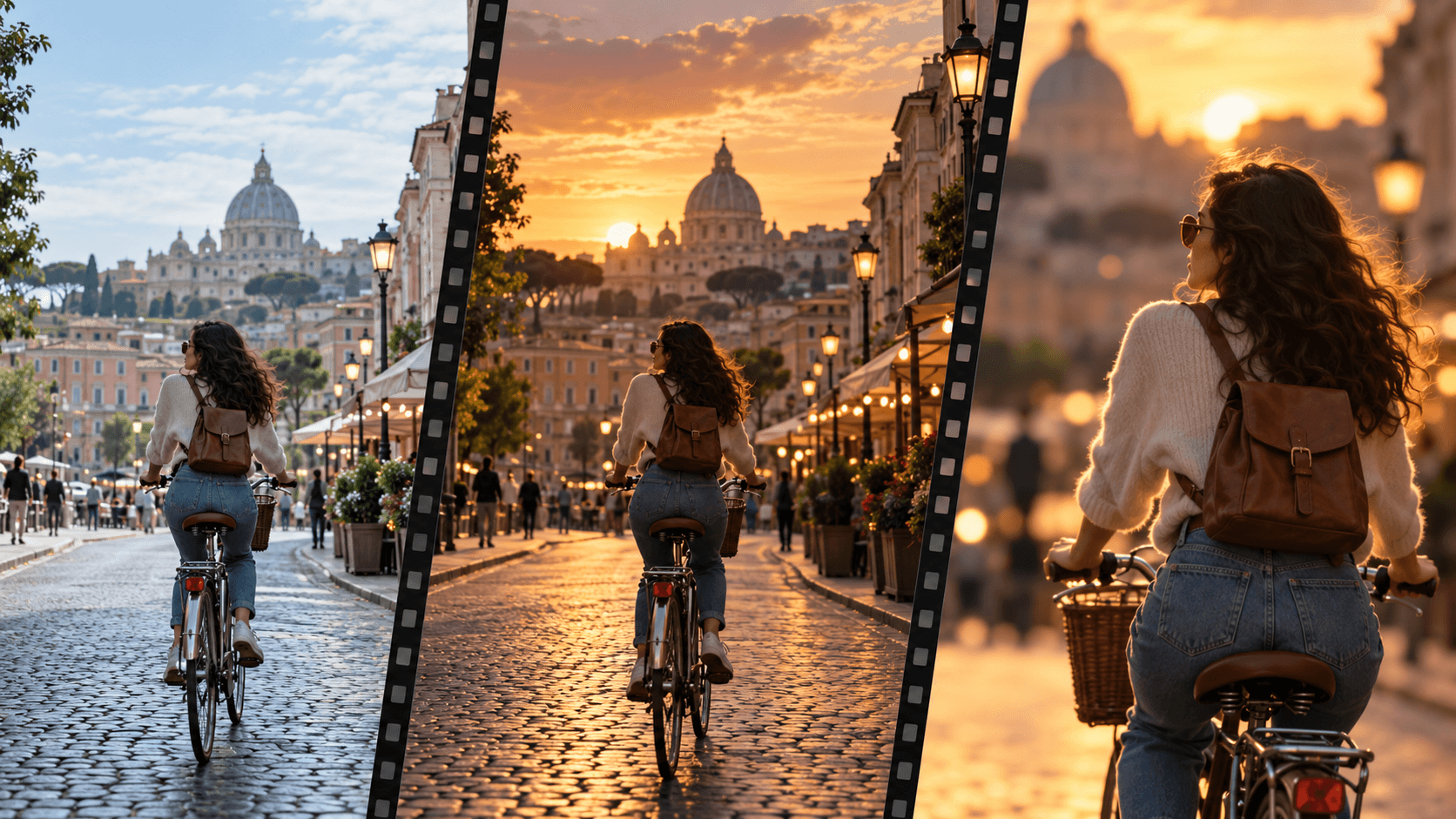
Save the original clip and note the frames, subjects and details that must remain recognizable.
Choose a focused treatment or edit for the clip in an appropriate video workflow on the canvas.
Review the result frame by frame for drift, timing and artifacts, then place approved clips in the final edit.
Explore a different mood or color direction and compare it with the source.
Test a new crop or composition while checking that important action stays visible.
Judge each revised clip beside adjacent shots, sound and graphics in the cut.
| Input | Footage you have rights to use and a focused edit brief. | |
|---|---|---|
| Output | A video edit concept to inspect and place in a sequence; the page preview is illustrative still art. | |
| Review | Check subject and product details, temporal continuity, artifacts and rights before release. |
No. Use an appropriate video editing workflow on the Astorie canvas; the preview here is a still illustration.
Do not assume exact preservation. Compare important details across the full clip and revise or reject changes that drift.
Treat it as material for review. Check timing, sound, transitions and the full sequence in your editor.
Use a permitted source clip, inspect the changed result, and keep control of the final cut.