

Vidu
Vidu Reference-to-Image
Vidu Reference-to-Image generates new images from up to 4 reference inputs, preserving subject identity while applying new prompts. Supports 1:1, 16:9, and 9:16 aspect ratios with editing capability.
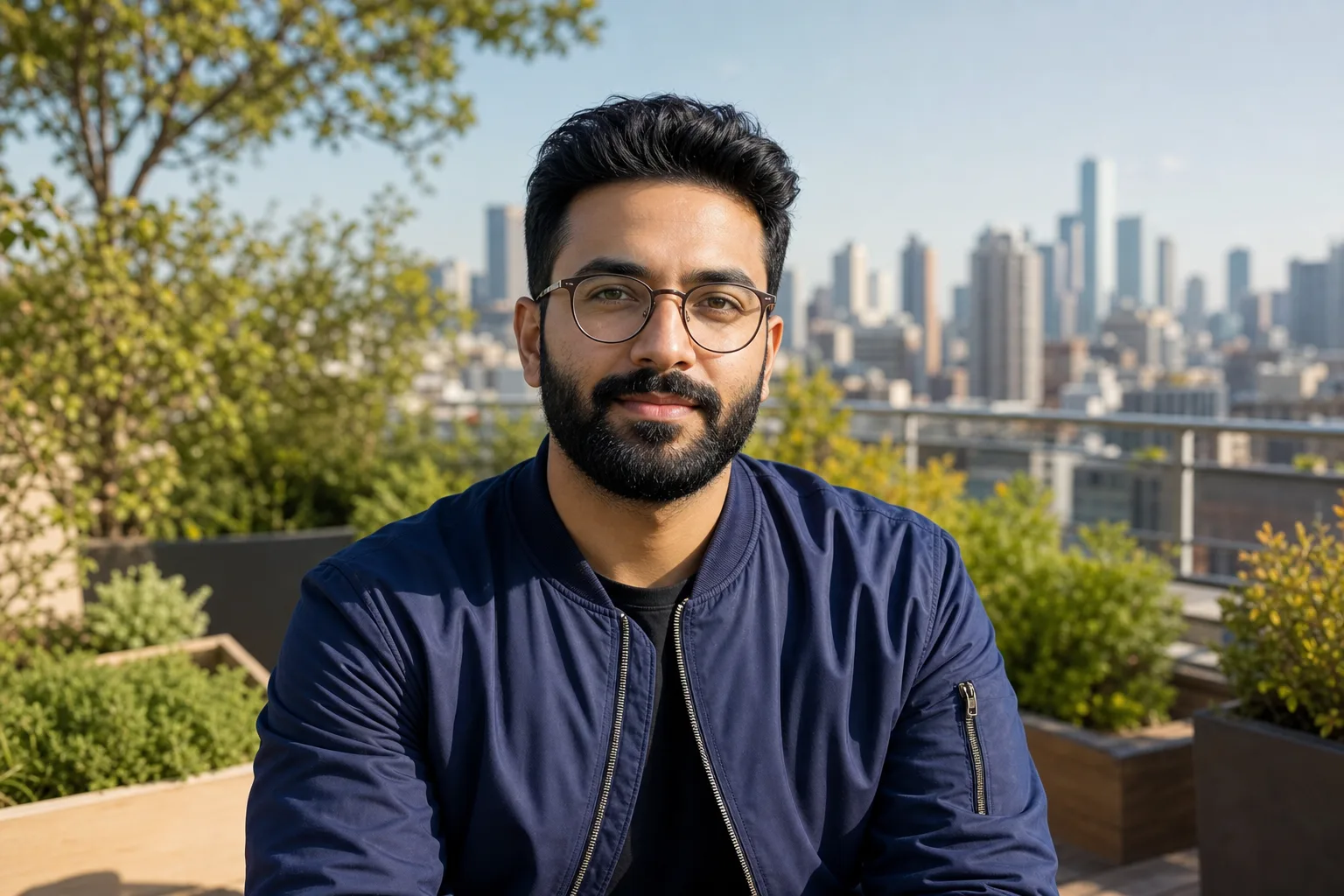
Vidu Reference-to-Image is a specialized model built for reference-driven creative workflows. Upload up to 4 reference images — the model extracts and preserves the subject's identity, clothing, pose cues, and visual style while generating entirely new compositions based on your text prompt. Unlike general-purpose generators, Vidu is optimized specifically for this reference-to-output pipeline: you always start with an existing image and transform it. The model operates in image-to-image mode by default, supporting editing instructions to modify specific elements while preserving the overall composition. It outputs in three aspect ratios (1:1, 16:9, 9:16), covering square social posts, widescreen content, and vertical stories. It's positioned as a premium reference tool. On Astorie, Vidu Reference-to-Image forms the first stage of a powerful pipeline: generate a reference-consistent still, then animate it with Vidu Q1, Q2, or Q3 video models — the same character identity carries through from still to motion.
Capabilities
Best For
- Creating variations of a character or product in new scenes and environments
- Maintaining face and identity consistency across a content series
- E-commerce product shots — same product, different styling and backgrounds
- Pre-production stills that feed into Vidu Q1/Q2/Q3 video animation
- Social media content series with consistent brand characters
Strengths
- Strong subject identity preservation — faces, clothing, and distinctive features carry over accurately
- Up to 4 reference images for multi-angle subject understanding
- Built-in editing mode for refining specific elements without regenerating the whole image
- Direct pipeline to Vidu video models maintains character identity from still to motion
- Handles diverse reference quality — works with casual photos, not just studio shots
Limitations
- Reference-only — no pure text-to-image mode; always requires at least one input image
- Three aspect ratios (1:1, 16:9, 9:16) — no ultrawide or custom ratios
- Premium-tier model — for high-volume iteration, draft with a lighter image model first
- Background control is prompt-based, not selectable — results depend on prompt specificity
Tips & Best Practices
Use Vidu Reference-to-Image on Astorie
Connect Vidu Reference-to-Image with other AI models on Astorie's infinite canvas. No GPU required — start free.
Get Started FreeFrequently Asked Questions
Can Vidu generate images without a reference photo?
No. Vidu Reference-to-Image is specifically designed for reference-based generation. It always requires at least one input image. For text-only image generation, use FLUX, Imagen 4, or Midjourney instead.
How many reference images can Vidu use?
Vidu Reference-to-Image accepts up to 4 reference images. Providing multiple angles of the same subject (frontal, three-quarter, profile) gives the model better understanding for identity preservation.
Can I use Vidu images for video generation?
Yes. Vidu Reference-to-Image pairs directly with Vidu Q1, Q2, and Q3 video models. Generate a reference-consistent still, then feed it into a Vidu video node — the character identity carries through to the animation.
Related Features
How-To Guides
Related Reading
Related Image Models
Midjourney
Midjourney v7
Midjourney v7 is the most recognizable AI image generator, with the strongest aesthetic signature in the category. On Astorie you get V7 for photoreal and painterly work, Niji 7 for anime, Omni Reference for character lock-in, and Stylization, Variety, and Weirdness sliders for fine control — all from the canvas, no Discord required.
View detailsBlack Forest Labs
FLUX
FLUX by Black Forest Labs is a fast, high-quality image generation family known for photorealistic output and excellent prompt adherence. Variants span free-tier dev models to ultra-resolution Pro outputs.
View detailsBlack Forest Labs
FLUX Kontext
FLUX Kontext is a context-aware image generation and editing model that uses reference images to maintain character and style consistency across outputs. Available in Pro and Max tiers.
View details