
GAME ART WORKFLOW

AI game asset generator for concept art and props

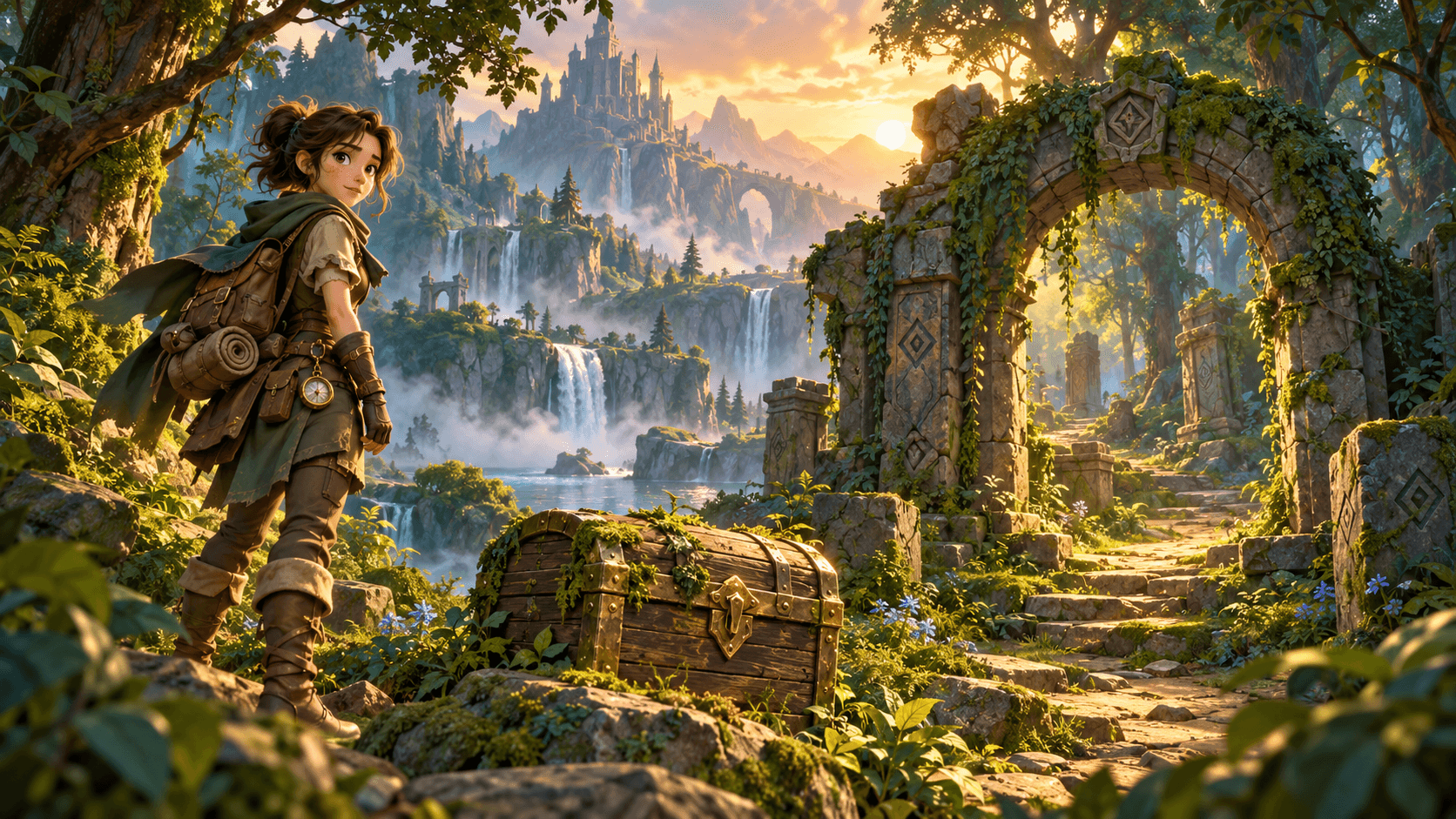
Create 2D concept art for environments, inventory items, weapons, and props from a prompt or visual reference. Review each still for silhouette readability and style consistency before preparing it for production. The scene shown here is an illustrative concept, not a game-ready engine export.

Illustrative fantasy game concept scene with an explorer, treasure chest, and forest ruins.

Try a game art direction

Describe a scene, prop, or character and use the generated still as a concept reference.

How to use AI Game Asset Generator

  1. 1

    Write a focused asset brief

    Specify the asset category (prop, icon, tile, or environment), camera angle, art style, material finish, and color palette. Upload a reference image if you want to guide the visual direction.

  2. 2

    Compare silhouettes at target scale

    Run several prompt variations and inspect each still at the actual size it will appear in your game UI or level. Look for clear outer contours, readable lighting, and distinct material separation.

  3. 3

    Clean up for engine integration

    Take the strongest concept into your 2D or 3D production tools for background removal, pivot alignment, sprite slicing, or texture baking before importing into Unity, Unreal, or Godot.

What to focus on when exploring game assets

Silhouette and scale readability

Inventory icons, weapons, and interactive props need an unmistakable outline even when scaled down to 64px or 128px on screen. State the camera perspective (orthographic, isometric, or side-view) directly in your prompt.

Consistent lighting and palette

Keep a shared lighting direction and material vocabulary across runs so chests, potions, and environment pieces look like they belong to the same world rather than separate art packs.

Concept-to-pipeline handoff

Generated stills serve as rapid visual development and mood boards. Plan a dedicated artist pass for transparent backgrounds, normal maps, nine-slice borders, and engine-ready atlases.

Inputs, output and review

InputA written asset brief describing subject, camera angle, art style, and lighting, plus an optional reference image.
OutputA single 2D concept image for visual development; does not export rigged meshes, UV maps, or sliced sprite sheets.
ReviewCheck silhouette clarity, perspective consistency, and edge separation against your game art bible before production cleanup.
Free plan40 credits a month, no card needed; results are for personal exploration only and are not licensed for commercial use.

AI Game Asset Generator FAQ

Are generated images ready to drop straight into Unity, Unreal, or Godot?

No. The tool produces 2D concept stills rather than engine-ready sprite sheets, rigged characters, or UV-unwrapped textures. Use the generated image to lock design direction, then clean up transparency, pivot points, and slicing in your art software.

How do I keep multiple props looking like they belong to the same game?

Reuse the exact style, lighting, and camera-angle phrasing across prompts, such as isometric hand-painted fantasy prop with warm rim lighting, and attach a consistent style reference image when testing variations.

What types of game assets work best in this workflow?

Single-object props, inventory items, weapons, environment mood pieces, and character portraits respond best because the composition stays focused on one clear subject and silhouette.

Is there a free plan to test game asset concepts?

Yes. The free plan includes 40 credits per month with no credit card required for personal exploration. Commercial use requires a paid plan.

Explore your next game prop or environment concept

Start with a clear asset brief, test silhouette and style directions, and carry the strongest concept into your art pipeline.