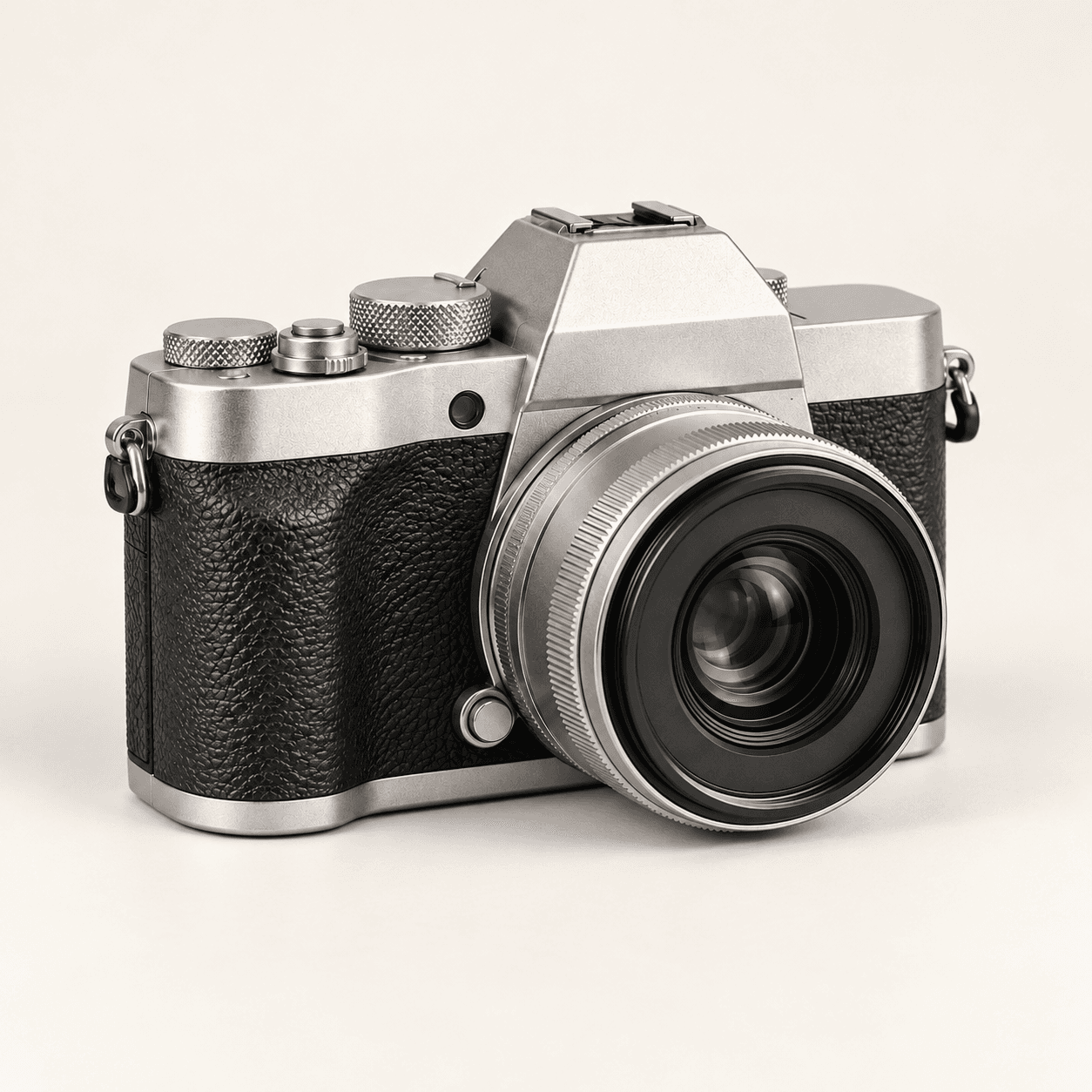
Reference study
Identify the visual anchors
- A simple chair and a small side table define the scene.
- The sketch establishes the camera angle and spacing.
- Material and lighting details can be described in the prompt.
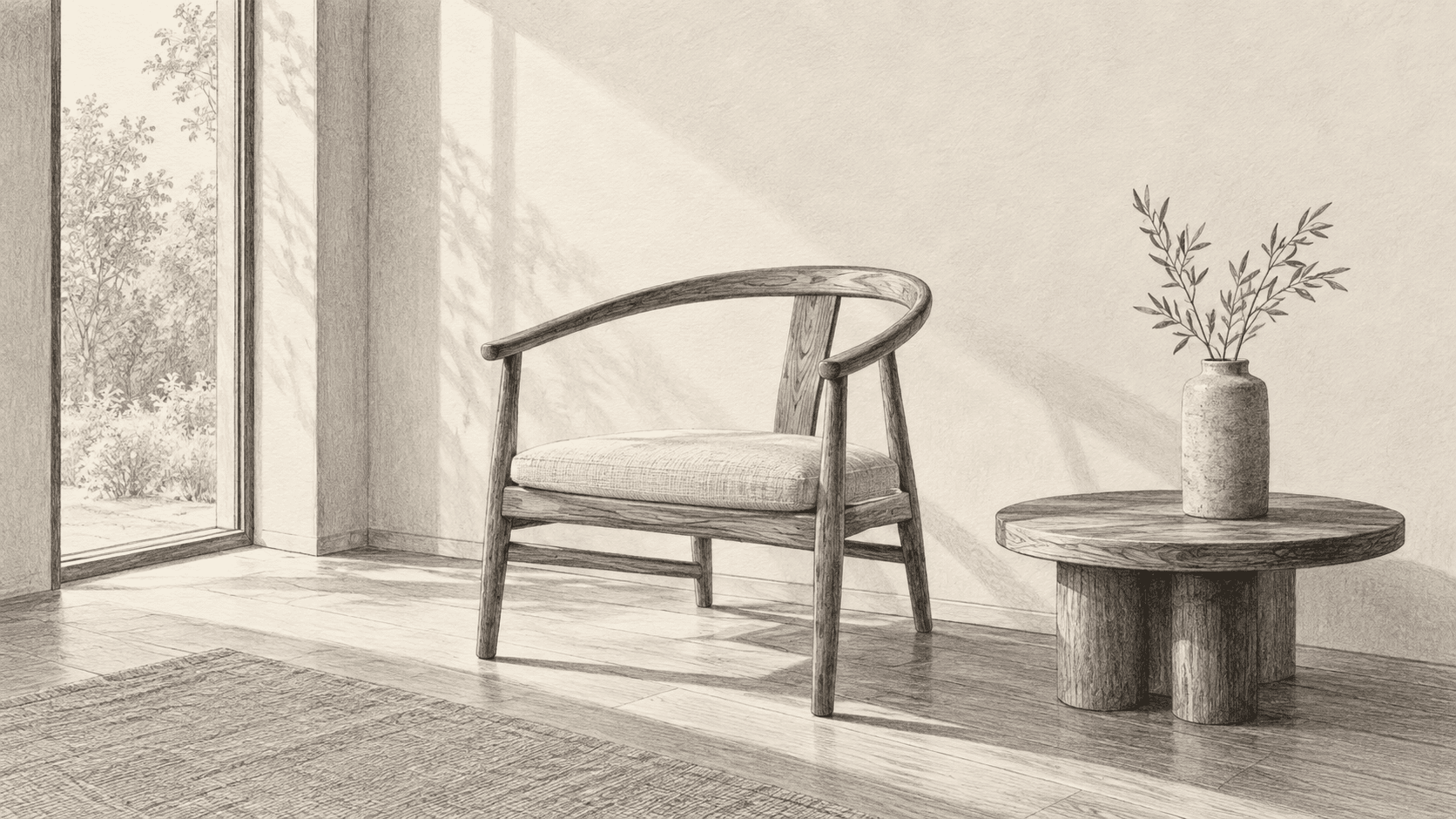
Choose a reference and a recreation direction, then describe what to keep and what to change. Inspect the new image against the source before using it.
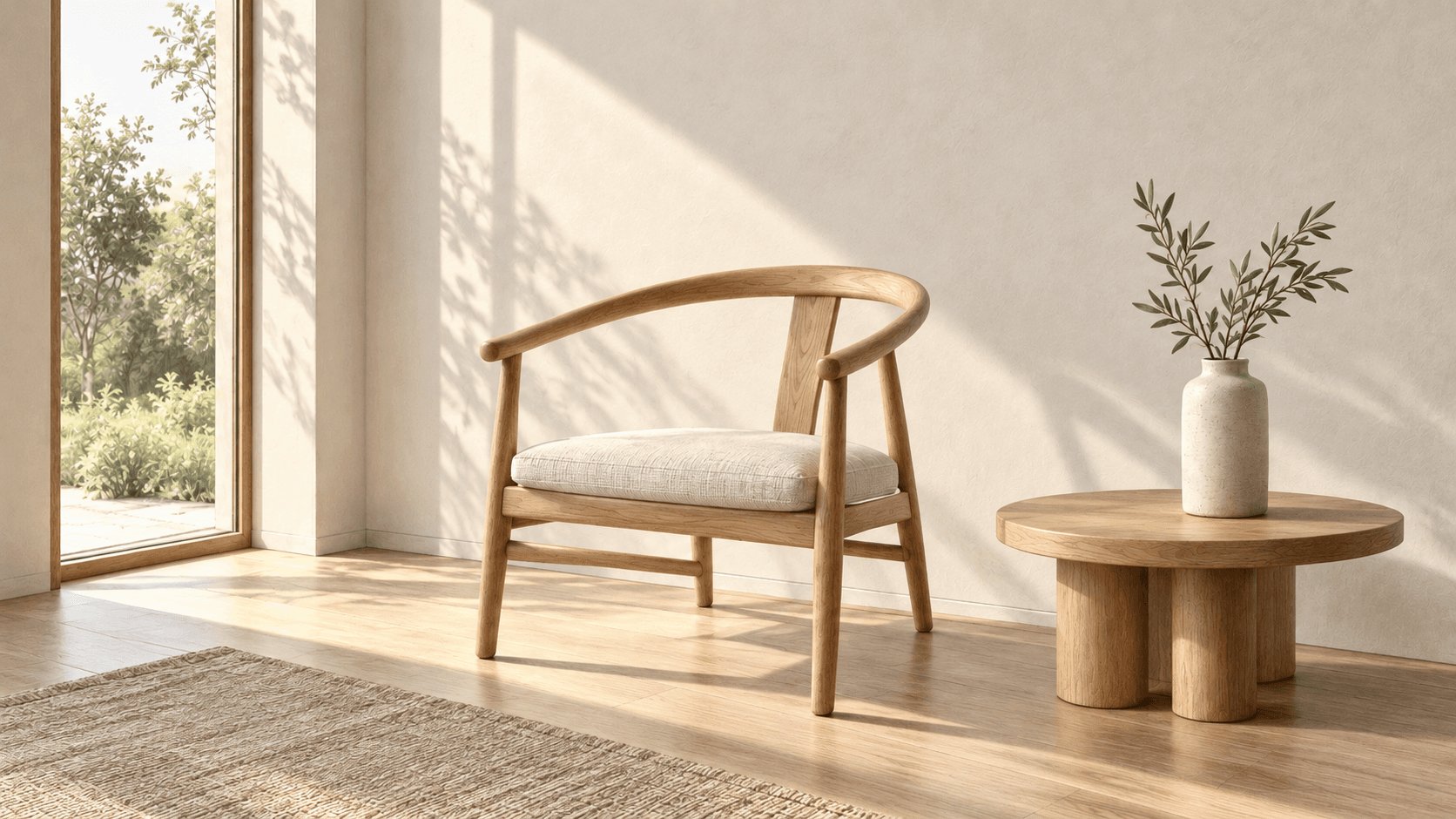
Use the source to define the subject and arrangement, then assess the new rendering on its own. Page images are Image Gen concept illustrations, not verified outputs from this Astorie generator.
Identify the visual anchors
Review the requested interpretation
Start with one reference and a brief that separates the visual anchors from the changes you want.
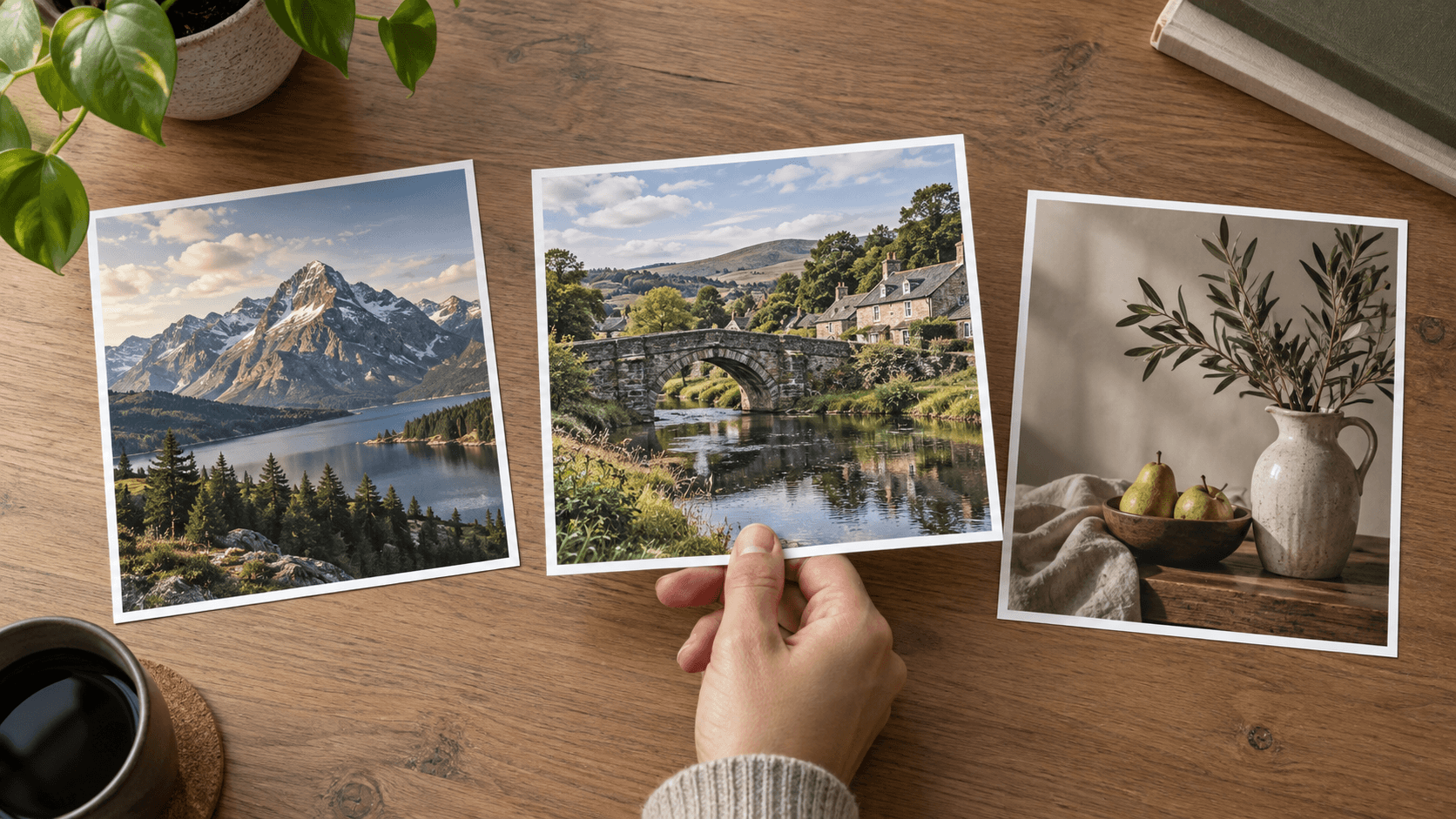
Choose a sample or upload an image you have permission to use. A clear subject and readable composition help you write a specific brief.
Choose Close recreation, Golden-hour light or Editorial illustration. Edit Describe your recreation to name the subject, framing, materials and intended changes.
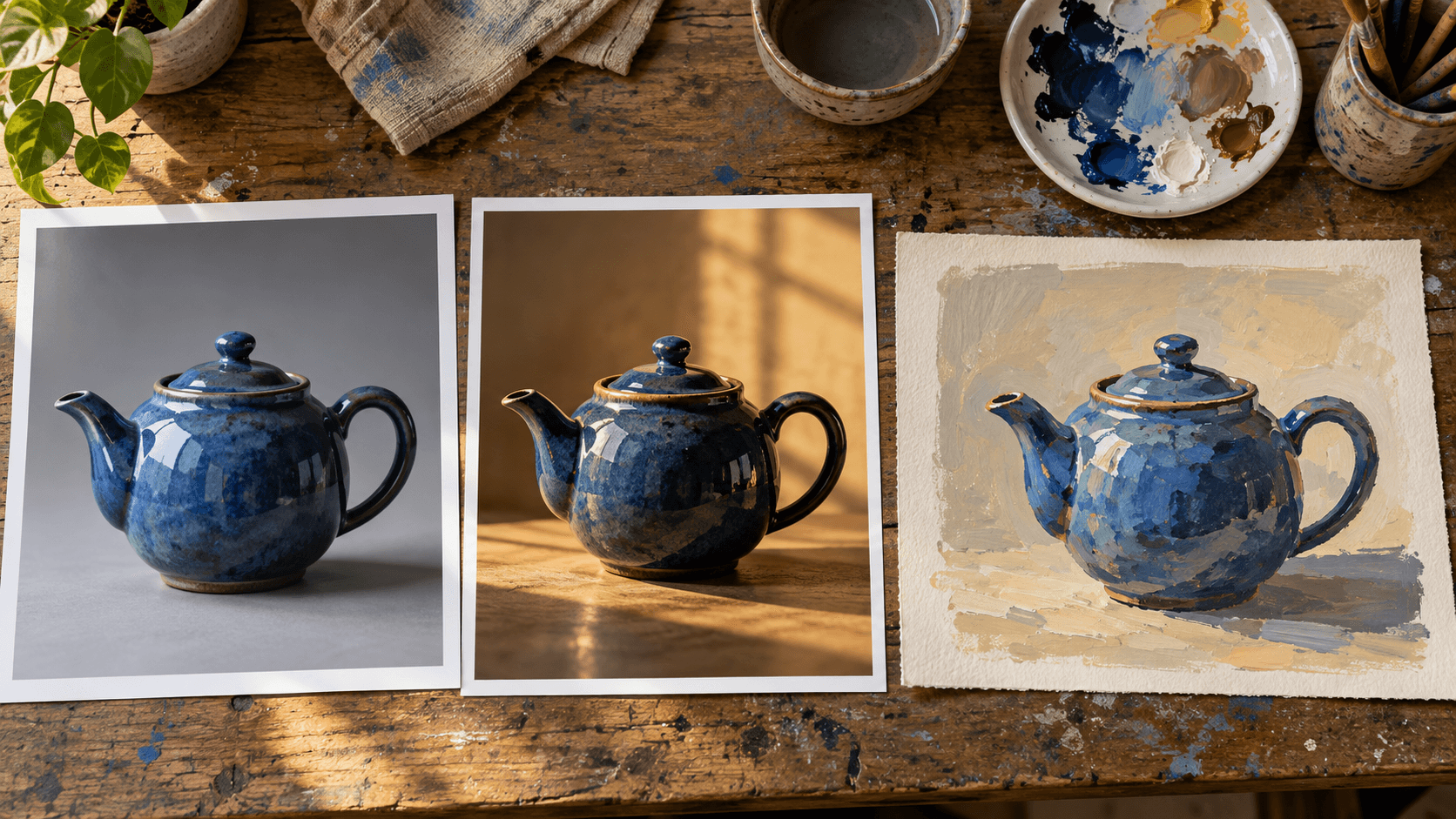
Select Generate recreation and sign in if prompted. Compare the candidate with the source for object shapes, layout, color and any important small details.
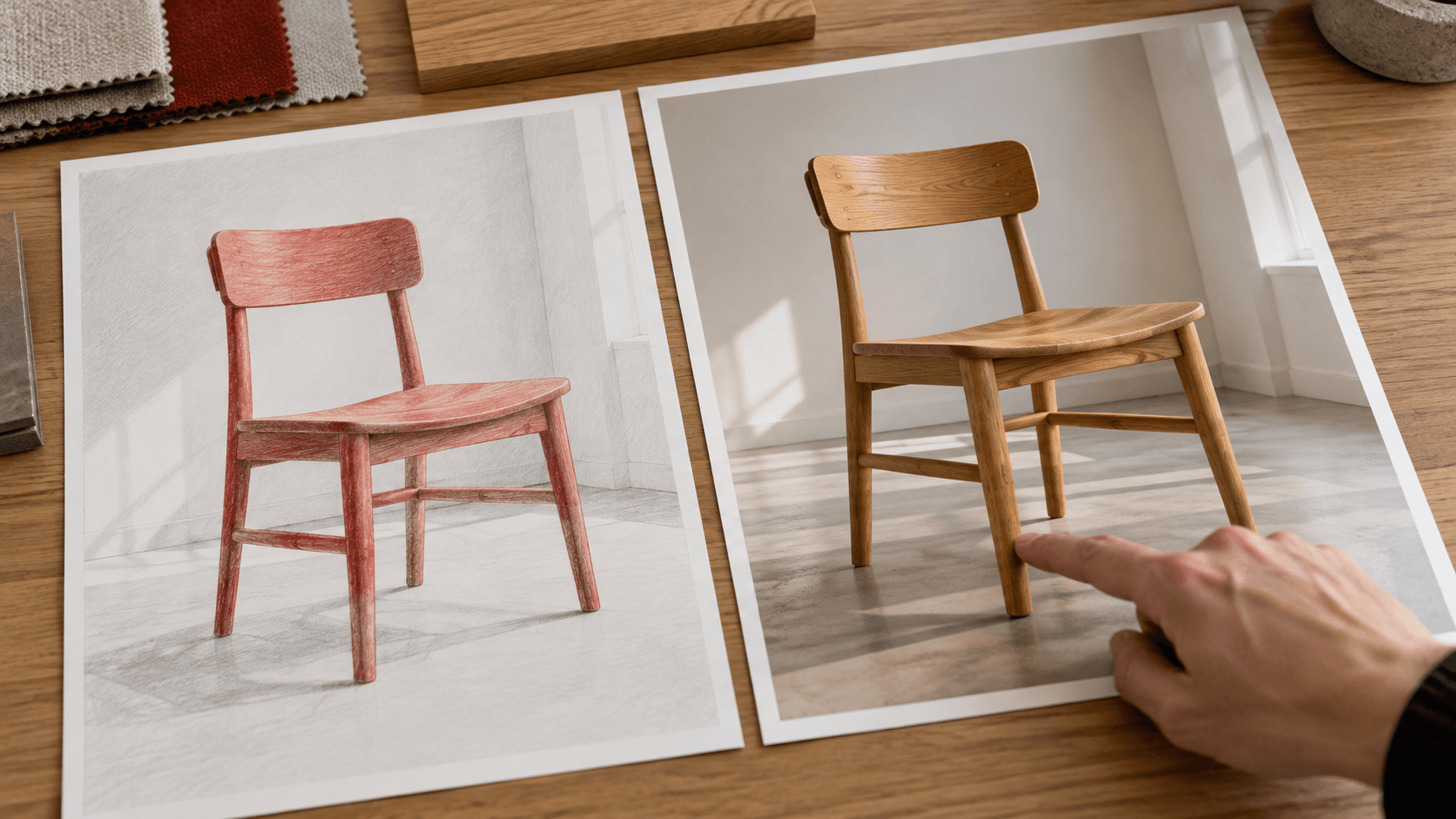
The source and written request guide generation. These are goals for the result, not exact locking controls.
Describe the main subject and its recognizable silhouette. Compare the generated shape with the reference before selecting the image.
Try a recreationName the foreground, background and relative object positions. Check that the recreation keeps the visual hierarchy you intended.
Try a recreationAsk for specific surfaces such as enamel, wood, glass or linen. Inspect edges and reflections for details that do not fit the object.
Try a recreationState the direction, warmth and softness of the light. Judge the whole scene when a lighting request changes its mood.
Try a recreationUse Editorial illustration to explore a different medium. Decide which shapes and colors should remain recognizable as details simplify.
Try a recreationChange one part of the brief at a time. Compare each candidate with the original instead of treating the last generation as the new reference.
Try a recreationUse these briefs as starting points. Adapt the visual anchors and material choices to your own reference.

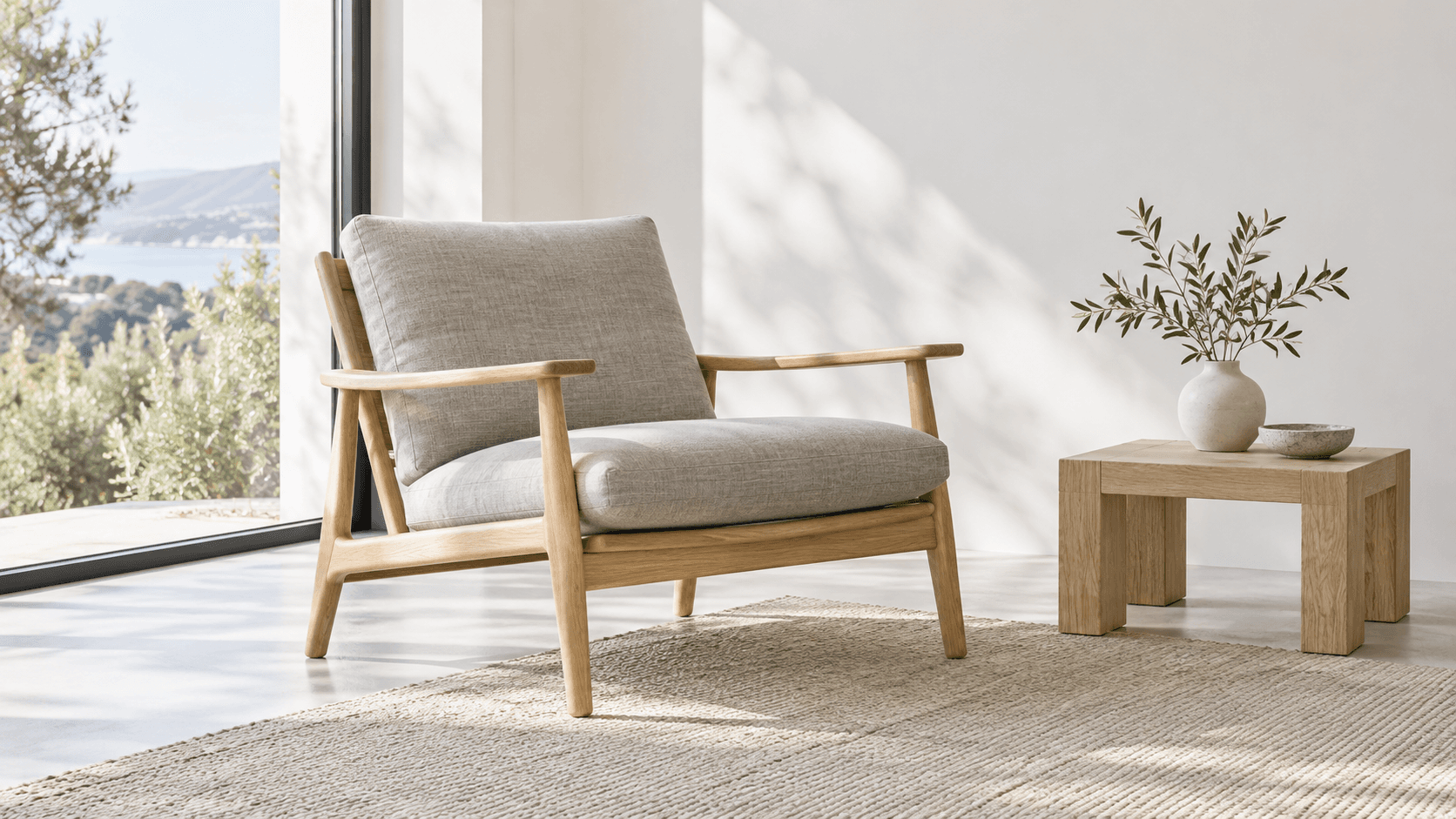
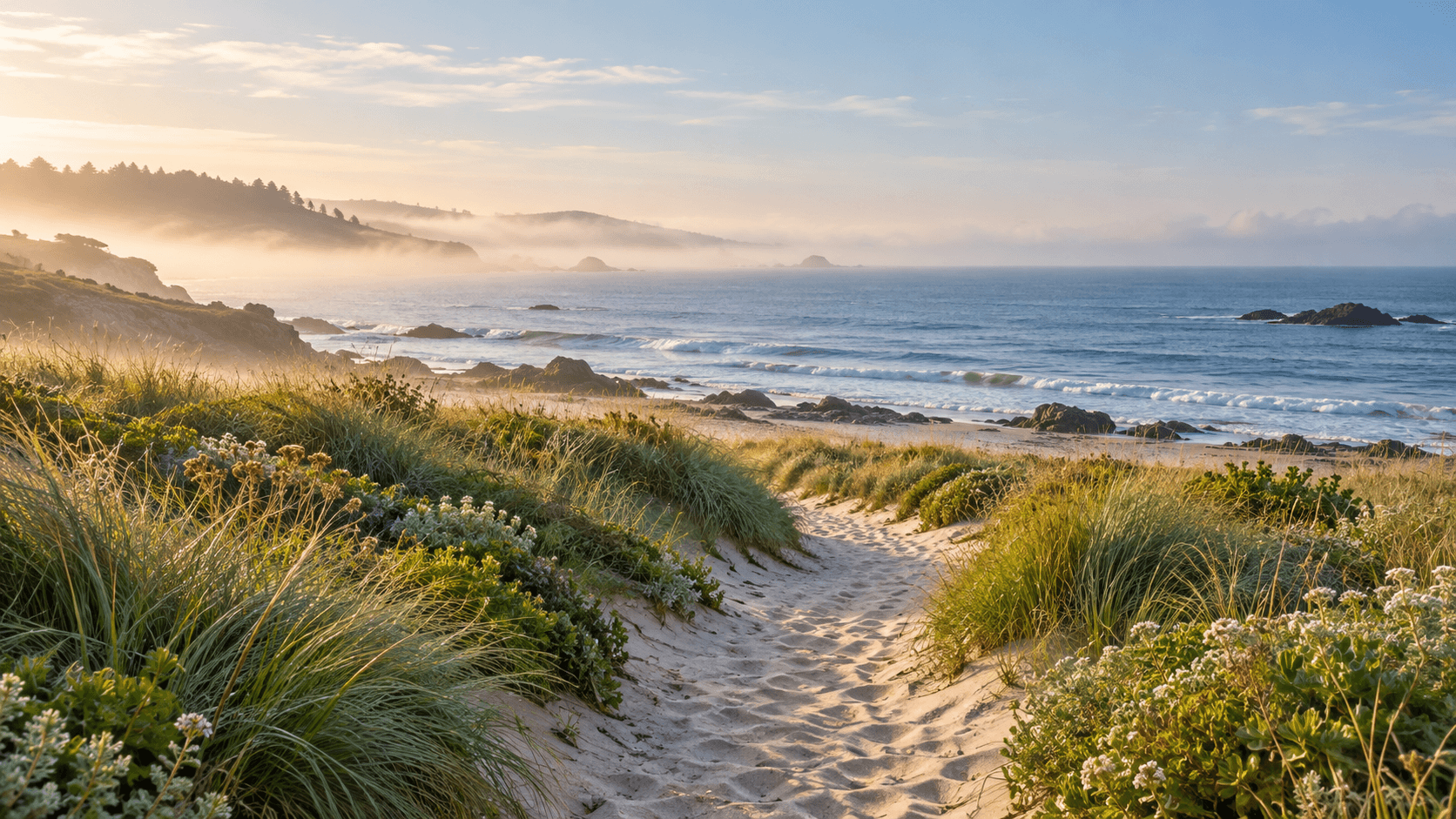
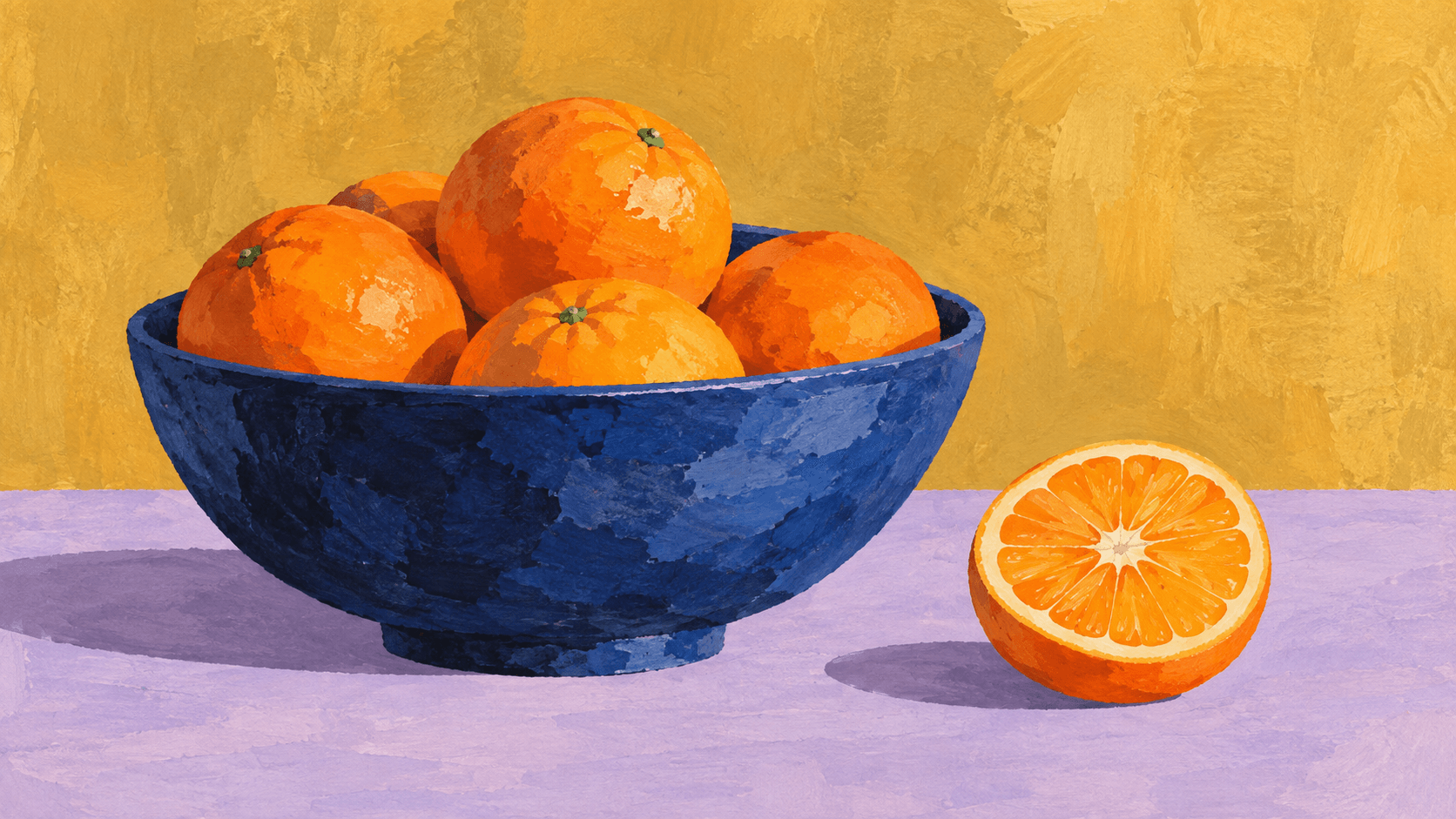
Use a recreation as a candidate for a defined visual task, then review the details that matter for that placement.
Explore a fresh lighting treatment for an unbranded product concept. Review silhouette, materials and any commercially important details before taking the image further.
Explore a recreation
Use an approved still-life reference to explore a warmer campaign mood. Select a direction with the team before building the final design around it.
Explore a recreation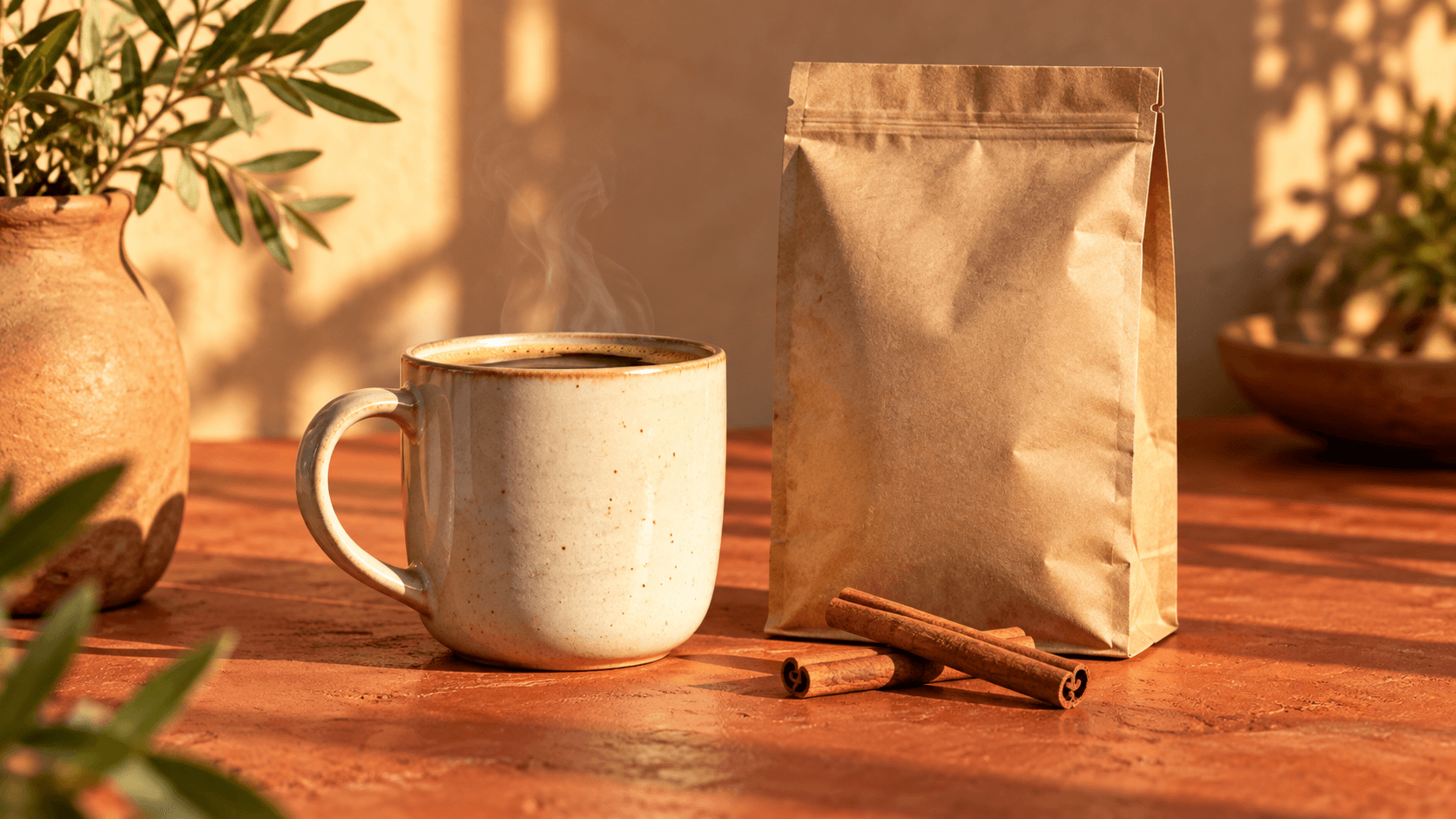
Interpret a room sketch as a material-and-lighting study. Review layout and proportions; a generated scene is not a measured architectural plan.
Explore a recreation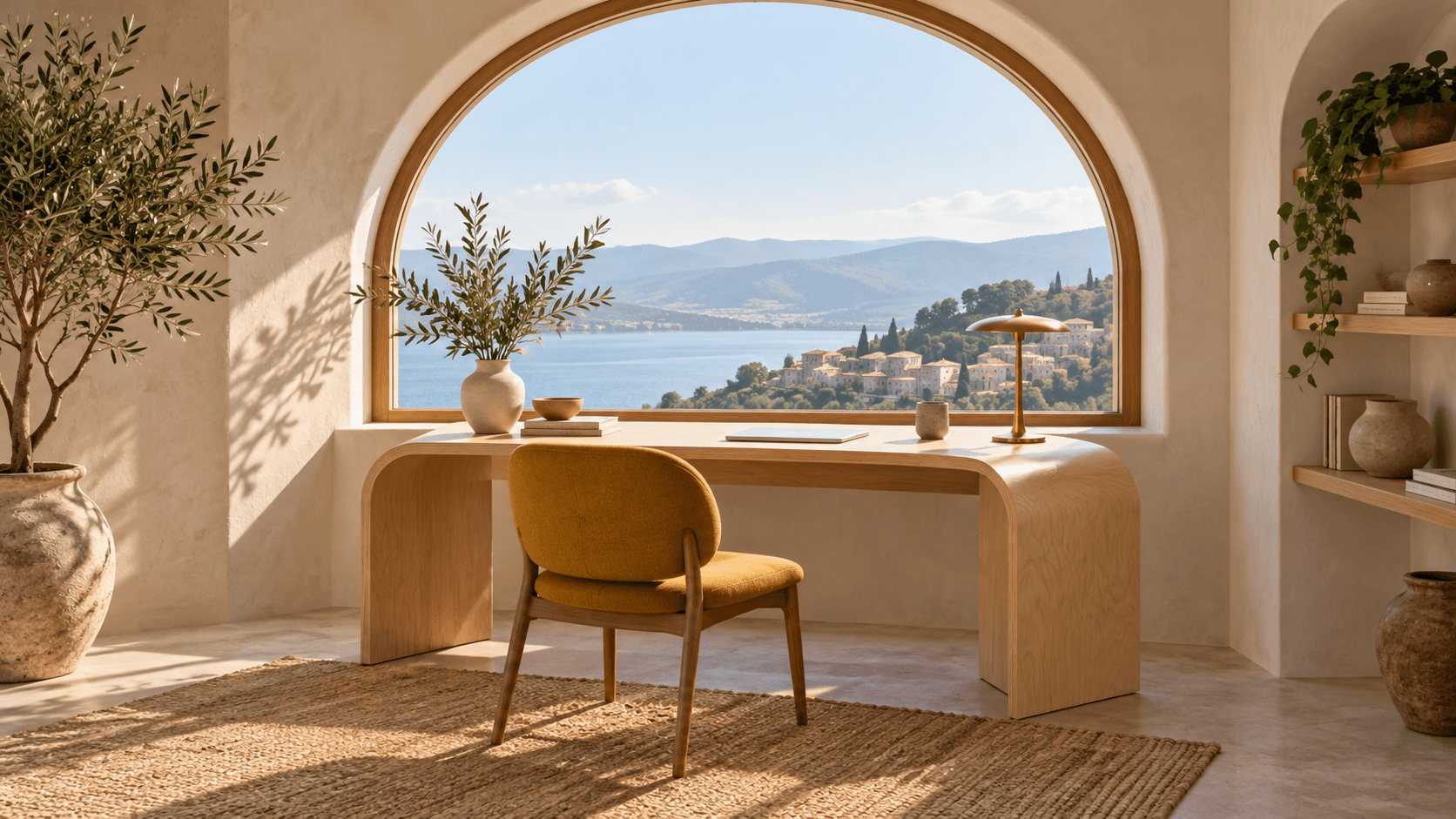
Recreate a rough scene drawing as a visual frame for discussion. Review subject placement and the narrative action before developing the next shot.
Explore a recreation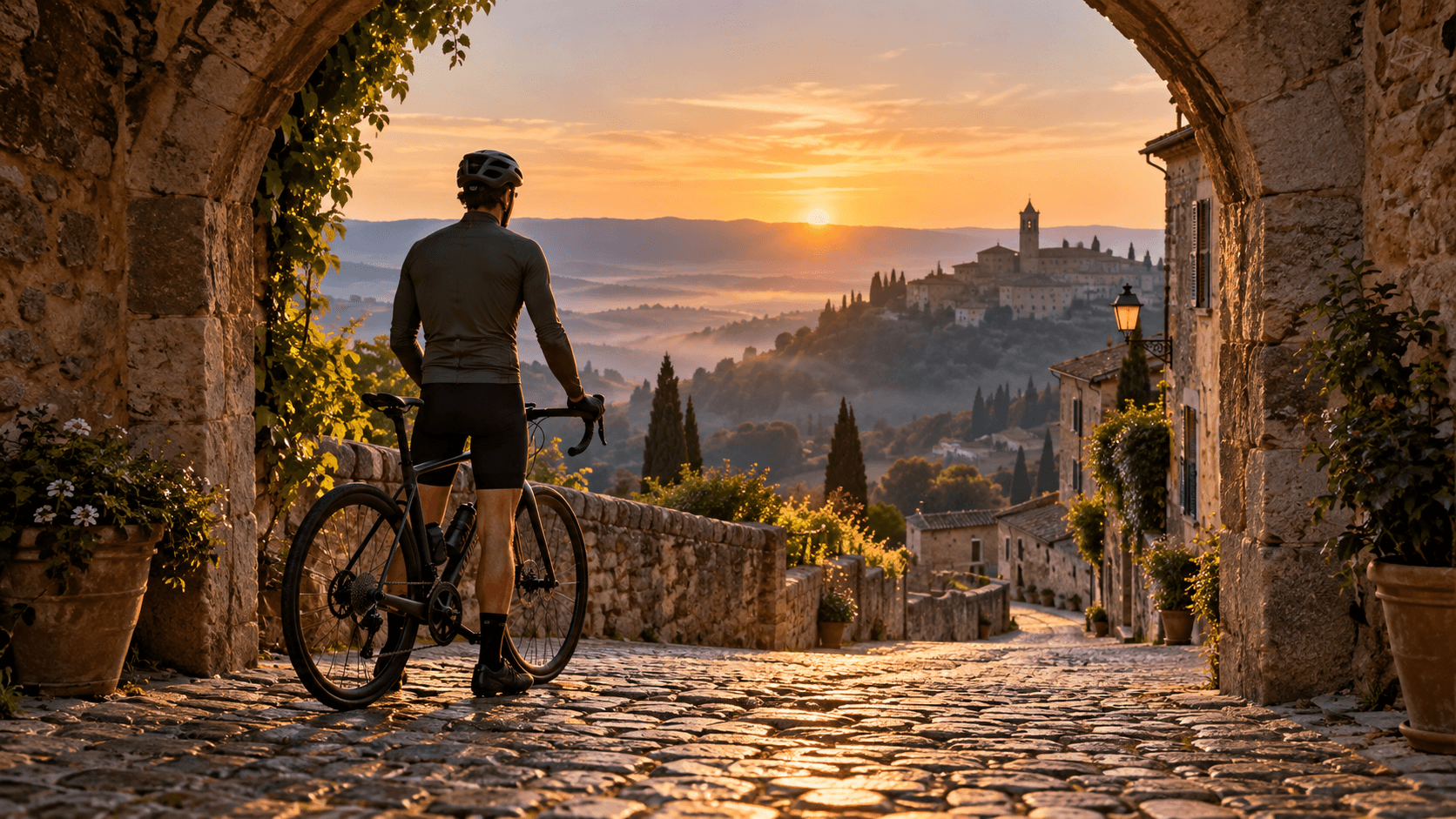
Reinterpret a still-life photograph in a painted medium for an editorial concept. Assess the illustration at the intended crop and display size.
Explore a recreation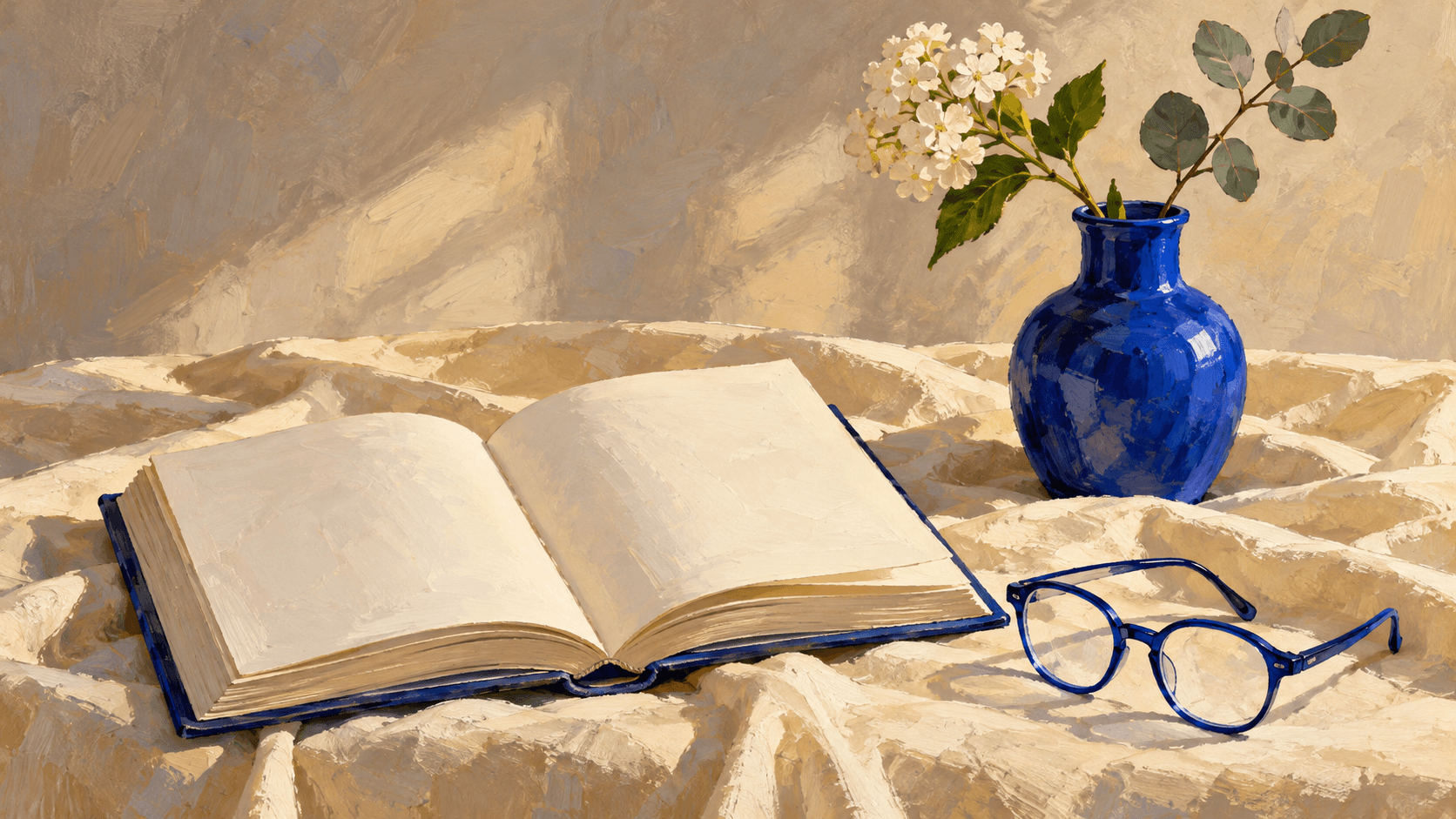
Use your own sketch to explore how shape, color and light affect a scene. Compare interpretations as study material rather than as a replica of an artist’s finished work.
Explore a recreation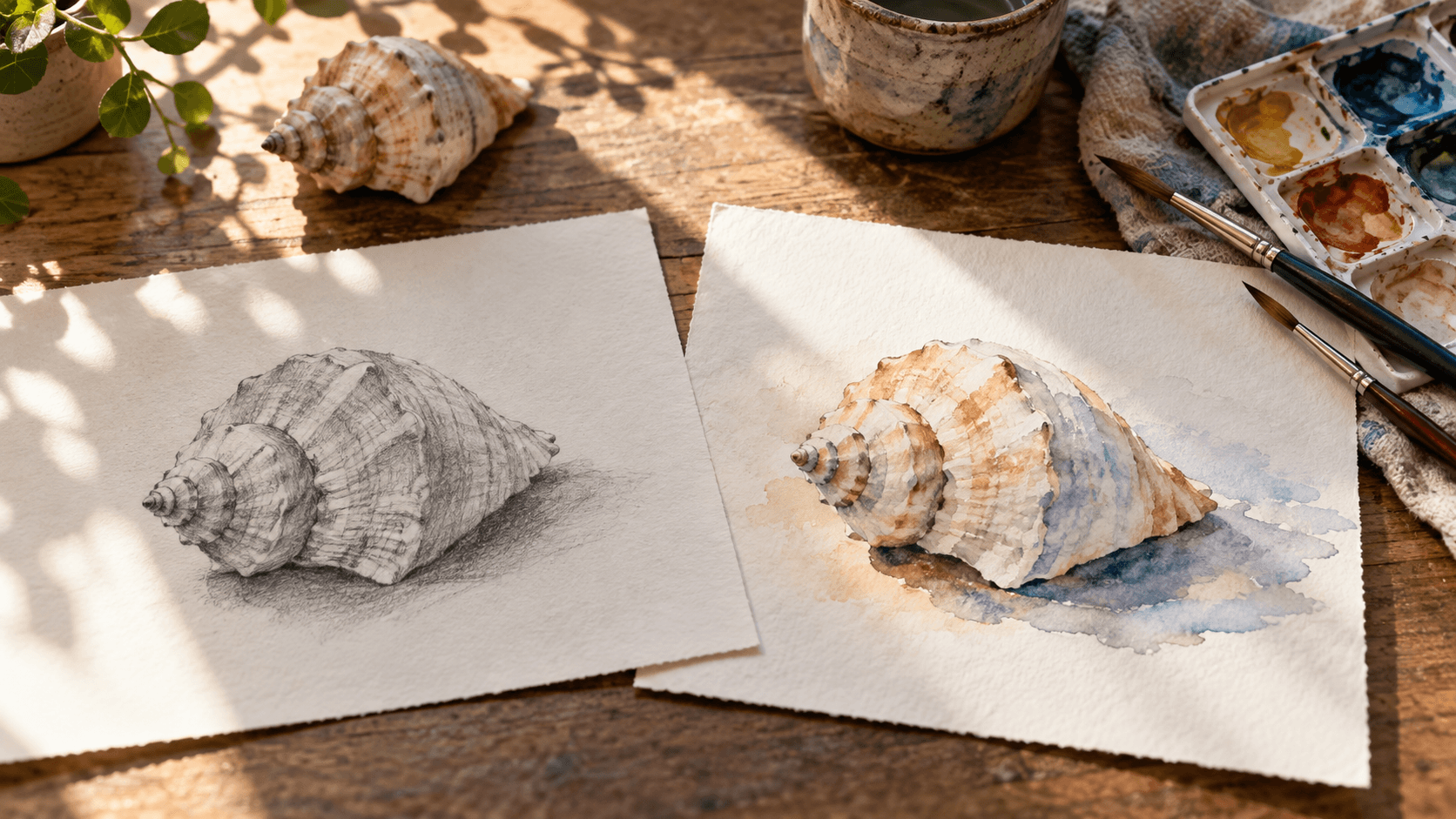
Use the form to generate a new interpretation, then check its suitability for your task.
| Input | One selected sample or uploaded reference image. A reference is required. | |
|---|---|---|
| Controls | Choose a recreation preset and edit the prompt. This form does not expose a similarity slider, a local mask or batch generation controls. | |
| Output | A generated still image saved to a personal canvas project. | |
| Fidelity | Subject, composition and style can guide the brief, but exact pixels, geometry, lettering and identity are not guaranteed. | |
| Source rights | Use reference material you have permission to use. Recreating an image does not establish rights to its subject, design or source. | |
| Request cost | Check the credit requirement shown before generating. | |
| Free plan | A free plan is listed with no credit card required. Check your current account allowance. | Verified 2026-10-14 |
| Commercial use | Paid-plan generations have commercial rights subject to provider terms and input rights. Free-plan outputs are for personal, non-commercial evaluation; upgrading applies to new generations. | Verified 2026-10-14 |
| Upload data use | Default terms permit using uploads, prompts and outputs for training and improvement. Provider policies apply. Enterprise opt-out requires a written agreement; learned or derived information may persist after source removal. | Verified 2026-10-14 |
These current catalog links support separate workflow research. They do not identify the model behind this form or prove a specific recreation result.
Catalog checked 2026-10-14. Compare reference support, editing controls and provider terms.
Browse image models
Compare model choices against the hardest visual constraint.
Review plan, provider and input-rights conditions.
Read how references and generated images may be used.
Check current plans and credit allowances.
It generates a new image using a reference and a written brief. Use the source to describe the subject, layout or mood, then review how the candidate interprets those visual anchors.
No. Generation can change small details, geometry, lettering and recognizable features. If an exact file copy is your goal, preserve and duplicate the source file instead.
You can request a photographic interpretation of a readable sketch. Describe the materials, lighting and object arrangement, then inspect the result; the request does not guarantee a measured or exact reconstruction.
Begin with Close recreation and name the subject, camera angle, arrangement and colors that matter. Avoid adding unrelated changes, and compare each candidate with the original.
You can request those changes with Golden-hour light or Editorial illustration. Inspect the whole result because other details may change during generation.
Paid-plan outputs have commercial rights subject to provider terms and your rights to the source material. Free-plan outputs are for personal, non-commercial evaluation. Review the current commercial-rights policy before using the result in paid work.
Default terms permit uploads, prompts and outputs to be used for training and improvement, and provider policies apply. Enterprise opt-out requires a written agreement. Read the current upload-data policy before supplying a reference.
Choose the visual anchors you want to carry through, describe a focused change and inspect the new image against the source.