

Astorie canvas workflow
Build a comic strip panel by panel
Use the canvas to organize a short panel script, references and separate image requests. Review the art before arranging and lettering a strip.
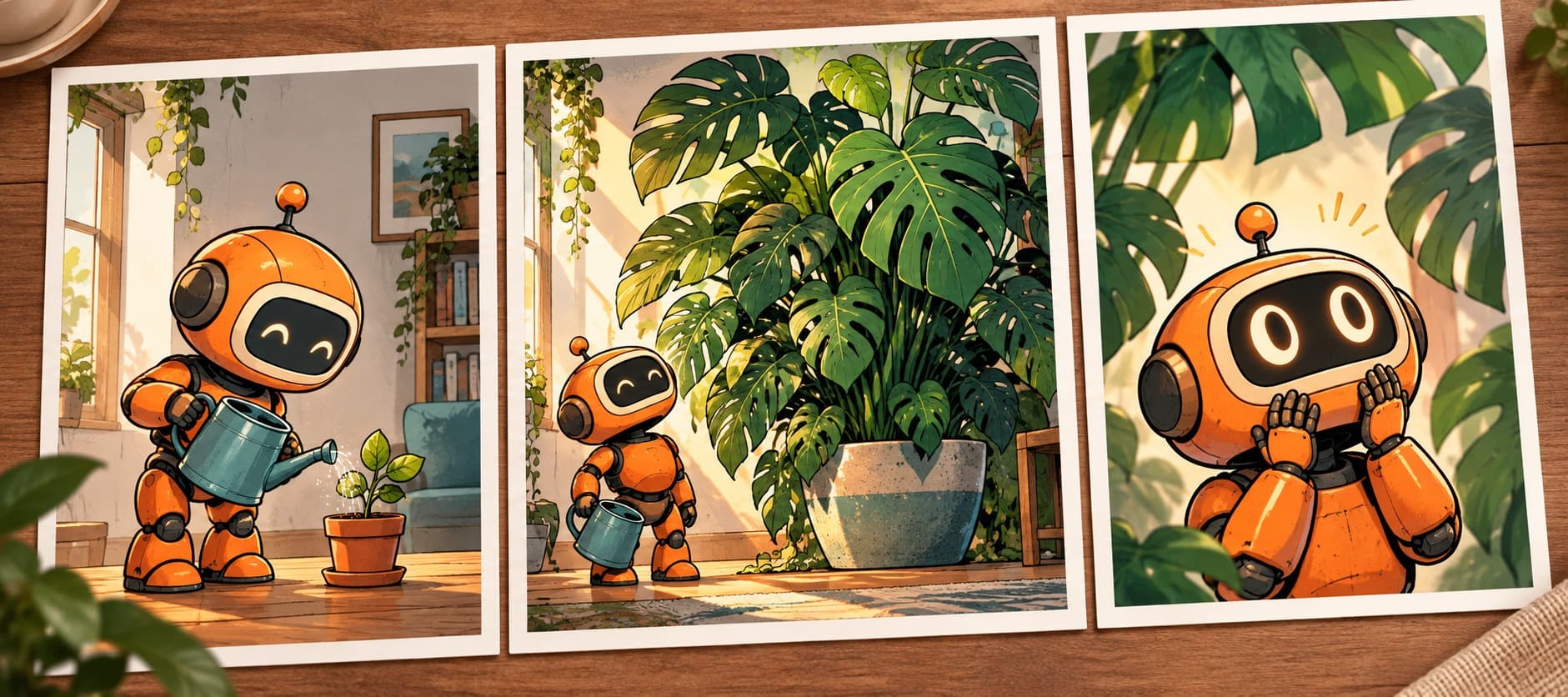
Turn a short script into panel art
- 1
Write the panel beats
Outline the action, framing and emotion for each panel. Keep dialogue in a separate script so it can be lettered after the art is ready.
- 2
Set character and style references
Place approved character and visual references on the canvas. Reuse the relevant images for each panel request.
- 3
Generate and compare panels
Create the art for each panel, then check faces, clothing, setting and reading order. Revise panels that drift.
- 4
Finish the strip
Arrange the chosen images into the final grid and add speech bubbles, captions and gutters in a design or lettering tool.
Comic strip questions
Can I generate a complete strip in one click?
This page describes a panel-by-panel canvas workflow. Generate and review the art, then assemble and letter the final strip.
How do I keep a character recognizable?
Reuse an approved reference and compare each result with it. Revise panels where the face, outfit or silhouette drifts.
Should dialogue be generated inside the images?
For production lettering, add speech bubbles and text in a design tool after selecting the panel art. Check every word in the finished strip.
Is this the same as a storyboard?
A comic strip is a reader-facing sequence. A storyboard plans shots for a later video or film; the layout and final use differ.
Start with the next panel
Write the first beat, then build a small set of reviewed panel images.