

Scene variations
Explore a new setting while retaining a clear visual reference for the subject. Check that the environment change has not introduced unwanted character changes.
Try the fictional explorer reference or upload your character. Choose one change and name the traits to retain. The thumbnails illustrate creative directions, not guaranteed matching results.
Editorial concept studies illustrate what to ask for. These images were prepared separately and are not an Astorie consistency benchmark; compare every generated result with your source.
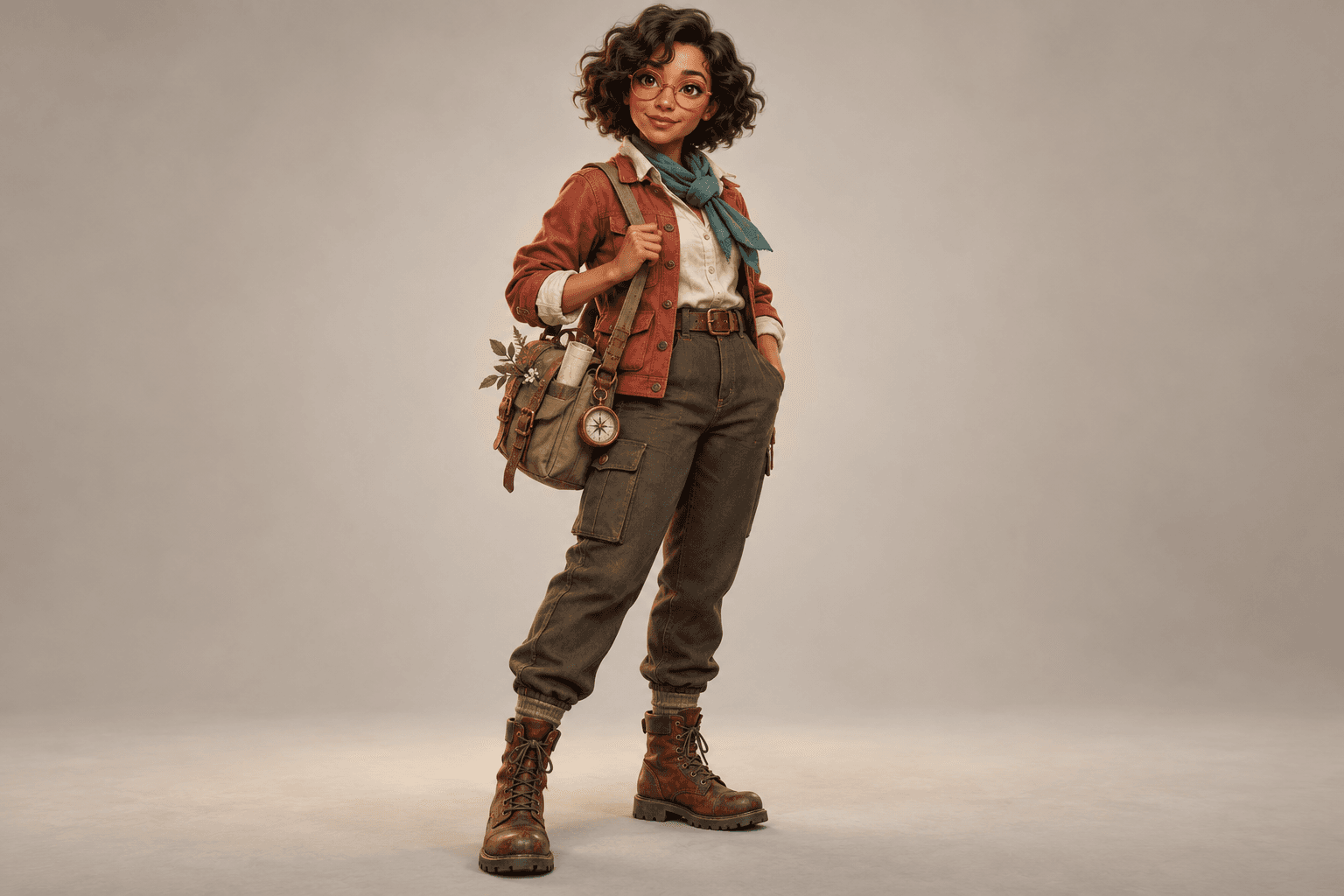


Use a clear image that shows the traits you want to carry forward. Confirm you have permission to use the character or recognizable person.
Keep the identity cues in the prompt and describe a specific new pose, expression, outfit or setting. Avoid asking for several competing changes at once.
Select Generate character variation. Check the face, hair, silhouette, colors and small details against the reference, and revise any unwanted drift.
Explore a new setting while retaining a clear visual reference for the subject. Check that the environment change has not introduced unwanted character changes.
Work on one expression or costume direction at a time. Keep the reference nearby so small changes are easier to notice.
Choose a still you have reviewed before using it in a separate canvas video workflow. Review the generated motion as a new result, not as a guaranteed identity match.
| Required input | A character reference image and an editable description of the requested variation. | |
|---|---|---|
| Output | A generated still image to compare with the reference. | |
| Consistency | The reference guides the request; exact identity, clothing and proportions are not guaranteed. | |
| Multiple results | Create and review variations separately. This form does not automatically produce an approved matching set. | |
| Video | Continue on the canvas with a compatible image-to-video workflow; this form produces images. |
Yes. This page requires a reference so the request has a visual starting point. Choose a clear image that communicates the features you want to retain.
No. Faces, proportions, clothing and small details can change. Compare every result with the reference and keep only the variations that meet your brief.
Keep the reference and identity cues in the request, and describe the intended clothing change clearly. Review whether the new result also changed the face or silhouette.
No. A separate video request can introduce further changes as the subject moves. Use a reviewed still as input and inspect the complete generated clip.
Start with a clear character reference and one specific change.
