

Readable expression
Keep the pose and facial expression clear at small display sizes.
STICKER ARTWORK
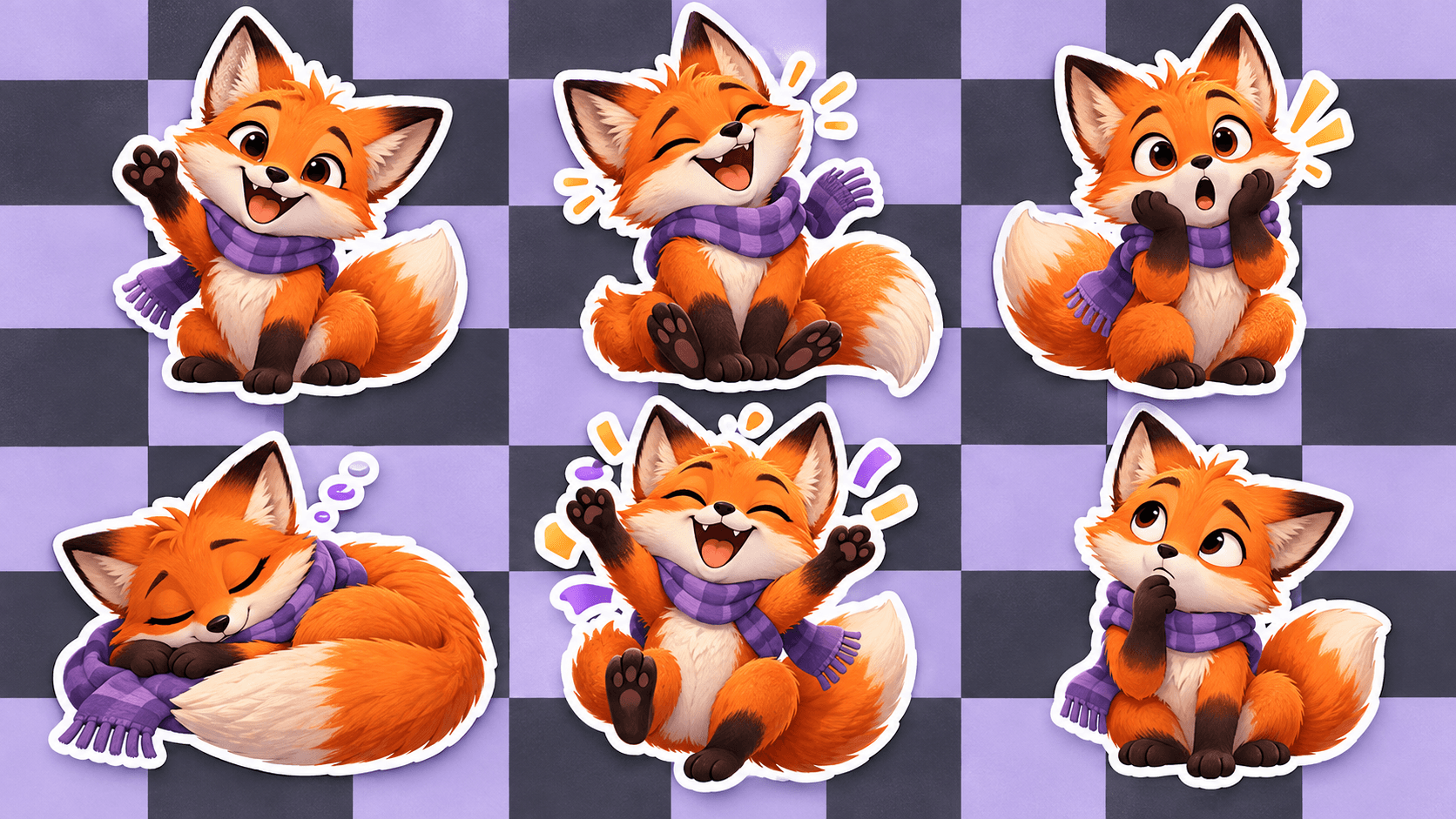
Explore a consistent visual direction across greetings, laughs, surprises and quieter moments. The six fox stickers are illustrative concepts, not verified Astorie results or transparent exports.
Describe one character and one clear expression. Add a permitted character reference if you have one; review the result before building a set or removing its background.
Start with an original mascot, a small color palette and any reference image you have permission to use.
Describe a single mood or gesture for each image, then compare the character design across the set.
Inspect edges, remove the background where needed and check the current size and format rules of the destination platform.
Keep the pose and facial expression clear at small display sizes.
Reuse a character brief and review outfit, color and proportions across reactions.
Check outlines and transparent edges in a separate cutout workflow before exporting.
| Input | A character brief and optional permitted image reference. | |
|---|---|---|
| Output | A sticker illustration to review; transparency and platform packaging require separate preparation. | |
| Review | Check expression, character drift, cutout edges and the destination platform rules. |
This page creates individual artwork. Review the images, prepare cutouts and package them using the destination platform’s current process.
Reuse the same description and reference, then compare the images. Generated details can still change between results.
No. The fox preview is an illustrative image on a designed background, not a transparent sticker file.
Make the first sticker, inspect it at a small size, then build the rest of the set.