

Keep the source
The original scan is the reference for every revision and your record of what the photograph actually shows.
OLD PHOTO REPAIR
Start from the best scan you have and review any reconstructed detail against the source. The paired portrait shown here is an illustration, not an Astorie restoration result.
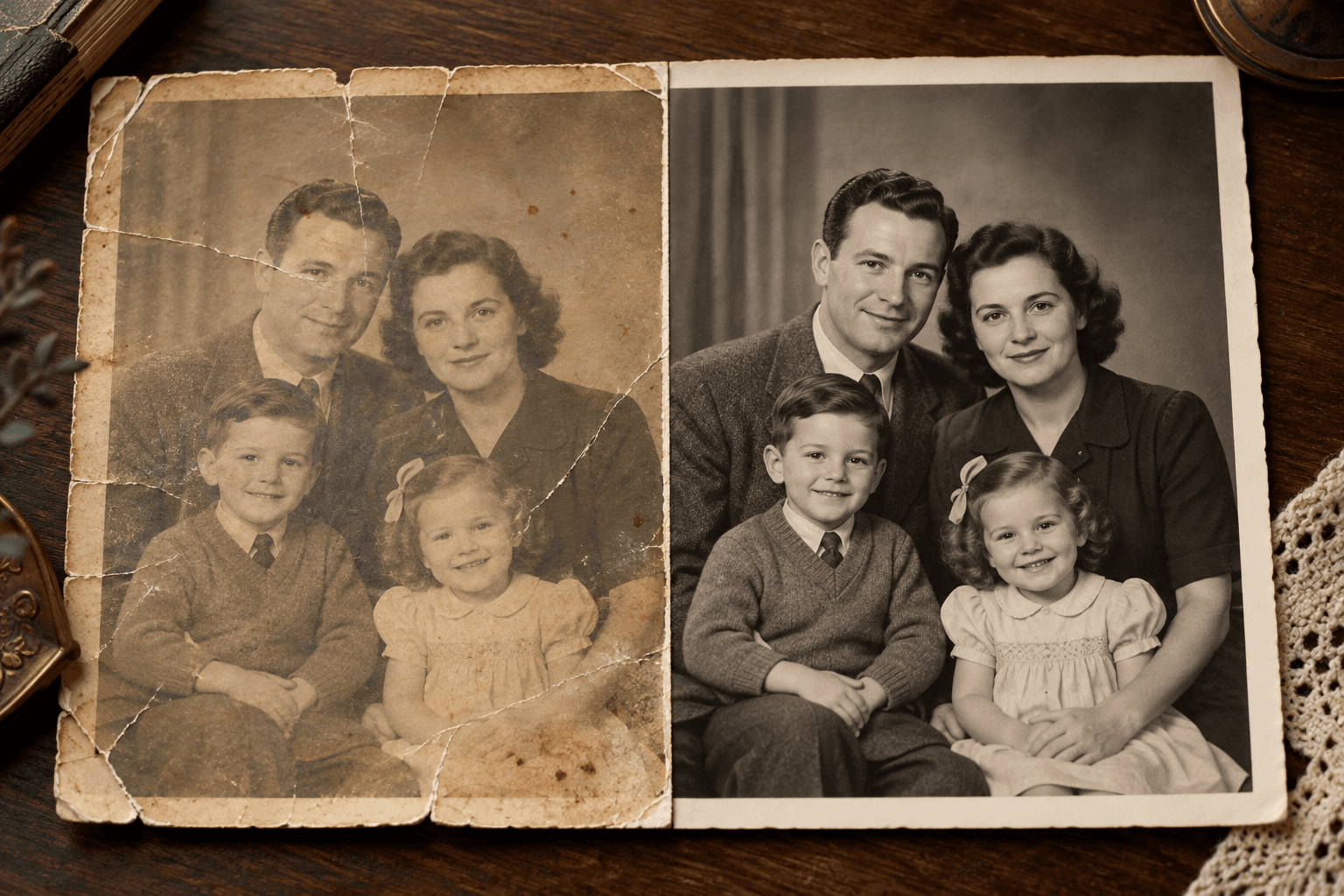
Upload a permitted scan and describe the damage you want to address. Check faces, clothing, edges and texture against the original afterward.
Scan or photograph the print clearly and keep an untouched copy for comparison.
Name the creases, fading or missing areas you want the image workflow to address.
Inspect faces and fine details against the original. Revise the request where the result invents or changes important features.
The original scan is the reference for every revision and your record of what the photograph actually shows.
AI may fill gaps with plausible content. Treat new facial or background detail as an interpretation.
Decide whether to retain the original monochrome look or explore color as a separate interpretation.
| Input | A clear scan or photograph that you have permission to use, plus a repair brief. | |
|---|---|---|
| Output | A new image interpretation for review; it is not a forensic reconstruction. | |
| Review | Compare identity, texture, edges and any filled-in areas with the untouched source. |
No. AI can infer missing detail, so keep the source and treat uncertain areas as interpretation.
You can request a color interpretation, but the colors may not reflect the original scene.
Keep the original separately. Use the new image as a version you can review and revise.
Start with the source scan, describe one repair, and compare the new image before sharing it.