

Exterior composition
Test how an entrance, roof profile or planted foreground reads in a concept view. Keep the viewpoint explicit so the image answers a specific question.
Start with the courtyard concept or upload your own reference. Choose a direction, then describe the form, materials and light. The example images below are concept illustrations.
Editorial concept illustrations show three directions for a brief. They are not measured designs or benchmark outputs from this tool.


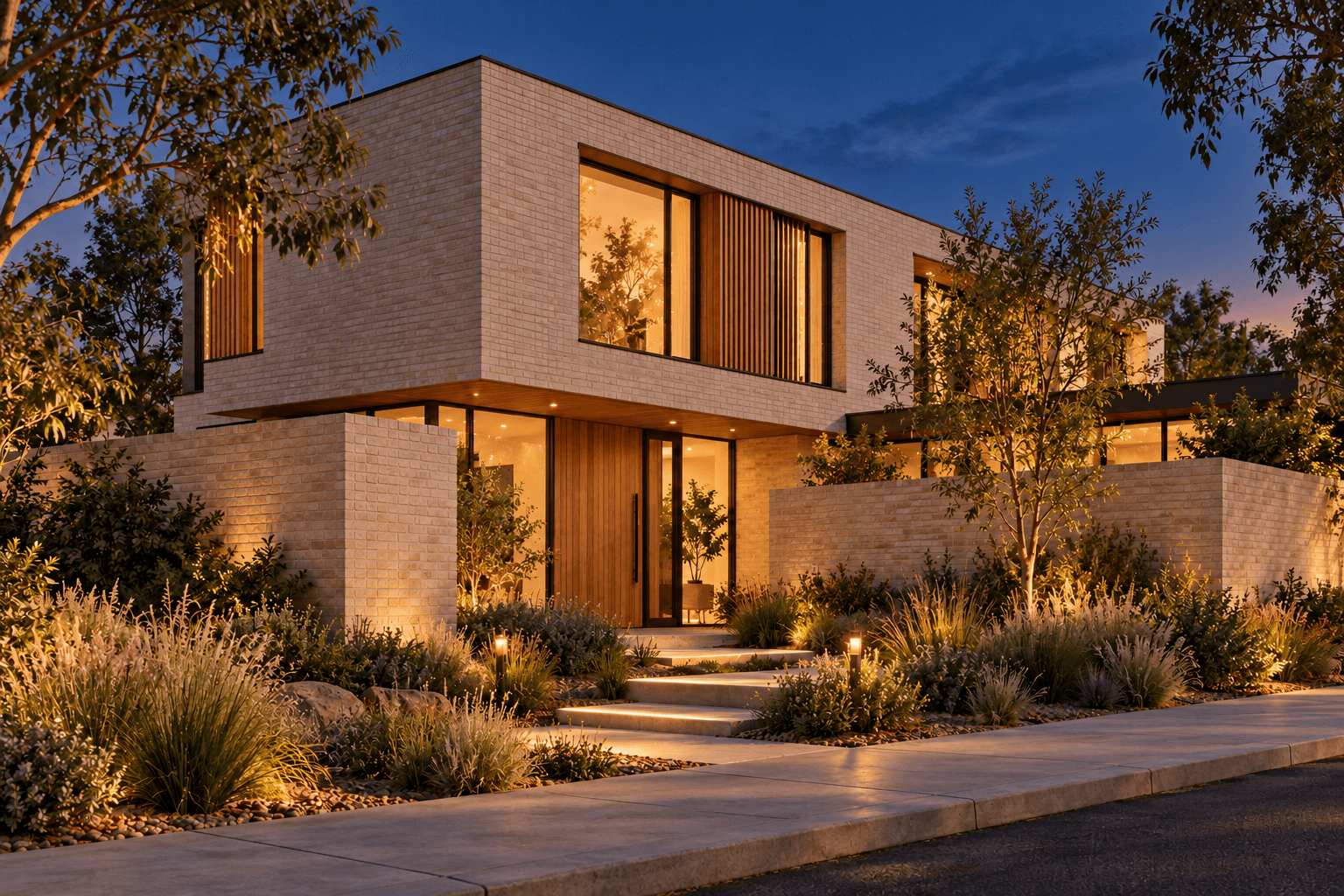
Decide whether you are exploring the overall form, a material palette or an exterior mood. Describe one building and one viewpoint.
Optionally add a sketch or site photo. Explain which broad features matter; a reference guides generation but does not lock measured geometry.
Select Generate building concept. Inspect openings, roof lines, proportions and site context before using the image in a design discussion.
Test how an entrance, roof profile or planted foreground reads in a concept view. Keep the viewpoint explicit so the image answers a specific question.
Request timber, brick or stone alongside a lighting condition. Make separate requests for alternatives and compare the results rather than assuming an exact material swap.
Use a reviewed image to communicate an early direction. Identify it as a concept and check any details that could be mistaken for the finished design.
| Input | A written building description with an optional reference image. | |
|---|---|---|
| Output | A still concept image for visual exploration and discussion. | |
| Accuracy | Generated proportions, openings and surroundings can depart from the reference. Check important details against the actual design. | |
| Technical documents | The image is not a measured CAD model, construction drawing or structural calculation. Keep technical decisions in the appropriate professional workflow. | |
| Request settings | Check the settings and credit requirement shown for your request before generating. |
Yes. Add it through the optional reference input and describe the design question. The result may change geometry or details, so compare it with the original before presenting it.
This generator produces a concept image. It does not produce measured plans, engineering calculations or an editable building model.
Reuse the same reference and viewpoint description, and change a small set of material cues. Review each result for unintended changes to the building.
This page generates still images. Continue in a separate image-to-video canvas workflow if you want to explore motion; that result also needs review.
Start with one exterior, one viewpoint and a clear design question.