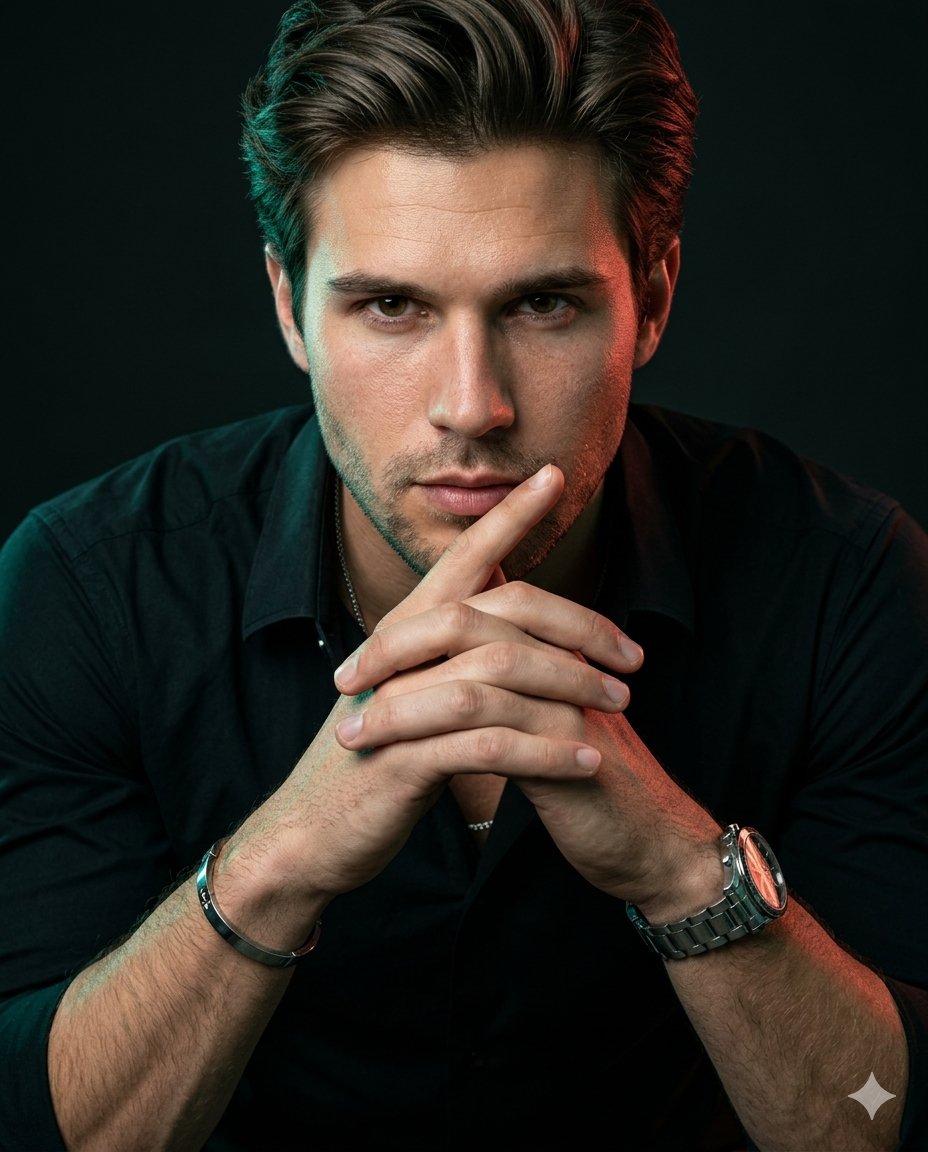
Profile / Avatar - Cinematic Editorial Identity Reference Portrait

A highly detailed instruction for preserving a subject's identity while generating a luxury fashion campaign portrait with moody dual-tone studio lighting.

提示词

1,472 字符打开 Astorie 创作台 ↗
Use the uploaded image as the exact identity reference. Preserve the face 100% accurate — same facial structure, proportions, skin tone, eyes, lips, hairline, and unique details. Ultra-realistic cinematic editorial portrait, vertical 4:5 composition. Subject leaning slightly toward the camera with both forearms forward, fingers naturally interlocked near the chin, one finger subtly resting close to the lips. Strong, calm eye contact with a composed confident expression. Hyper-detailed natural skin texture with visible pores, soft imperfections, realistic under-eye detail and authentic facial depth. Natural hair strands with clean volume and texture. Outfit: {argument name="outfit" default="fitted black open-collar shirt with subtle luxury styling, metallic watch, bracelet and thin chain"}. Lighting: {argument name="lighting" default="moody studio lighting with teal/green rim light on one side and warm red/orange edge light on the opposite side"}, soft frontal fill maintaining facial detail. Deep black cinematic background with minimal distractions. Shot like high-end fashion campaign photography on {argument name="camera" default="Hasselblad X2D / Fujifilm GFX"}, 80mm lens, shallow depth of field, razor sharp focus on face and hands, ultra realistic textures, premium RAW look, cinematic contrast, zero artificial or plastic skin appearance. RAW photo processing, micro-contrast, clarity boost, detailed sharpness, luxury editorial aesthetic. Ratio 4:5

来自原帖查看来源 ↗

使用说明

The source requires reference images. Confirm input files before use.

更多灵感

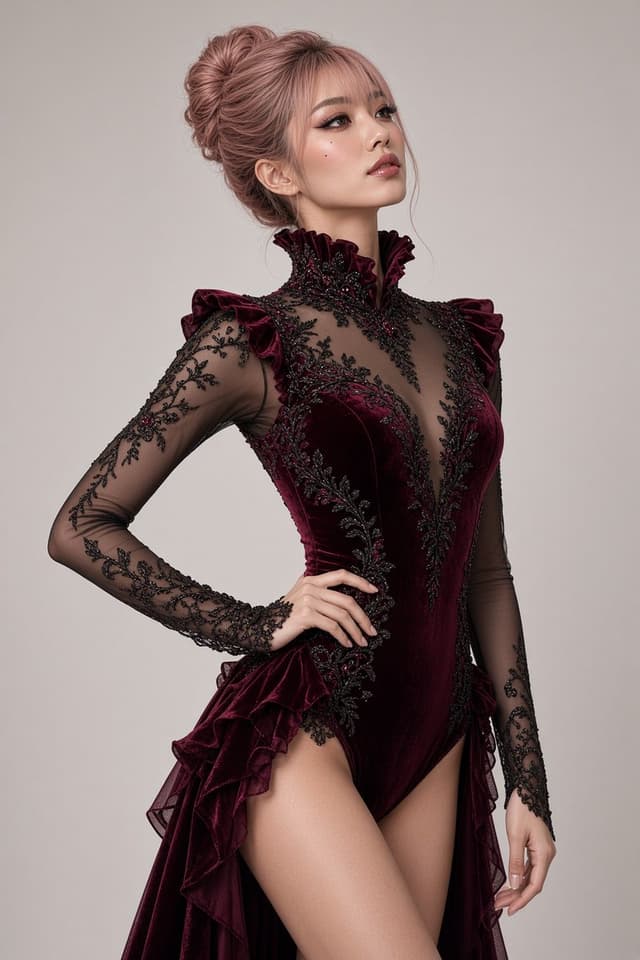
Social Media Post - Red Velvet Leotard Portrait Comparison
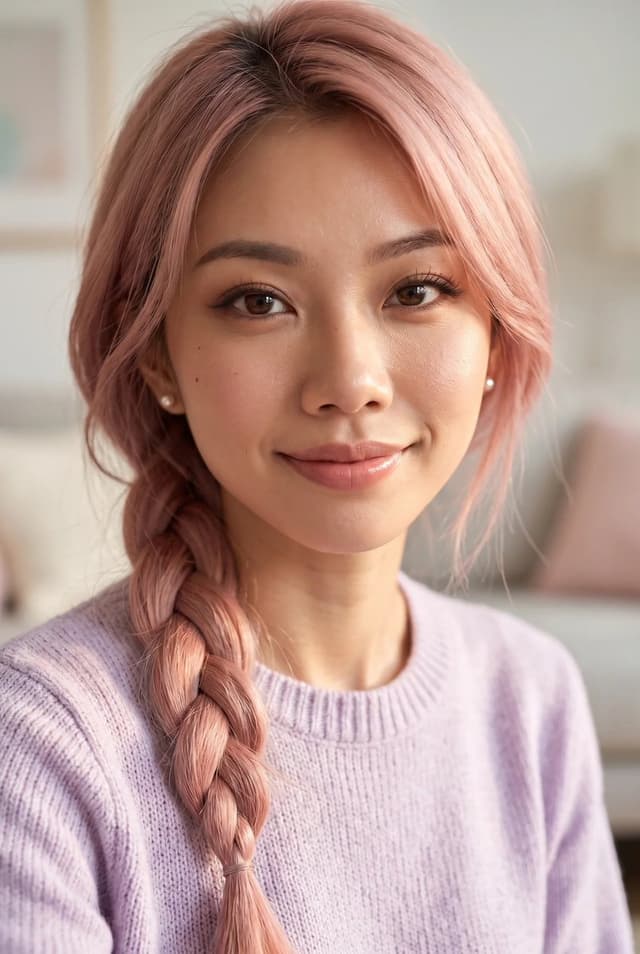
Profile / Avatar - Purple Sweater Portrait Comparison
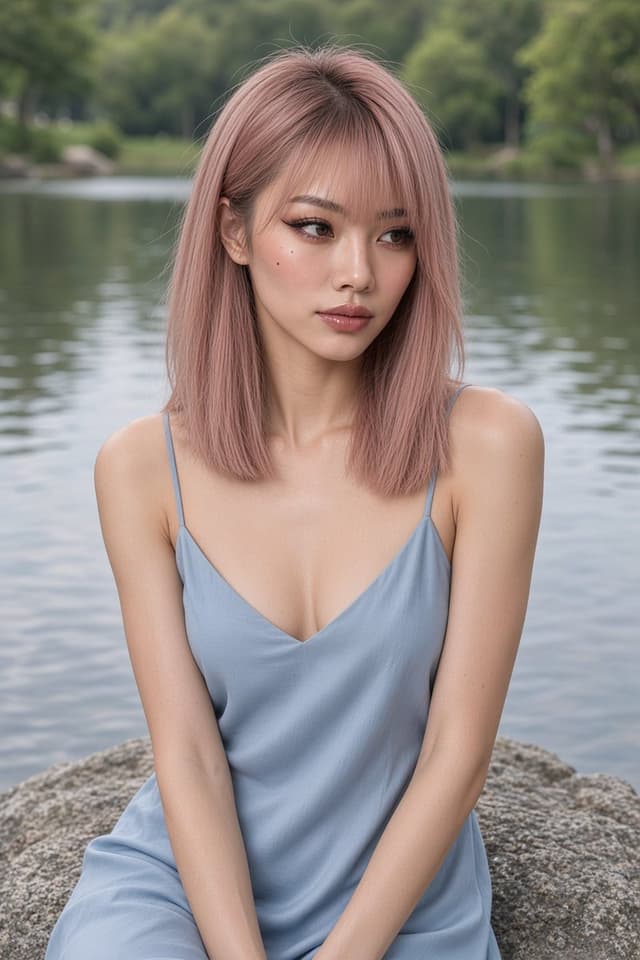
Profile / Avatar - Nano Banana Pro Lake Portrait Comparison
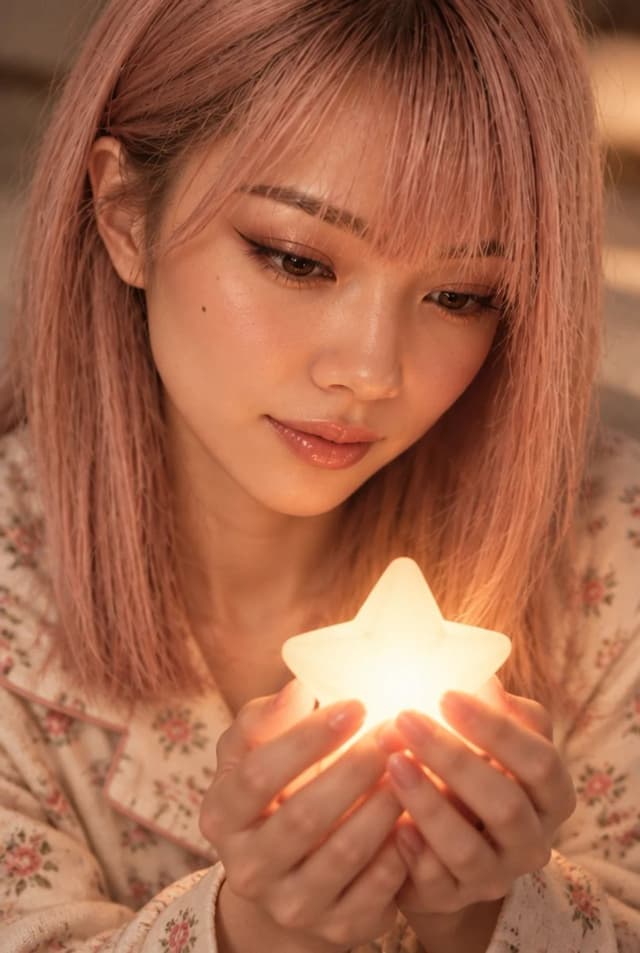
Profile / Avatar - Cute Star Night Light Portrait Comparison
Social Media Post - Nano Banana Pro Silver Metallic Gown Portrait
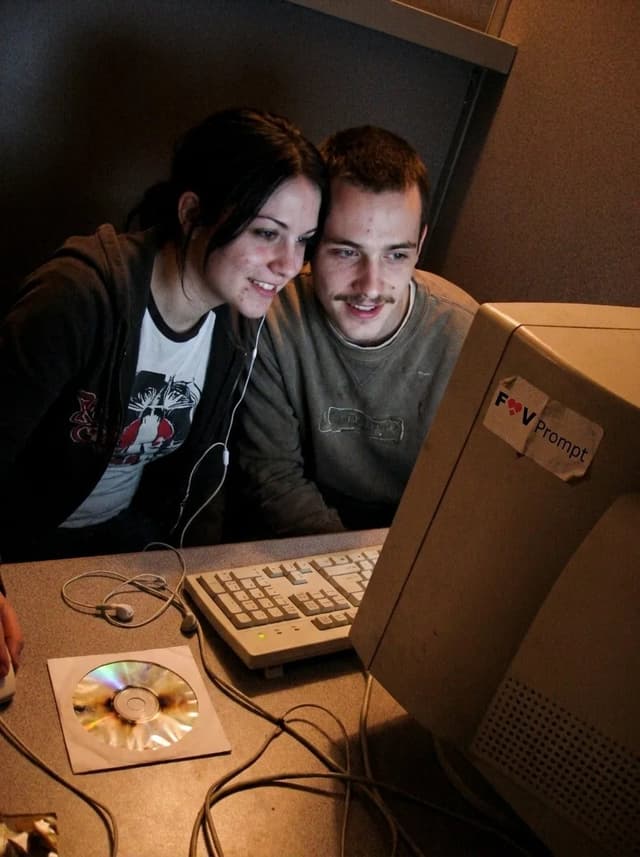
Profile / Avatar - Early 2000s Internet Cafe Webcam Couple

Profile / Avatar - Early 2000s Internet Cafe Webcam Couple

Fav PromptNano Banana Pro
A candid couple photo of the Woman's Look and Man's Look in the Setting, engaged in the Activity. Render it as the Camera Type, with soft focus, smeared facial detail, color noise, dim uneven indoor light and low-resolution compression. Use awkward webcam framing from a desk-level angle, with a slight tilt and casually cropped shoulders or arms. Include the Era Props naturally in the booth. The couple should look genuinely close and relaxed, with real skin, messy everyday hair and no heavy retouching. Use Face Reference for the matching faces when applicable. Make it feel like an unedited early-2000s personal photo from an old Facebook album or MSN chat, not a modern image with a retro filter. No date stamp, text, watermark, modern electronics or current fashion. Output in the Format.

Use these details:
Woman's Look: "{argument name="woman's look" default="Young woman in her early 20s with straight black hair, a casual graphic T-shirt and a loose zip hoodie"}"
Man's Look: "{argument name="man's look" default="Young man in his early 20s with a thin mustache, tousled hair and a worn casual sweatshirt"}"
Setting: "{argument name="setting" default="A cramped internet cafe booth with a laminate desk, worn carpet, beige walls and bulky CRT monitors"}"
Activity: "{argument name="activity" default="Leaning close together and looking into the webcam during an online chat"}"
Camera Type: "{argument name="camera type" default="Low-resolution built-in webcam capture from a chunky desktop computer"}"
Era Props: [{argument name="era props" default="Wired earphones, A burned CD in a paper sleeve, A chunky desktop keyboard"}]
Face Reference: "{argument name="face reference" default="Use attached photos for the matching person's face when provided; if none are attached, invent both faces"}"
Format: "{argument name="format" default="4:3 landscape"}"
使用此提示词 ↗

寻找下一个方向

ASTORIE CANVAS

让灵感,继续生长。

在同一个创作空间,连接提示词、参考素材和生成结果。

打开创作画布 ↗