
Kling
Kling AI Avatar & Motion
Kling AI Avatar turns a single portrait photo and an audio track into a lifelike talking-head video with synchronized lip sync, natural blinks, and head motion. Paired with Kling 2.6 Motion Control for reference-based motion transfer, the family covers audio-driven avatars and Kling avatar motion retargeting on one canvas in Astorie — run it alongside OmniHuman, Hailuo, and Sora 2 to compare takes side by side.
Kling AI Avatar is Kling's audio-driven portrait animation model: feed it a still portrait image plus an audio file, and it animates the face with frame-accurate lip sync, natural eye blinks, and subtle head sway in Standard or Pro quality. The companion Kling 2.6 Motion Control variant powers Kling avatar motion transfer — give it a character reference image and a motion reference video, and it produces a new clip where your character mimics the reference movement while keeping its own identity. Together they cover the two highest-demand avatar workflows: talking-head generation and motion retargeting. Compared with OmniHuman (ByteDance) and Hailuo, Kling AI Avatar is known for clean lip articulation and stable identity across longer clips, and because Astorie runs 50+ video models on one node-based canvas you can fan one portrait out to Kling AI Avatar, OmniHuman, and Sora 2 simultaneously, keep every take in the version tray, then export the winner to your timeline.
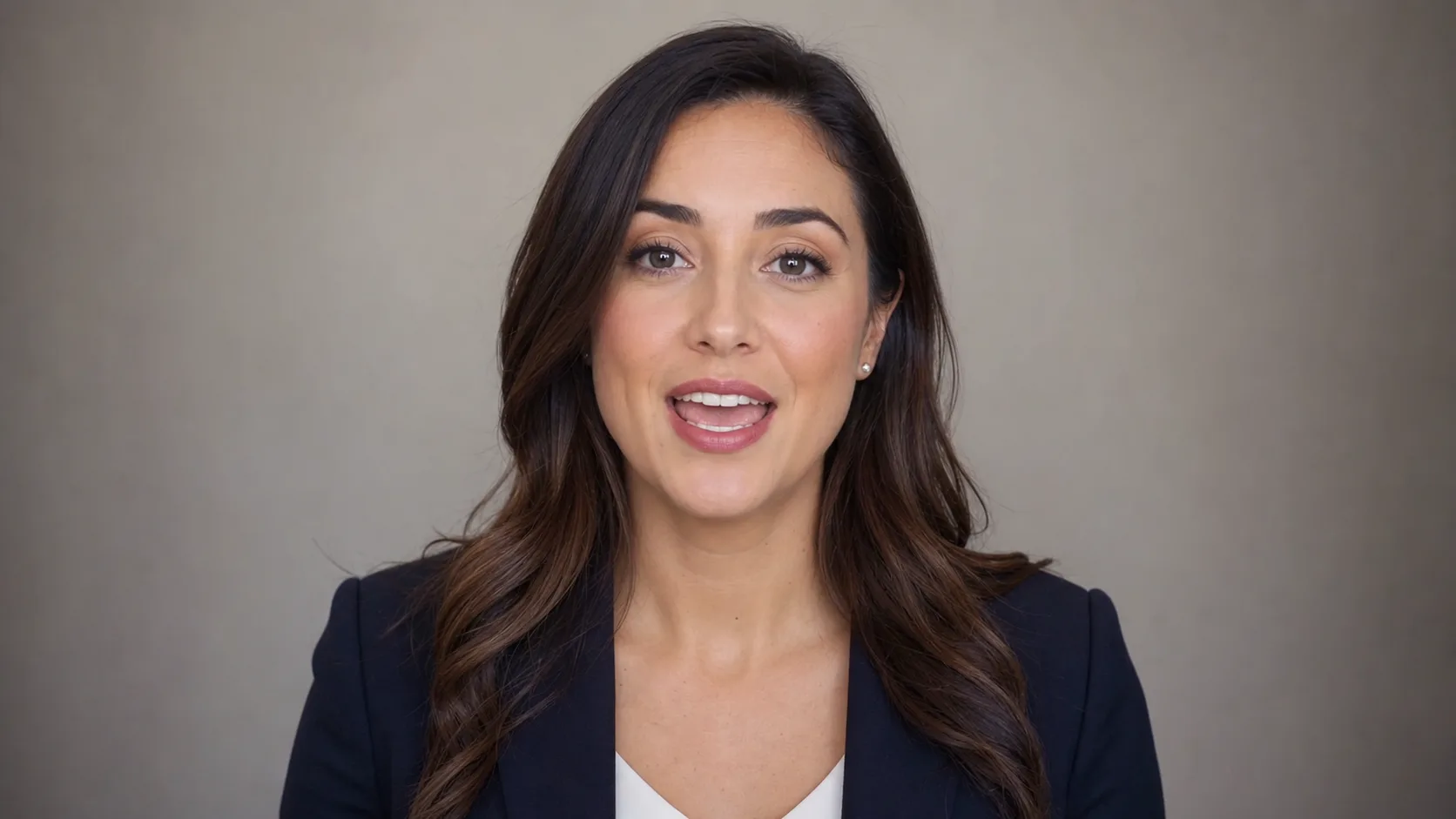
Kling AI Avatar & Motion Variants
| Variant | Description |
|---|---|
| Kling AI Avatar | Audio-driven portrait animation with lip sync, Standard and Pro tiers. |
| Kling 2.6 Motion Control | Transfer motion from a reference video onto a new character image (Kling avatar motion). |
Capabilities
Supported Aspect Ratios
Quality Tiers
Higher quality tiers generally offer better detail and consistency, but require more credits and generation time.
Best For
- Talking-head videos for e-learning, explainers, and presentations
- Virtual spokesperson and customer service avatars
- Kling avatar motion transfer — retargeting dance or gestures onto a brand character
- Social media content with consistent character identity
Strengths
- Accurate lip sync from arbitrary audio input
- Natural micro-expressions including blinks and head sway
- Kling 2.6 Motion Control preserves character identity during retargeting
- Both variants offer Standard and Pro quality tiers
Limitations
- Avatar is portrait-only; does not generate full-body motion
- Motion Control requires a clear reference video with visible movement
- Neither variant supports text-to-video from scratch
Tips & Best Practices
Use Kling AI Avatar & Motion on Astorie
Connect Kling AI Avatar & Motion with other AI models on Astorie's infinite canvas. No GPU required — start free.
Get Started FreeFrequently Asked Questions
What is Kling AI Avatar?
Kling AI Avatar is Kling's audio-driven portrait animation model that turns one still portrait photo and an audio track into a talking-head video with synchronized lip sync, natural blinks, and head motion. It runs in Standard or Pro quality and is available on Astorie's node-based canvas alongside 50+ other video models.
How does Kling avatar motion transfer work?
Kling avatar motion transfer runs on the Kling 2.6 Motion Control variant: you supply a character reference image plus a motion reference video, and the model retargets the reference movement onto your character while preserving its appearance. It is ideal for putting a dance, gesture, or performance onto a brand mascot or consistent character.
What does Kling AI Avatar need as input?
Kling AI Avatar needs two inputs: a single front-facing portrait image and an audio file (speech or song). The model generates lip movement and head motion synced to that audio — no green screen, motion capture, or text prompt for the performance is required. A well-lit, neutral-expression portrait and clean mono audio produce the best lip sync.
Kling AI Avatar vs OmniHuman — which is better for talking heads?
Both Kling AI Avatar and ByteDance's OmniHuman are audio-driven talking-head models, and the right pick depends on your portrait and audio. Kling AI Avatar is favored for clean lip articulation and stable identity over longer clips, while OmniHuman 1.5 handles stylized and illustrated faces well. In Astorie you can fan one portrait out to both at once and keep whichever take looks best — no need to choose blind.
Can Kling AI Avatar lip sync to any audio?
Yes — Kling AI Avatar accepts arbitrary audio input and syncs the avatar's mouth to it, whether the track is recorded speech, a text-to-speech voice, or singing. For the most accurate lip sync, use clean mono audio without background music. You can chain a TTS model (text → speech) into Kling AI Avatar on the same Astorie canvas for end-to-end voiceover videos.
Does Kling AI Avatar generate full-body video?
No — Kling AI Avatar is portrait-only and animates the head and face; it does not produce full-body motion from scratch. For full-body movement, use the Kling 2.6 Motion Control variant to retarget motion from a reference video onto your character, or pair it with a text-to-video model like Kling 3 or Sora 2 for body shots.
How do I use Kling AI Avatar in Astorie?
In Astorie, drop an image node with your portrait and an audio node with your voice track, wire both into a Kling AI Avatar video node, and run. Because Astorie is a multi-model canvas, you can fan the same inputs into OmniHuman, Hailuo, or Sora 2 in parallel, compare every take in the version tray, and export the winner to your NLE timeline.
Is Kling AI Avatar good for AI influencers and spokespersons?
Yes — Kling AI Avatar is well suited to AI influencer, virtual spokesperson, and customer-service avatar content because it keeps a consistent face identity and produces natural lip sync from any voice track. Combine it with a consistent-character image model upstream so the same persona appears across every clip in a campaign.