Prompts for educational graphics

Explore a travel-poster example that brings architectural details into a graphic layout. Use its prompt as a starting point for deciding what your own visual should explain.

Explore prompts

612 prompts

Infographic / Edu Visual - LEGO History Retelling Template — output
Infographic / Edu Visual - Bento Grid Infographic Prompt for Food Science — output

Infographic / Edu Visual - Bento Grid Infographic Prompt for Food Science

xiaobeiLinNano Banana Pro
{
  "image_analysis": {
    "subject": "Infographic about {argument name="ingredient name" default="Goji Berry"}, 9:16",
    "style": "Modular Bento Grid Design / Minimalist UI Design",
    "tone": "Professional, warm, high-end, educational",
    "primary_colors": ["Beige", "Cream", "Dark Brown", "Warm Earth Tones"]
  },
  "prompt_elements": {
    "subject_description": "A high-quality educational infographic poster about {argument name="ingredient name" default="Goji Berry"}.",
    "layout": "Bento box style modular grid layout, clean UI/UX interface design, divided into clear rectangular cards.",
    "visual_details": [
      "Top header with a striking, elegant Chinese calligraphy title 'Ingredient Chinese Name' and its scientific name",
      "Center top features a hyper-realistic photographic image of [visual description of fresh ingredient]",
      "A small outline map of [origin/country] in the corner",
      "Section 1: Nutritional analysis with donut charts and bar charts, percentages indicating proportions",
      "Section 2: Human silhouette diagram showing health benefits with connecting lines",
      "Section 3: Cooking method matrix with minimalist line icons ([Cooking Method 1], [Cooking Method 2], [Cooking Method 3])",
      "Section 4: Seasonal consumption guide with circular charts",
      "Section 5: Food pairing grid with simple icons ([Pairing 1], [Pairing 2], [Pairing 3])",
      "Section 6: Target audience profile icon",
      "Section 7: Storage and selection guide with temperature and weather icons"
    ],
    "art_style": "Minimalist graphic design, soft vector illustrations combined with product photography, flat design icons, clean typography.",
    "lighting": "Soft diffused studio lighting, shadowless and flat lay aesthetic.",
    "color_palette": "Monochromatic warm beige background, off-white cards, dark brown and charcoal grey text, soft accents."
  "negative_prompt": "Cluttered, neon colors, messy layout, low resolution, blurry, distorted text, 3D rendering, dark background, chaos, oversaturated, watermark"
}
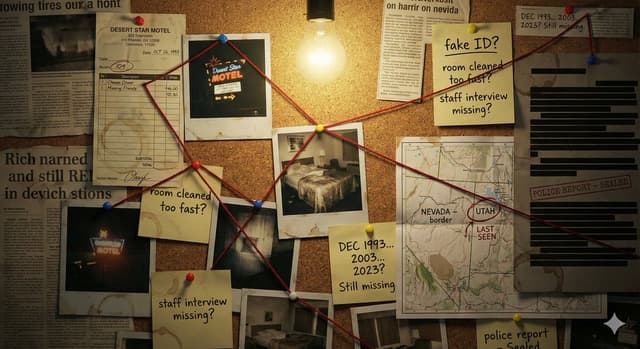
Comic / Storyboard - Detective Evidence Board Generation — output
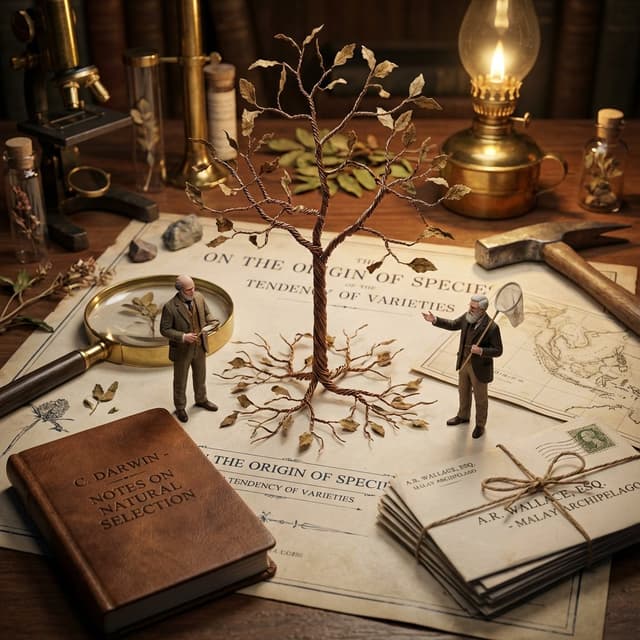
Infographic / Edu Visual - Macro Diorama Historical Rivalry (Science Wars) — output

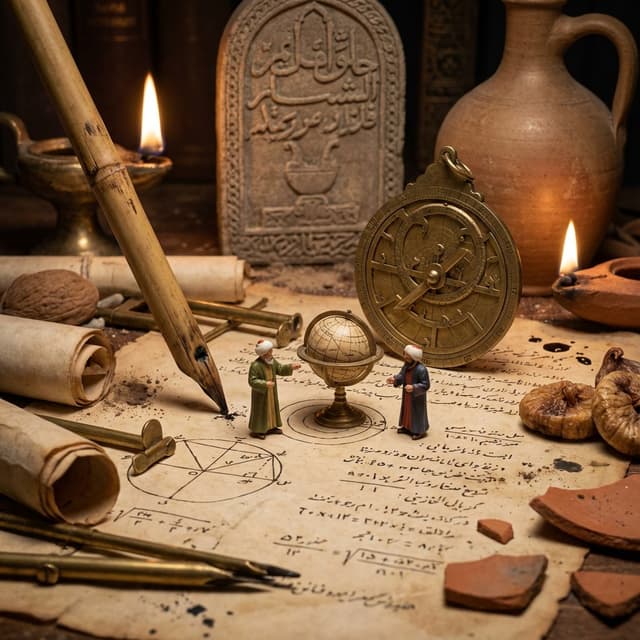
Infographic / Edu Visual - Macro Diorama Historical Rivalry (Science Wars)

GadgetifyNano Banana Pro
<instructions> 
Input: Invention/Rivalry = {argument name="invention/rivalry" default="[User Choice]"}

Phase 1: Chronological Profiling
Ancient (Pre-500 AD): Stone/Papyrus, Oil Lamps. Labeling = Carved symbols or scroll signatures.
Renaissance (1400-1600): Parchment, Candlelight. Labeling = Wax seals, hand-lettered envelopes, book spines.
Industrial (1800-1940): Blueprints, Gaslight. Labeling = Typed Patent headers, Business Cards, Newspaper Headlines.
Modern (1950-Present): Circuit diagrams, Neon. Labeling = ID Badges, Magazine covers, Computer login screens.

Phase 2:
Goal: A hyper-detailed Macro Diorama where the environment identifies the rivals.

1. The Stage (The Document):
 The ground is the primary design medium of the era (Clay Tablet, Parchment, Blueprint, or CAD Printout).
The Invention:A 3D Prototype is rising from the center, separating the two figures.

2. The Living Miniatures: Two tiny, hyper-realistic figurines (The Rivals) interact with the invention.
  They are dressed strictly in period-accurate clothing.

3. The Identity Anchors (CRITICAL - Labeling):
Instruction: You must seamlessly integrate readable text into the "Giant" props near each figure to identify them to the viewer.
Prop A (Near Rival 1): Place a "Giant" personal item with their name visible. (e.g., A letter addressed to "Mr. T. Edison", a book titled "By C. Darwin", or a security badge reading "S. Jobs").
Prop B (Near Rival 2):Do the same for the second figure. (e.g., A Patent application signed "Nikola Tesla", or a court summons for "Mark Zuckerberg").
Context: These items must look like they were carelessly left on the desk, not floating labels.

4. The "Giant" Atmosphere:
The Tools: Giant-scale era-appropriate tools (Chisels, Quills, Soldering Irons) tower over the figures.
The Clutter: Period-specific debris (Marble dust, Ink spills, Burnt fuses, Empty soda cans).

5. Technical Specs:
Lighting: Era-appropriate source (Fire vs. Filament vs. LED).
Perspective:Tilt-shift macro photography (45-degree angle). focus on the miniatures.

Output: ONE image, 4:5 aspect ratio, photorealistic historical macro photography with legible environmental text. </instructions>
Game Asset - 3D Isometric Atlas Scene in Firefly Style — output
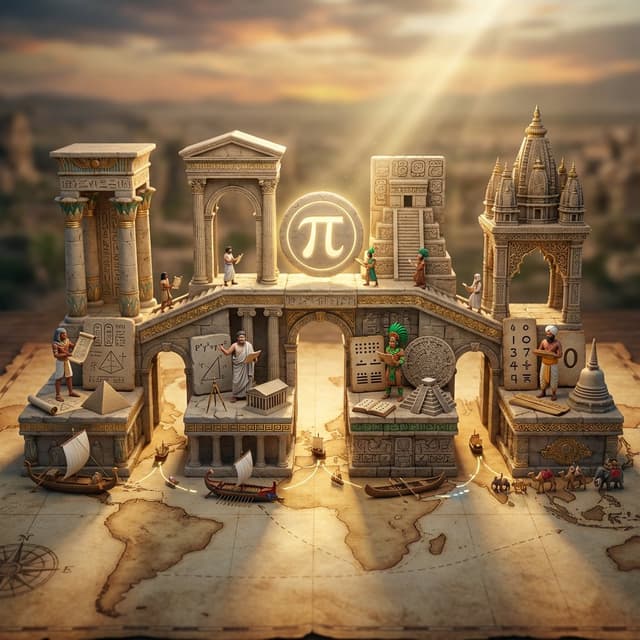
Infographic / Edu Visual - Miniature Bridge of Ancient Mathematical Knowledge — output
Infographic / Edu Visual - AI Comic Production Workflow and Infographic Prompt — output
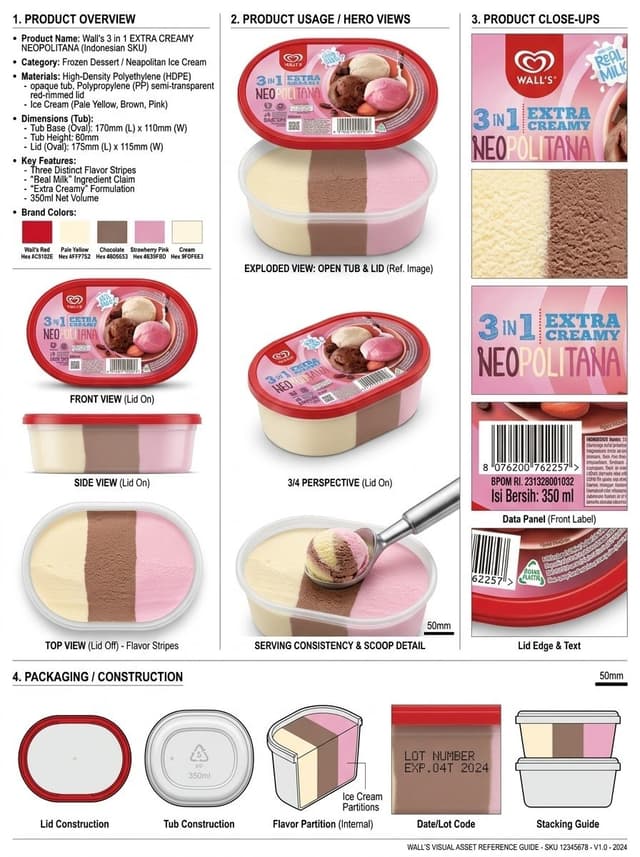
Infographic / Edu Visual - Product Reference Sheet Workflow — output
Infographic / Edu Visual - Historical Macro Diorama: Culinary Atlas Grid — output

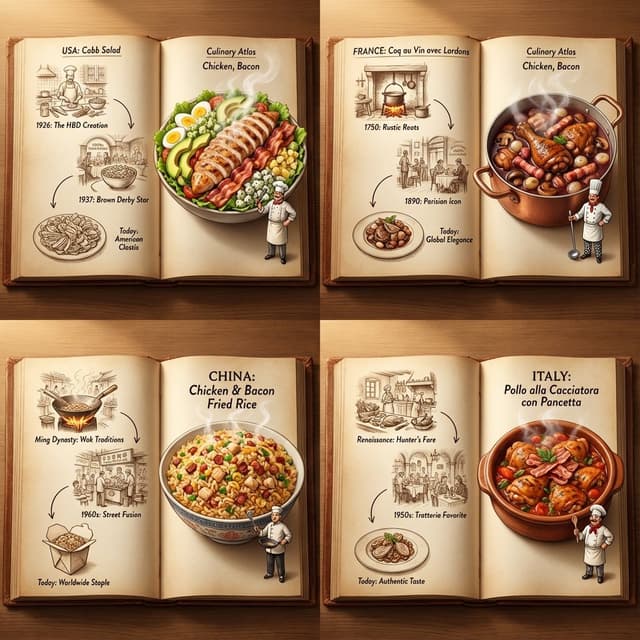
Infographic / Edu Visual - Historical Macro Diorama: Culinary Atlas Grid

GadgetifyNano Banana Pro
Role:Historical Art Director & Macro Photographer.
Input: Invention or Rivalry = [{argument name="user choice" default="User Choice"}]

Phase 1: Chronological Profiling
Before rendering, analyze the Year of the invention to determine the "Era Texture":
If Ancient (e.g., 200 BC): Surface = Rough Stone or Papyrus. Light = Oil Lamp/Torch. Clutter = Clay shards, bronze chisels, scrolls, figs/grapes.
If Renaissance (e.g., 1500): Surface = Dark Oak & Vellum. Light = Candle. Clutter = Quill feathers, wax seals, brass astrolabes, leather binding.
If Industrial (e.g., 1890): Surface = Green Felt or Mahogany. Light = Gas/Filament. Clutter = Newsprint, pocket watches, copper wire, soot.
If Modern (e.g., 1980): Surface = Formica or Metal. Light = Fluorescent/Neon. Clutter = Circuit boards, Polaroid photos, soda cans, plastic casings.

Phase 2: Visual Execution
Goal: A hyper-detailed "Macro Diorama" where the environment tells the story of the time period.
Subject: A messy, chaotic workspace viewed through a macro lens.

1. The Stage (The Document):
The "ground" is the primary design medium of that era 
The surface is filled with era-specific sketches/carvings of the invention.

2. The Living Miniatures:
Two tiny, hyper-realistic figurines (The Inventor & The Rival) stand on this surface.
They are dressed strictly in period-accurate clothing (Togas vs. Frock Coats vs. Turtlenecks).
Action: They are interacting with a 3D Prototype of the invention that is rising physically out of the document/tablet.

3. The "Giant" Atmosphere (Dynamic Enrichment):
The Wall: A massive background object establishing context (e.g., a carved stone stele, a tapestried wall, a vintage newspaper, or a stack of VHS tapes).
The Tools: Giant-scale tools used to make the invention loom over the figures like trees (e.g., a giant chisel, a massive quill dipped in ink, or a soldering iron).
The Debris: The mess of the creative process (e.g., stone dust, spilled ink, burnt fuses, or crumpled layout paper).
The Comforts: Food/Drink of the era (e.g., an earthen jug of wine, a porcelain tea cup, or a can of cola).

4. Technical Specs:
Lighting: Must match the "Era Light" determined in Phase 1 (Flickering warm fire vs. cold electric buzz).
Perspective: Tilt-shift macro photography (45-degree angle).
Texture: Extreme focus on material weathering (rust, dust, parchment cracks, or plastic sheen).

Output: ONE image, 4:5 aspect ratio, "Historical Macro Realism."
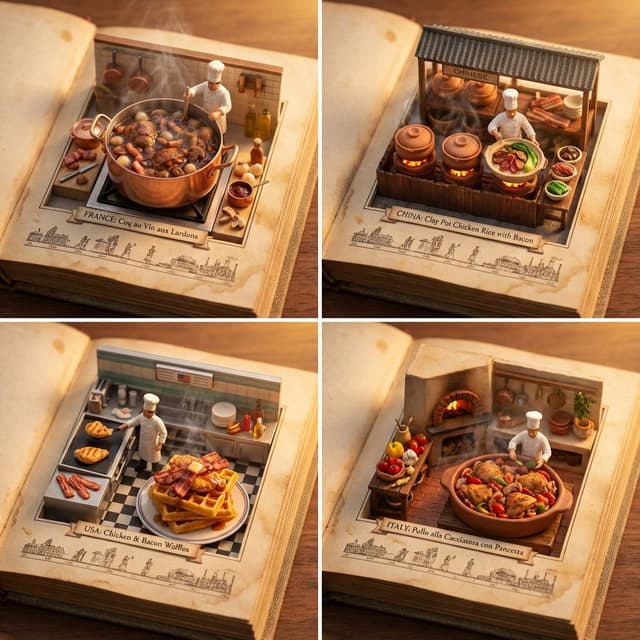
Infographic / Edu Visual - Culinary Atlas Grid: 3D Pop-up Recipe Dioramas — output
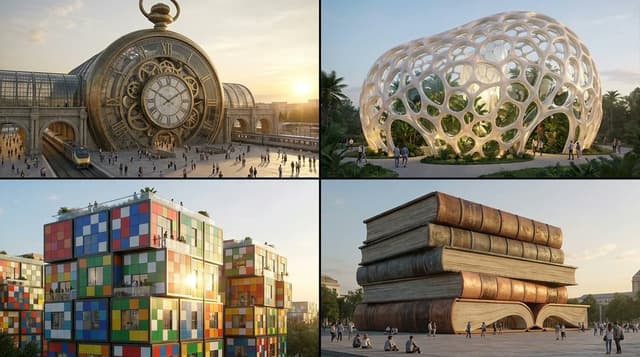
Infographic / Edu Visual - Object-to-Building Transformation Prompt — output
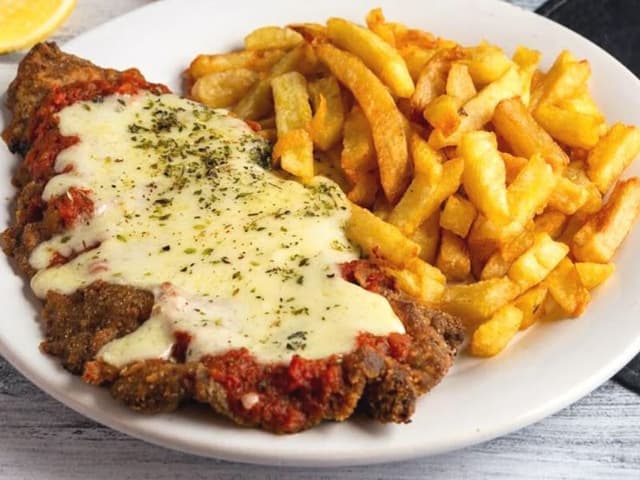
Infographic / Edu Visual - Food Recommendation System Prompt for Cookbook Generation — output
Browse by model, style or topic

Find your next direction

ASTORIE CANVAS

Take the idea further.

Bring your prompts, references and results together in one creative space.

Open your canvas ↗