AI Video Breakdown on Astorie

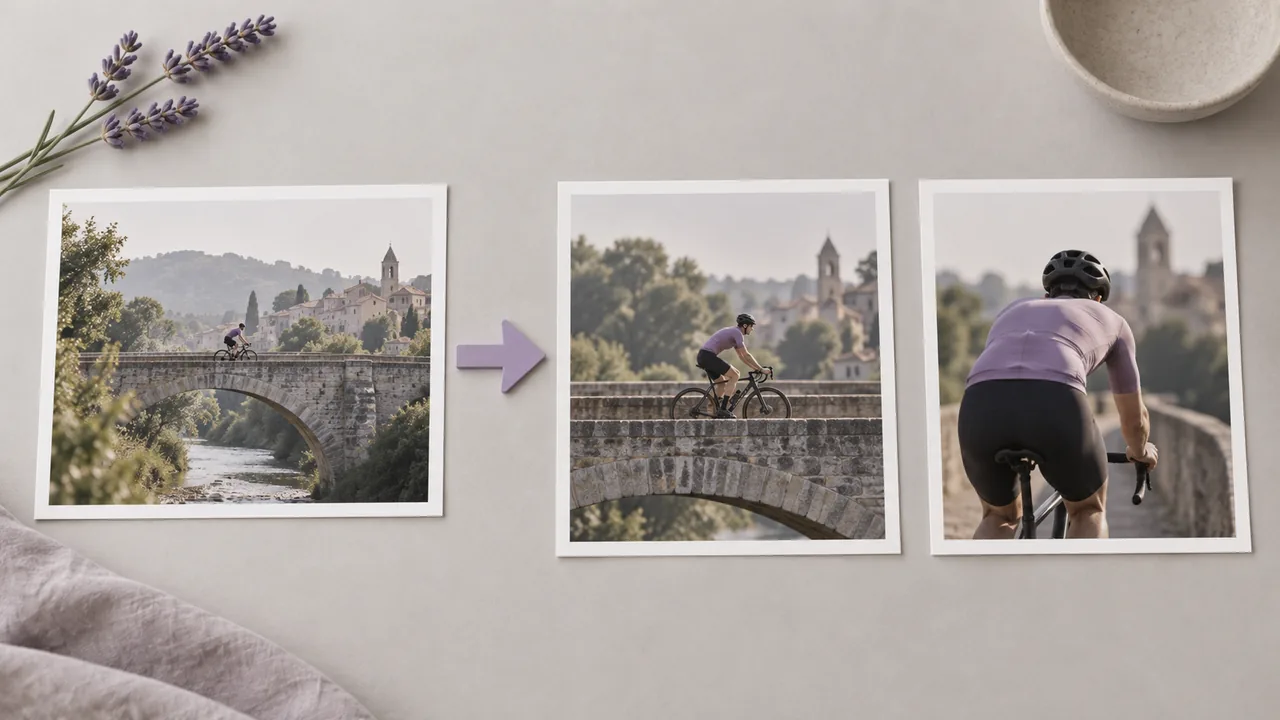
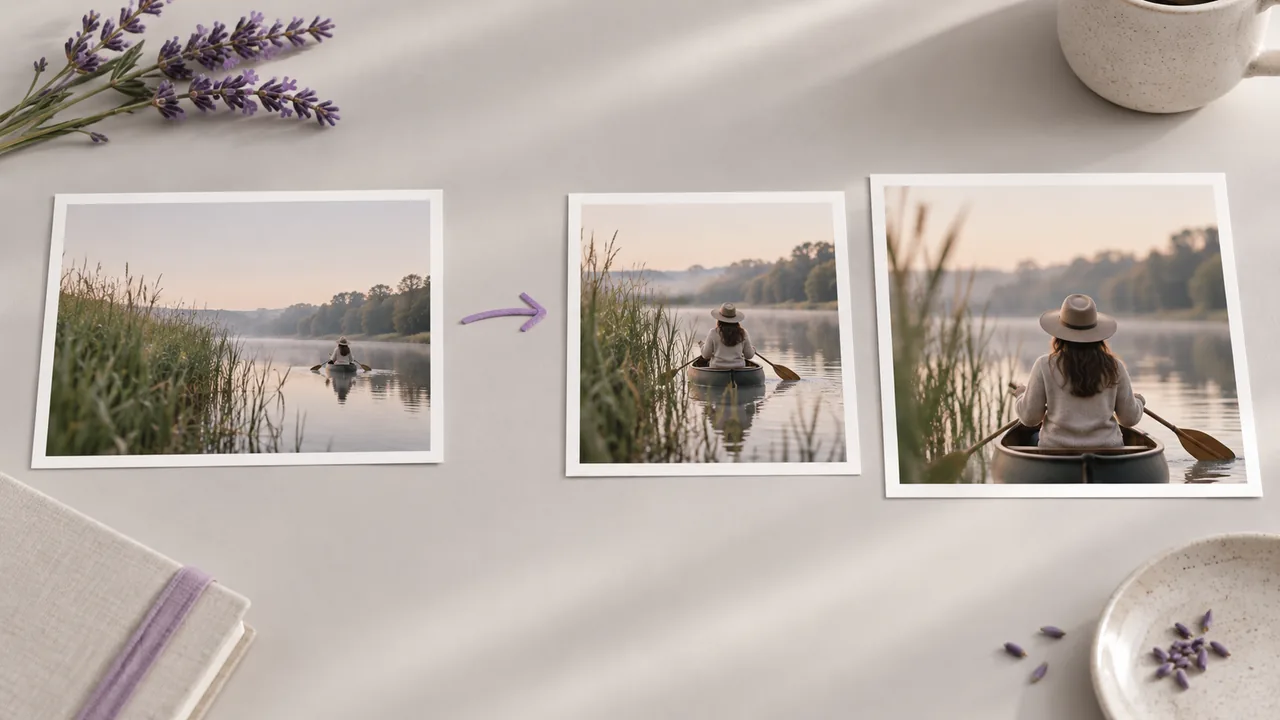
Video breakdown on Astorie analyses an existing video — generated or uploaded — and decomposes it into shots, keyframes, and reusable references you can drop back onto the canvas. Use it to reverse-engineer a reference film into a multi-shot project, audit a generated cut for missing coverage, or harvest stills and beats for downstream image and video generation.

此工具的作用

Video breakdown takes a video clip and runs shot-detection plus keyframe-extraction across it. The output is a timeline of detected cuts with a representative frame per shot, so a 30-second reference film resolves into six or eight panels you can study and reuse. Some breakdown variants also tag camera movement, scene type, and dominant subject so you can search the breakdown by intent.

On the Astorie canvas, video breakdown spawns multiple downstream nodes — one image node per detected shot — that you can wire into the next stage of your project. Common follow-ups include feeding each shot frame into Nano Banana 2 to generate stylised variants, into Seedance 2 or Kling 3 for image-to-video reproduction, or into Flux Kontext to swap subject and re-render in your own style.

何时使用

  • Reverse-engineering a competitor or reference film into shot panels you can recreate with Astorie models
  • Auditing a multi-shot AI ad to confirm coverage — wide, medium, close-up, insert — before final assembly
  • Building a storyboard from an animatic, live-action plate, or rough cut without manual scrubbing
  • Harvesting reusable hero stills from a long generated video for thumbnails and social
  • Researching a director's visual language by breaking down their trailers into shot frames for moodboarding
  • Preparing a remake — break down the source, then regenerate each shot with new characters or environments

Astorie 中如何使用

Upload or select your source video on the canvas. Reference films, trailers, prior generations, or competitor ads all work. Cleaner cuts produce sharper shot detection — heavily edited or fast-cut content can over-segment.

Drop a Video Breakdown tool node and wire the source into its input. Configure thresholds if the model exposes them — sensitivity controls how aggressively the detector splits on motion or lighting changes. Default settings are tuned for typical narrative pacing.

Submit and the breakdown returns as a panel of image nodes (one per detected shot) plus optional metadata per shot. Walk the timeline left-to-right, keep the beats that matter, and delete the rest — each kept frame is a normal image node any downstream tool can consume. For the full step-by-step walkthrough, see the docs guide.

搭配这些模型使用

相关功能工作流

相关操作指南

相关文档

故障排查

  • Breakdown returns too many shots — lower detection sensitivity, or pre-trim the source so heavily cut sequences are excluded
  • Breakdown misses obvious cuts — raise sensitivity, or split the source into shorter segments so the detector has cleaner work to do
  • Frames are visually similar within a shot — pick the sharpest using the frame extraction tool on the specific timestamp you want
  • Extracted frames inherit motion blur — extract from a calmer frame in the same shot or upscale the chosen frame before reuse
  • Recreated shots don't match original pacing — combine the breakdown's frame plus the original shot's duration when generating image-to-video

常见问题

How is video breakdown different from frame extraction?

Frame extraction pulls a single frame at a specific timestamp. Video breakdown runs full shot detection across the clip and returns one representative frame per detected shot, plus shot boundaries.

Can I break down my own generated cuts?

Yes — feed any video on the canvas through the breakdown node, including ones you generated earlier. This is useful for auditing whether a multi-shot generation actually has the coverage you intended.

Does breakdown work on edited footage with transitions?

Hard cuts work best. Cross-dissolves, wipes, and morphs can fool shot detection — pre-trim or use the frame extraction tool for those segments.

Is breakdown a good first step for remixing reference films?

Absolutely. Breakdown is the fastest way to turn a reference cut into a panel of starting frames you can re-style, then regenerate end-to-end in your own visual language.

Astorie 上构建 AI Video Breakdown 工作流

Astorie 的无限画布上将 AI Video Breakdown 与其他 AI 模型链接起来。无需 GPU,免费开始。

免费开始

相关 AI 工具

共 6 个工具
返回所有 AI 工具