Prompts for educational graphics

Explore a travel-poster example that brings architectural details into a graphic layout. Use its prompt as a starting point for deciding what your own visual should explain.

探索提示词

612 条提示词

Infographic / Edu Visual - LEGO History Retelling Template — output
Infographic / Edu Visual - Bento Grid Infographic Prompt for Food Science — output

Infographic / Edu Visual - Bento Grid Infographic Prompt for Food Science

xiaobeiLinNano Banana Pro
{
  "image_analysis": {
    "subject": "Infographic about {argument name="ingredient name" default="Goji Berry"}, 9:16",
    "style": "Modular Bento Grid Design / Minimalist UI Design",
    "tone": "Professional, warm, high-end, educational",
    "primary_colors": ["Beige", "Cream", "Dark Brown", "Warm Earth Tones"]
  },
  "prompt_elements": {
    "subject_description": "A high-quality educational infographic poster about {argument name="ingredient name" default="Goji Berry"}.",
    "layout": "Bento box style modular grid layout, clean UI/UX interface design, divided into clear rectangular cards.",
    "visual_details": [
      "Top header with a striking, elegant Chinese calligraphy title 'Ingredient Chinese Name' and its scientific name",
      "Center top features a hyper-realistic photographic image of [visual description of fresh ingredient]",
      "A small outline map of [origin/country] in the corner",
      "Section 1: Nutritional analysis with donut charts and bar charts, percentages indicating proportions",
      "Section 2: Human silhouette diagram showing health benefits with connecting lines",
      "Section 3: Cooking method matrix with minimalist line icons ([Cooking Method 1], [Cooking Method 2], [Cooking Method 3])",
      "Section 4: Seasonal consumption guide with circular charts",
      "Section 5: Food pairing grid with simple icons ([Pairing 1], [Pairing 2], [Pairing 3])",
      "Section 6: Target audience profile icon",
      "Section 7: Storage and selection guide with temperature and weather icons"
    ],
    "art_style": "Minimalist graphic design, soft vector illustrations combined with product photography, flat design icons, clean typography.",
    "lighting": "Soft diffused studio lighting, shadowless and flat lay aesthetic.",
    "color_palette": "Monochromatic warm beige background, off-white cards, dark brown and charcoal grey text, soft accents."
  "negative_prompt": "Cluttered, neon colors, messy layout, low resolution, blurry, distorted text, 3D rendering, dark background, chaos, oversaturated, watermark"
}
使用此提示词 ↗
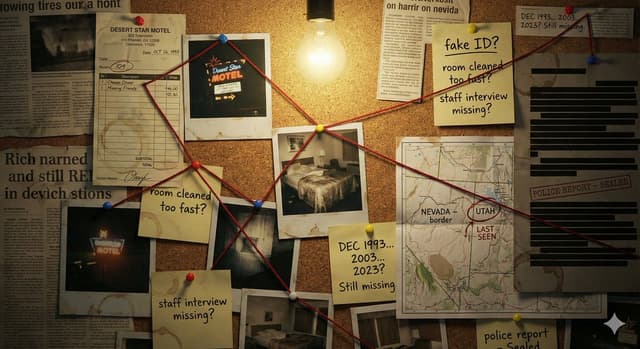
Comic / Storyboard - Detective Evidence Board Generation — output
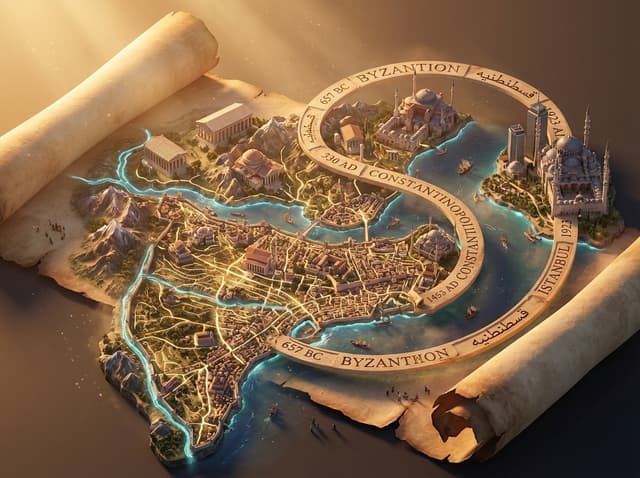
Infographic / Edu Visual - Macro Diorama Historical Rivalry (Science Wars) — output

Infographic / Edu Visual - Macro Diorama Historical Rivalry (Science Wars)

GadgetifyNano Banana Pro
<instructions> 
Input: Invention/Rivalry = {argument name="invention/rivalry" default="[User Choice]"}

Phase 1: Chronological Profiling
Ancient (Pre-500 AD): Stone/Papyrus, Oil Lamps. Labeling = Carved symbols or scroll signatures.
Renaissance (1400-1600): Parchment, Candlelight. Labeling = Wax seals, hand-lettered envelopes, book spines.
Industrial (1800-1940): Blueprints, Gaslight. Labeling = Typed Patent headers, Business Cards, Newspaper Headlines.
Modern (1950-Present): Circuit diagrams, Neon. Labeling = ID Badges, Magazine covers, Computer login screens.

Phase 2:
Goal: A hyper-detailed Macro Diorama where the environment identifies the rivals.

1. The Stage (The Document):
 The ground is the primary design medium of the era (Clay Tablet, Parchment, Blueprint, or CAD Printout).
The Invention:A 3D Prototype is rising from the center, separating the two figures.

2. The Living Miniatures: Two tiny, hyper-realistic figurines (The Rivals) interact with the invention.
  They are dressed strictly in period-accurate clothing.

3. The Identity Anchors (CRITICAL - Labeling):
Instruction: You must seamlessly integrate readable text into the "Giant" props near each figure to identify them to the viewer.
Prop A (Near Rival 1): Place a "Giant" personal item with their name visible. (e.g., A letter addressed to "Mr. T. Edison", a book titled "By C. Darwin", or a security badge reading "S. Jobs").
Prop B (Near Rival 2):Do the same for the second figure. (e.g., A Patent application signed "Nikola Tesla", or a court summons for "Mark Zuckerberg").
Context: These items must look like they were carelessly left on the desk, not floating labels.

4. The "Giant" Atmosphere:
The Tools: Giant-scale era-appropriate tools (Chisels, Quills, Soldering Irons) tower over the figures.
The Clutter: Period-specific debris (Marble dust, Ink spills, Burnt fuses, Empty soda cans).

5. Technical Specs:
Lighting: Era-appropriate source (Fire vs. Filament vs. LED).
Perspective:Tilt-shift macro photography (45-degree angle). focus on the miniatures.

Output: ONE image, 4:5 aspect ratio, photorealistic historical macro photography with legible environmental text. </instructions>
使用此提示词 ↗
Game Asset - 3D Isometric Atlas Scene in Firefly Style — output
Infographic / Edu Visual - Miniature Bridge of Ancient Mathematical Knowledge — output
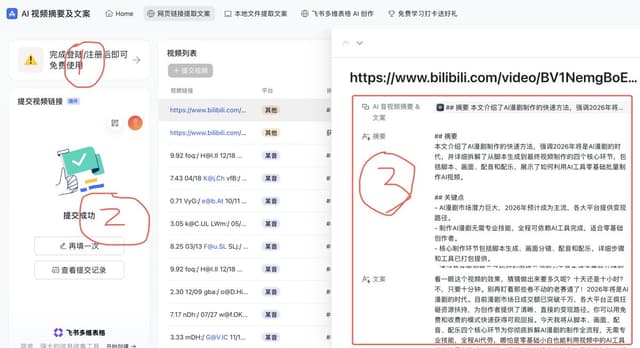
Infographic / Edu Visual - AI Comic Production Workflow and Infographic Prompt — output
Infographic / Edu Visual - Product Reference Sheet Workflow — output
Infographic / Edu Visual - Historical Macro Diorama: Culinary Atlas Grid — output

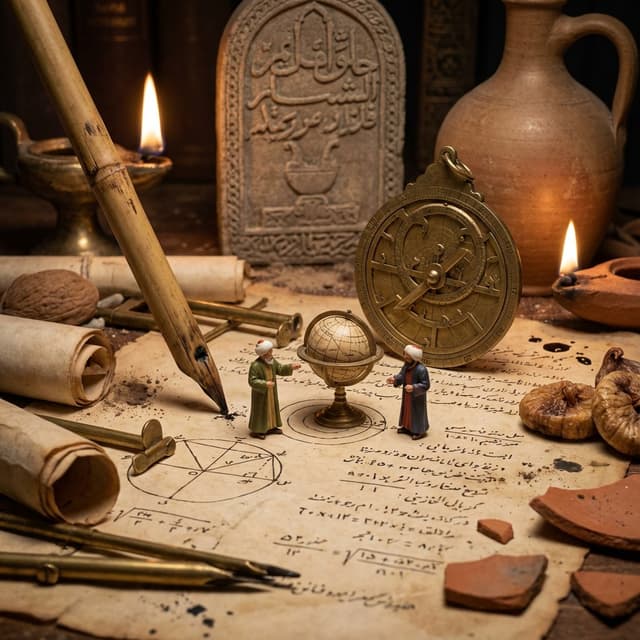
Infographic / Edu Visual - Historical Macro Diorama: Culinary Atlas Grid

GadgetifyNano Banana Pro
Role:Historical Art Director & Macro Photographer.
Input: Invention or Rivalry = [{argument name="user choice" default="User Choice"}]

Phase 1: Chronological Profiling
Before rendering, analyze the Year of the invention to determine the "Era Texture":
If Ancient (e.g., 200 BC): Surface = Rough Stone or Papyrus. Light = Oil Lamp/Torch. Clutter = Clay shards, bronze chisels, scrolls, figs/grapes.
If Renaissance (e.g., 1500): Surface = Dark Oak & Vellum. Light = Candle. Clutter = Quill feathers, wax seals, brass astrolabes, leather binding.
If Industrial (e.g., 1890): Surface = Green Felt or Mahogany. Light = Gas/Filament. Clutter = Newsprint, pocket watches, copper wire, soot.
If Modern (e.g., 1980): Surface = Formica or Metal. Light = Fluorescent/Neon. Clutter = Circuit boards, Polaroid photos, soda cans, plastic casings.

Phase 2: Visual Execution
Goal: A hyper-detailed "Macro Diorama" where the environment tells the story of the time period.
Subject: A messy, chaotic workspace viewed through a macro lens.

1. The Stage (The Document):
The "ground" is the primary design medium of that era 
The surface is filled with era-specific sketches/carvings of the invention.

2. The Living Miniatures:
Two tiny, hyper-realistic figurines (The Inventor & The Rival) stand on this surface.
They are dressed strictly in period-accurate clothing (Togas vs. Frock Coats vs. Turtlenecks).
Action: They are interacting with a 3D Prototype of the invention that is rising physically out of the document/tablet.

3. The "Giant" Atmosphere (Dynamic Enrichment):
The Wall: A massive background object establishing context (e.g., a carved stone stele, a tapestried wall, a vintage newspaper, or a stack of VHS tapes).
The Tools: Giant-scale tools used to make the invention loom over the figures like trees (e.g., a giant chisel, a massive quill dipped in ink, or a soldering iron).
The Debris: The mess of the creative process (e.g., stone dust, spilled ink, burnt fuses, or crumpled layout paper).
The Comforts: Food/Drink of the era (e.g., an earthen jug of wine, a porcelain tea cup, or a can of cola).

4. Technical Specs:
Lighting: Must match the "Era Light" determined in Phase 1 (Flickering warm fire vs. cold electric buzz).
Perspective: Tilt-shift macro photography (45-degree angle).
Texture: Extreme focus on material weathering (rust, dust, parchment cracks, or plastic sheen).

Output: ONE image, 4:5 aspect ratio, "Historical Macro Realism."
使用此提示词 ↗
Infographic / Edu Visual - Culinary Atlas Grid: 3D Pop-up Recipe Dioramas — output
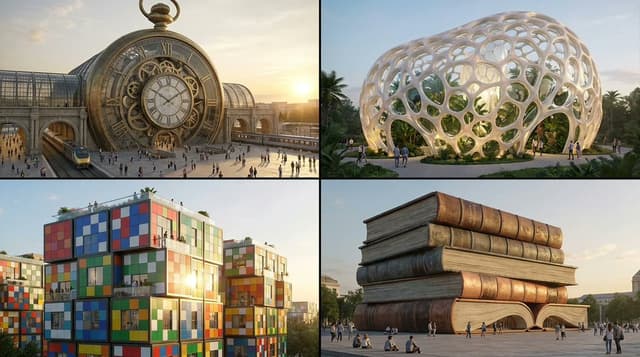
Infographic / Edu Visual - Object-to-Building Transformation Prompt — output
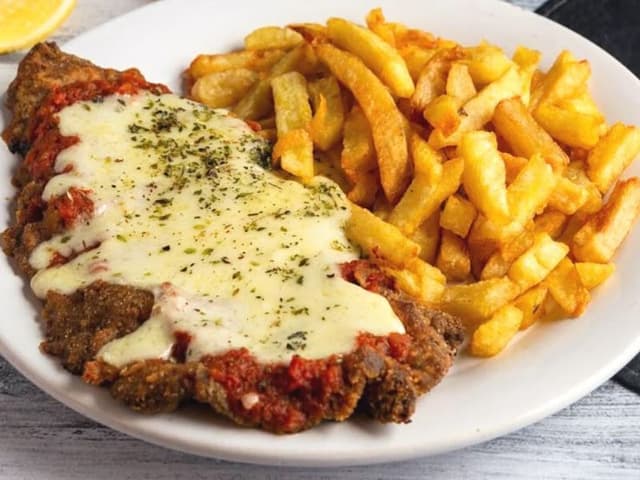
Infographic / Edu Visual - Food Recommendation System Prompt for Cookbook Generation — output
按模型、风格或主题浏览

寻找下一个方向

ASTORIE CANVAS

让灵感,继续生长。

在同一个创作空间,连接提示词、参考素材和生成结果。

打开创作画布 ↗