Prompts for educational graphics

Explore a travel-poster example that brings architectural details into a graphic layout. Use its prompt as a starting point for deciding what your own visual should explain.

Explore prompts

612 prompts

Infographic / Edu Visual - Nano Banana Pro Prompting Strategy for Stable Output — output
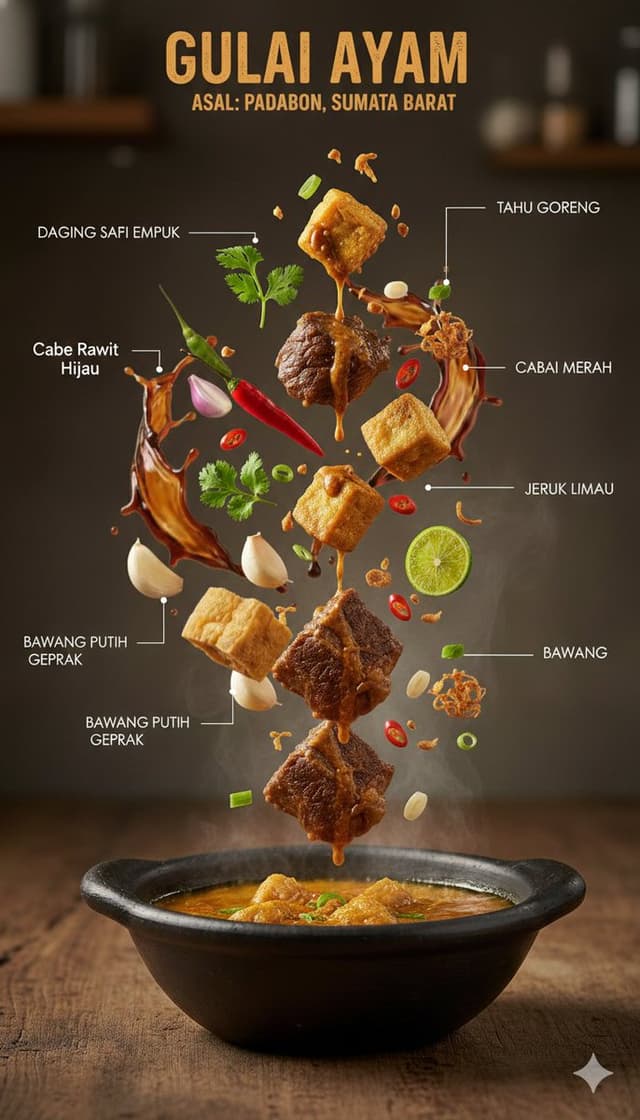
Infographic / Edu Visual - Ultra-Realistic Indonesian Culinary Infographic — output
Infographic / Edu Visual - Hyper-Realistic Gourmet Burger Infographic — output
Infographic / Edu Visual - Cinematic Food Infographic of Levengi Chicken — output
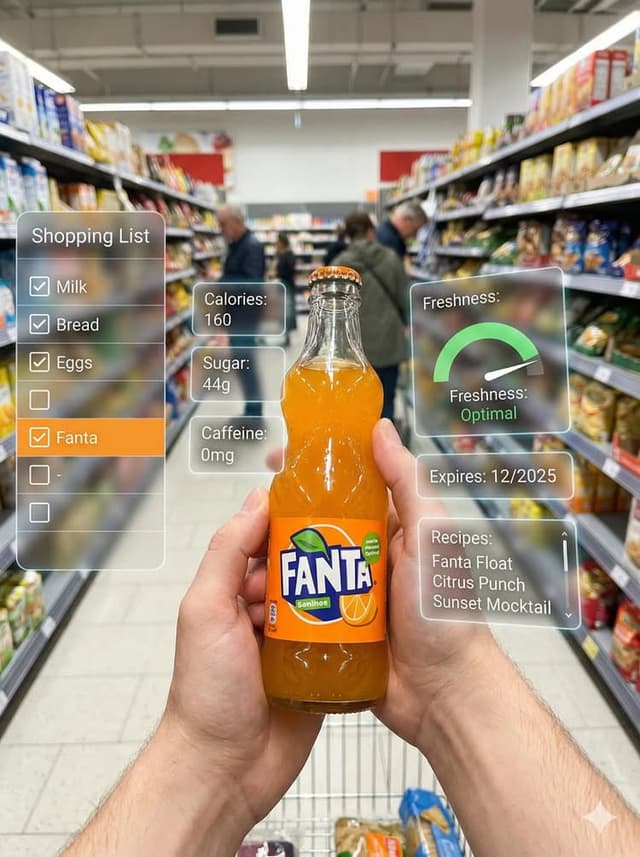
Infographic / Edu Visual - Technical Infographic Overlay on a Photorealistic Object — output
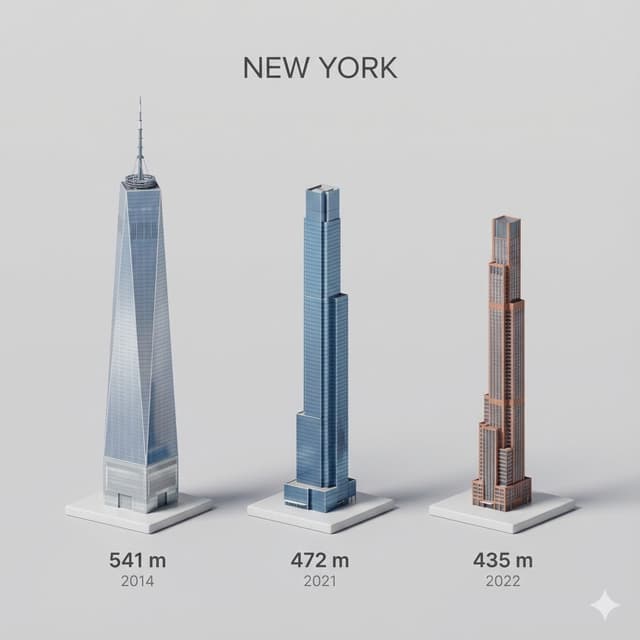
City tallest buildings 3D cartoon showcase prompt — output

City tallest buildings 3D cartoon showcase prompt

Michal MalewiczGemini 3, Nano Banana Pro
Present a clear, side miniature 3D cartoon view of the tallest buildings in {argument name="city in English" default="YOUR CITY"}. Use minimal textures with realistic materials and soft, lifelike lighting and shadows. Use a clean, minimalistic composition showing exactly the three tallest buildings in {argument name="reference city in English" default="Sopot"}, arranged from left to right in strict descending height order. The tallest must appear visibly tallest, the second must be clearly shorter than the first, and the third must be clearly shorter than the second.
All buildings must follow accurate relative proportions: if a building is taller in real life, it must be taller in the image by the same approximate ratio. No building may be visually stretched or compressed.
Each building should stand separately on a thin, simple ceramic base. Below each base, centered text should display:
Height in meters — semibold sans-serif, medium size
Year built — lighter-weight sans-serif, smaller size, directly beneath the height text
Provide consistent padding, spacing, leading, and kerning. Write “{argument name="city name title" default="YOUR CITY NAME"}” centered above the buildings, using a medium-sized sans-serif font.
No building top should overlap or touch the text above. Use accurate architectural proportions based on real-world references. Maintain a consistent camera angle and identical scale for each building model.
No forced perspective. Use straight-on orthographic-style rendering. Do not exaggerate or stylize size differences beyond proportional accuracy.

Use a square 1080×1080 composition. Use a clean, neutral background. Ensure no extra objects are present.
Infographic / Edu Visual - Technical Infographic for E-commerce Product Description — output
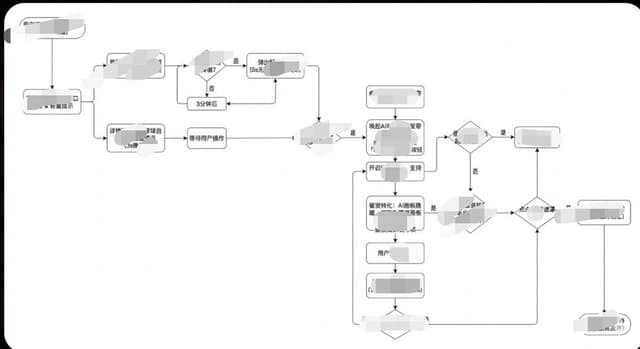
Infographic / Edu Visual - Prompt for Generating Logical Tree Diagrams with Nano Banana Pro — output
Infographic / Edu Visual - Mixed Reality Retail Experience Prompt — output
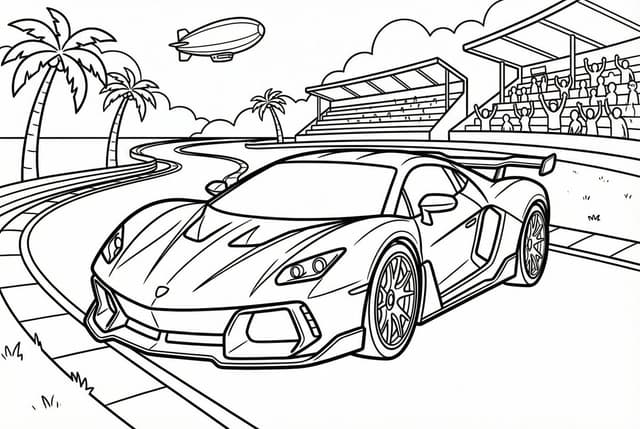
Coloring book line art prompt for Nano Banana Pro — output
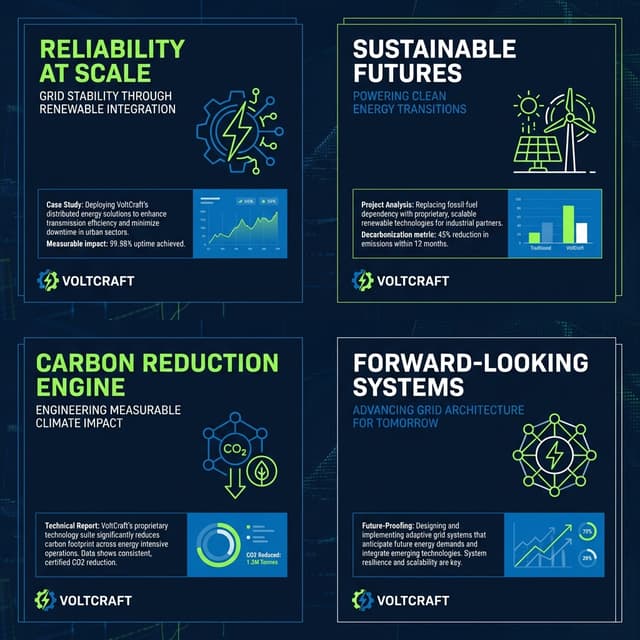
Infographic / Edu Visual - Infographic Image with Technical Annotation Overlay — output
Mid-20th-century war photojournalism style framework — output

Mid-20th-century war photojournalism style framework

VoxcatAIGemini 3, Nano Banana Pro
[Instruction: Based on the structured description below, generate an authentic documentary photography image.]

Visual style: mid-20th-century war news photojournalism (1940–1970) – raw and unposed.

1. Core subject (specific micro narrative)
{argument name="core scene" default="a mud-covered medic in a rainy trench bandaging a soldier’s arm, looking exhausted, with barbed wire obscuring the foreground"}

2. Aesthetic characteristics (anti-cinematic approach)
Photography style definition:
This must not look like a carefully lit movie still. It has to look like a raw, even slightly blurry moment, snapped by a war photographer under extreme pressure and danger. The composition should feel accidental, chaotic, slightly off-balance or imperfect. Prioritize absolute authenticity over perfect framing.

Light and atmosphere:
Avoid overly dramatic, theatrical, perfectly staged lighting. Use whatever light is available on site (usually bad): flat and oppressive overcast diffuse light, dim flickering indoor light, or harsh direct flash creating hard, ugly shadows. The atmosphere should feel gritty, dirty, and suffocatingly immersive.

3. Physical texture (film realism)
Physical properties:
Simulate high-speed, coarse-grain black-and-white film that has been push-processed.
* Focus and blur: because of the chaotic, tense environment, the main subject may be slightly out of focus, soft, or shaken. Moving people or objects must show obvious motion blur to reflect the forced use of slow shutter speeds.
* Grain: the whole image is covered with heavy, organic silver halide film grain. Avoid artificial scratches or frame borders added in post; focus on the rough materiality of the film itself.

4. Technical constraints
* Color mode: monochrome black and white.
* Lens language: 35mm wide-angle prime lens (classic reportage perspective including more environmental information).
* Period accuracy: strictly consistent with the 1940s–1970s timeline (clothing, weapons, environmental details).
Infographic / Edu Visual - Minimalist Flowchart/Diagram Generation Style Guide — output
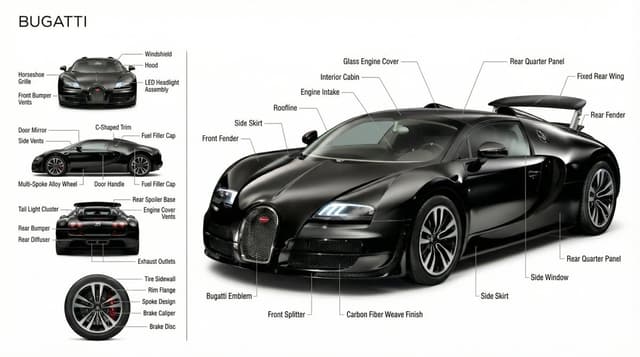
Infographic / Edu Visual - Technical Product Documentation Prompt (Porsche) — output
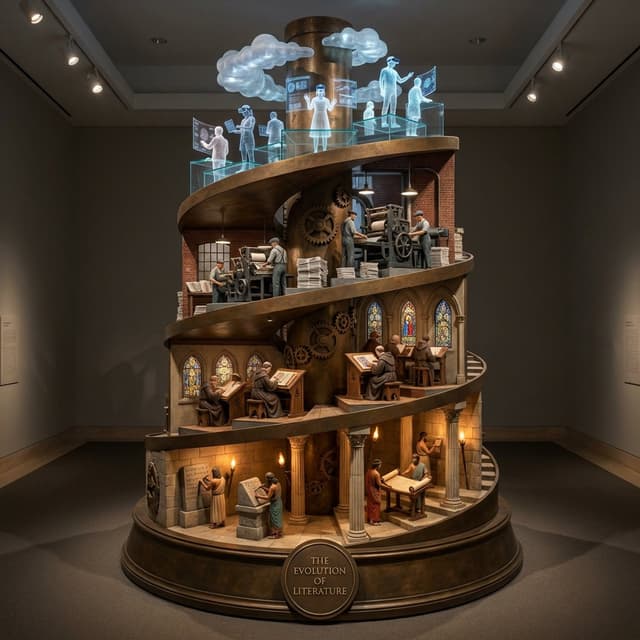
Infographic / Edu Visual - Helical Tower Sculpture Prompt for Visualizing Historical Evolution — output

Infographic / Edu Visual - Helical Tower Sculpture Prompt for Visualizing Historical Evolution

GadgetifyNano Banana Pro
Do this for literature: <instruction>
 
Input A is a Topic with a clear historical progression (e.g., {argument name="topic" default="Literature"}, Medicine, Flight, Computing).
Deconstruct the history into   4 Vertical Eras  :
     Level 1 (The Foundation - Bottom):  The Ancient Origin.
         (e.g., Literature -> Stone Tablets & Scrolls. Flight -> Da Vinci Wings & Kites). 
     Level 2 (The Tradition - Lower Mid):  The Medieval/Renaissance Era.
         (e.g., Literature -> Scriptorium & Monks. Flight -> Hot Air Balloons). 
     Level 3 (The Revolution - Upper Mid):  The Industrial Age.
         (e.g., Literature -> Printing Press & Newspapers. Flight -> Propeller Planes). 
     Level 4 (The Horizon - Top):  The Digital/Future Age.
         (e.g., Literature -> Holographic Data & VR. Flight -> Spacecraft & Ion Thrusters). 

  2.  Container (The Rotunda):  
Goal: "Museum Installation" 3D Art.
     The Object:  A massive, freestanding   Helical Tower Sculpture   standing in a dark museum hall.
     The Base:  A circular Bronze Plinth with a gold plaque reading: "THE EVOLUTION OF [{argument name="topic" default="INPUT A"}]".

  3. The Structure (The Spiral):  
     The Spine:  A central mechanical or architectural pillar supports the structure.
     The Ramp:  A continuous, wide   Spiral Ramp   winds upwards around the central pillar (like the Tower of Babel or DNA).
     The Vignettes:  Along the ramp at each level, detailed   Architectural Dioramas   are built:
         Bottom:  Stone arches, caves, or temples.
         Middle:  Timber frames, brick factories, or iron trusses.
         Top:  Floating glass platforms, laser grids, or cloud computing nodes.

  4. The Narrative Scale (The Population):  
     Scale:  1:50 Scale Figures.
     Action:  At every level, figures are actively "working" on the technology of their time (e.g., Scribes writing, Mechanics wrenching, Cyborgs interfacing).
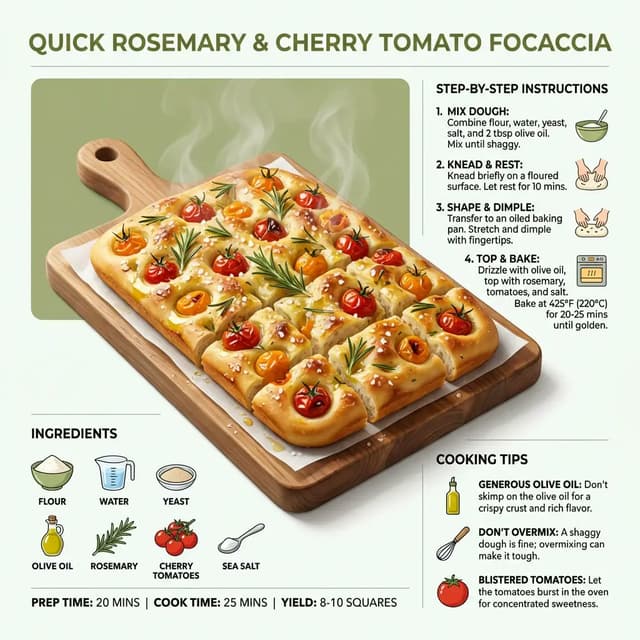
Infographic / Edu Visual - Ultra-Clean Modern Recipe Infographic for Focaccia — output
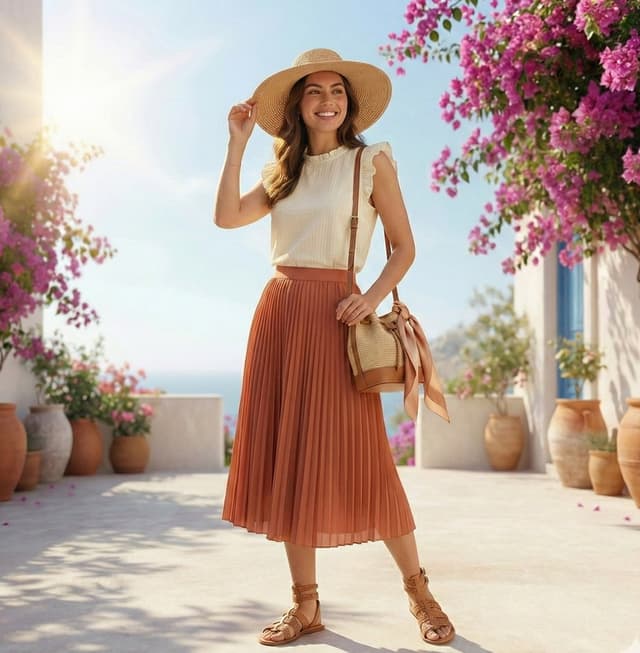
Infographic / Edu Visual - High-Fashion Summer Outfit Infographic with Exploded Composition — output
Browse by model, style or topic

Find your next direction

ASTORIE CANVAS

Take the idea further.

Bring your prompts, references and results together in one creative space.

Open your canvas ↗