Prompts for educational graphics

Explore a travel-poster example that brings architectural details into a graphic layout. Use its prompt as a starting point for deciding what your own visual should explain.

Explore prompts

612 prompts

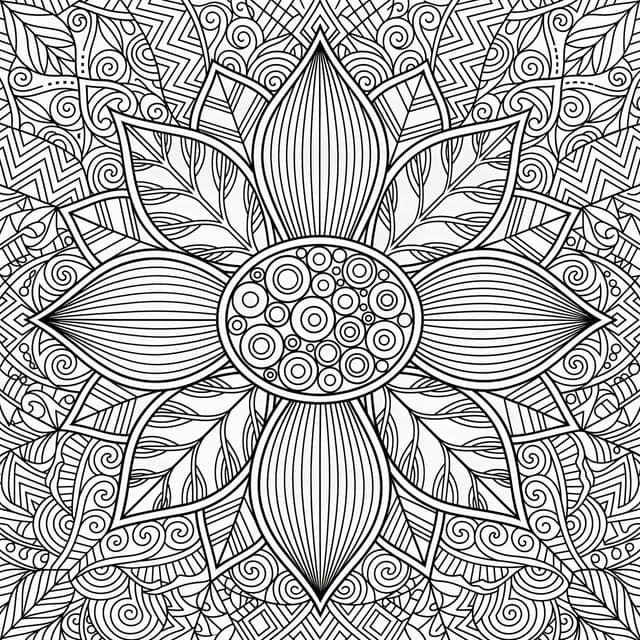
Infographic / Edu Visual - Flower Mandala Coloring Page — output
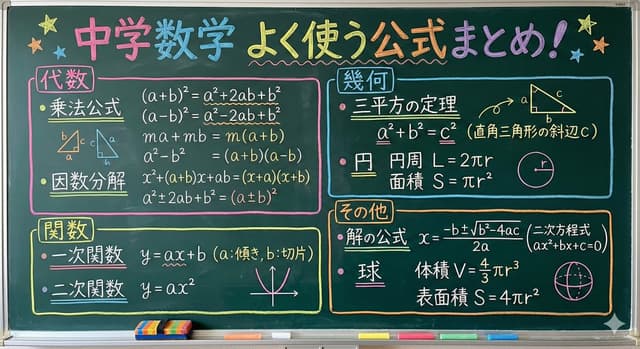
Infographic / Edu Visual - Clean Whiteboard Animation Illustration — output
Infographic / Edu Visual - Ancient Egyptian Profile Portrait — output
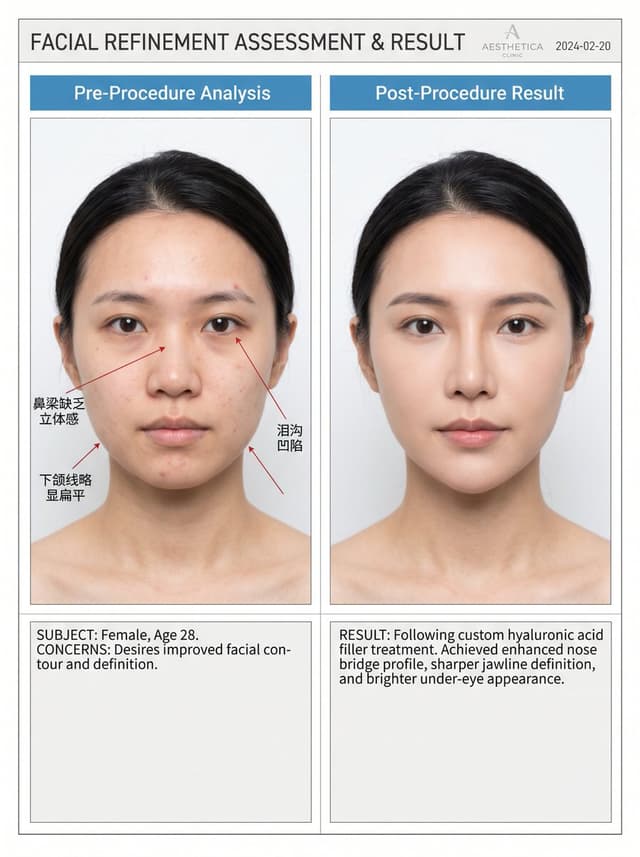
Infographic / Edu Visual - Medical Aesthetic Analysis Comparison Prompt — output
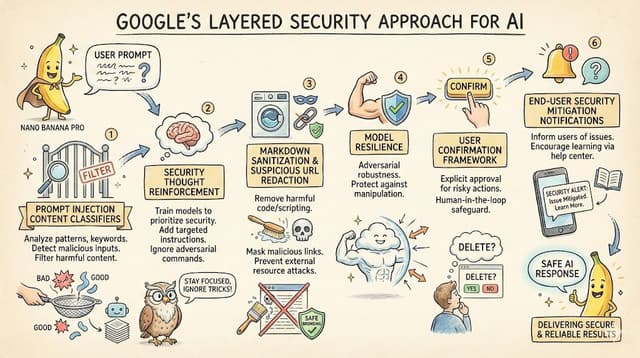
LLM System Prompt Security Measures (Conceptual) — output
Professional Infographic Generation Prompt — output
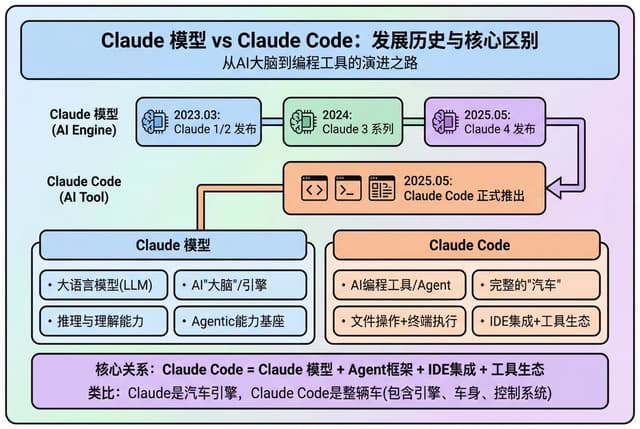
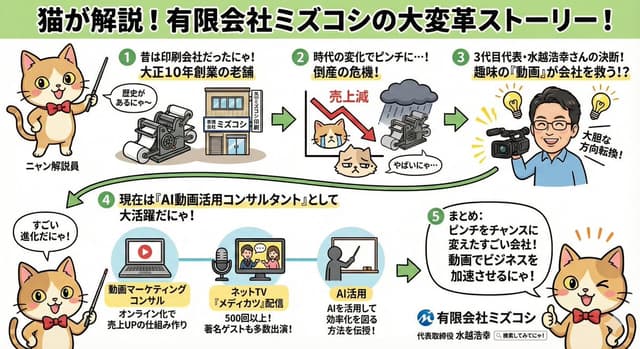
Modern Minimalist PPT/Diagram Generation Prompt — output

Modern Minimalist PPT/Diagram Generation Prompt

子默Nano Banana Pro
1. Overall Visual Style

Style Keywords: Flat UI, Vector, Modern Minimalist, Card-style design.

Lines and Shapes:

Rounded Corners Priority: All borders, background blocks, buttons, and process nodes must be rounded rectangles (Rounded Rectangles, with a large corner radius, approximately 10-15px).

Elbow Lines: Process connections use right-angle polylines (no curves), lines are simple and strong.

Color Logic (Key):

“Candy Color” Scheme: Use light backgrounds with high brightness and low saturation (such as light blue, light green, light purple), paired with darker borders of the same color family.

Border Emphasis: All graphics must have clear 2px~3px solid borders.

2. Vertical Layout Structure

Regardless of the topic, please follow the following top-down layout order, which must be contained within a large border container:

Layer 1: Main Title (Header)

Position: Centered at the top of the container.

Style: Bold black font, largest font size, darkest color.

Layer 2: Core Flowchart Area

Position: Occupies 50% of the core area of the layout.

Content: Rectangular nodes + arrow connections. If it is a loop step, please use a dashed line pointing back.

Layer 3: Feature List

Position: Below the flowchart, centered or left-aligned.

Style: Short and concise bullet points, slightly smaller font, with some white space.

Layer 4: Full-width Summary Box (Footer Box)

Position: At the very bottom of the container, filling the width horizontally.

Color Scheme: Use a contrasting color (such as purple in the example), distinct from the main color scheme above.

Function: Used to place 'Summary', 'Analogy', or 'Core Conclusion'.

Landscape size (horizontal/scenic mode) is chosen because:

Content Adaptation: Horizontal content like timelines is better displayed in a horizontal canvas to show the evolution process.

Presentation Friendly: The 3:2 horizontal ratio is very suitable for insertion into PPTs and documents, and displays well on projectors or screens.

Information Capacity: Horizontal layout can accommodate more text and icons, avoiding clutter.
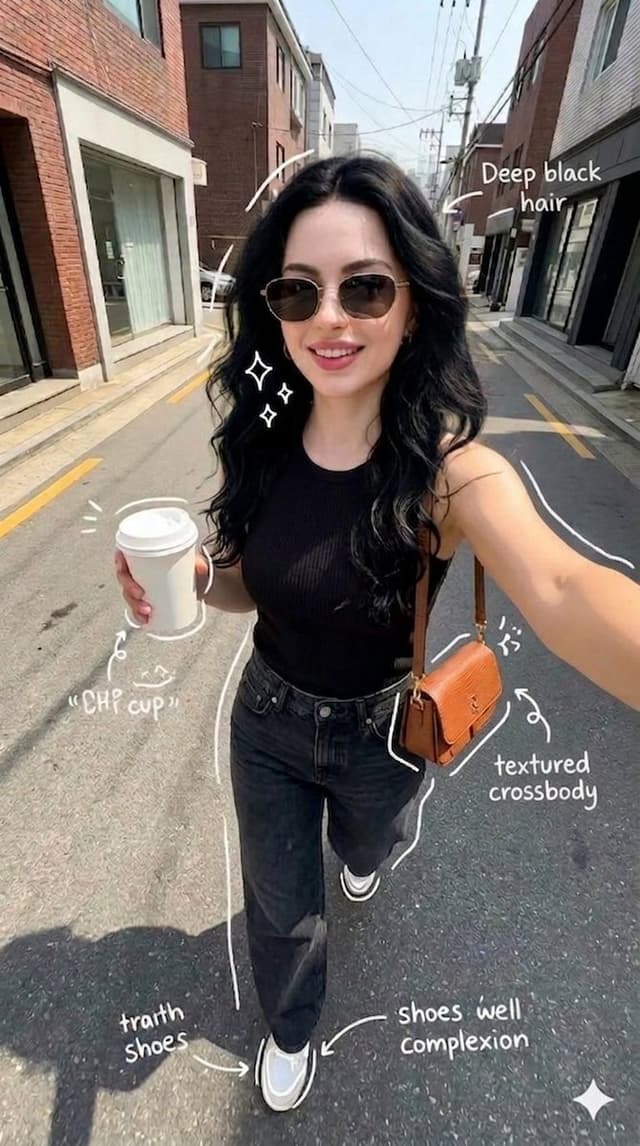
Infographic / Edu Visual - Street Style Selfie with Doodles — output
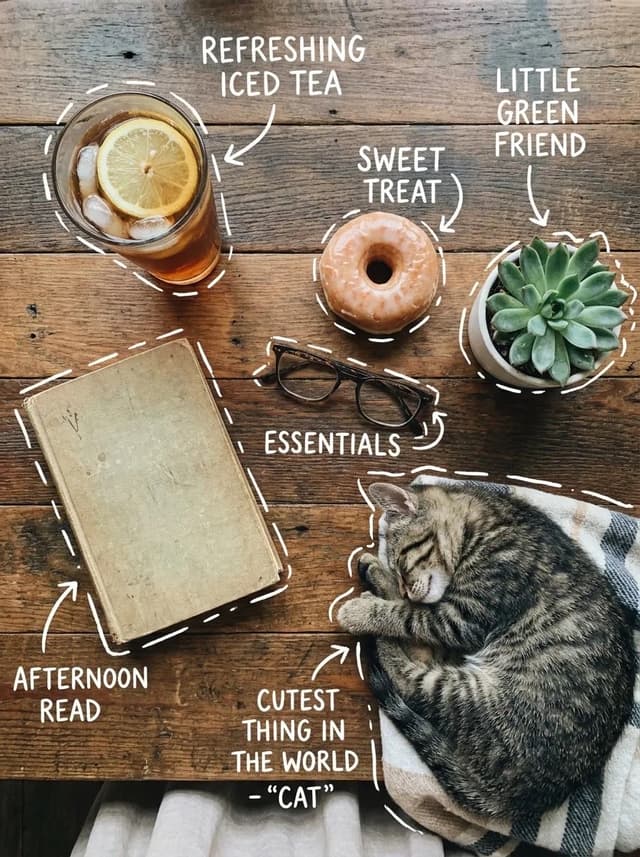
Infographic / Edu Visual - Cozy Tabletop Flat Lay with Doodles — output
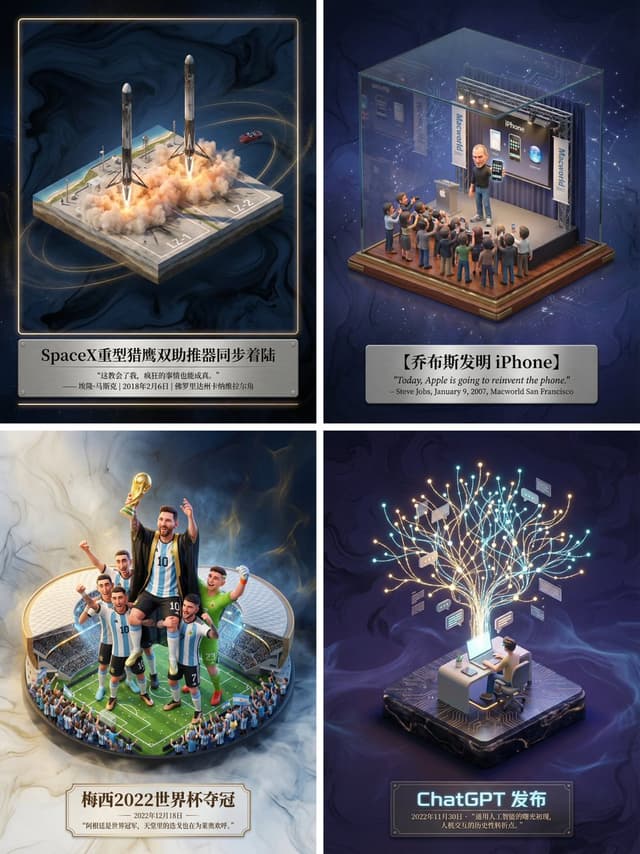
Museum-Grade 3D Diorama Poster for Historical Events — output

Museum-Grade 3D Diorama Poster for Historical Events

歸藏(guizang.ai)Nano Banana Pro
Please create a museum-grade 3D isometric miniature poster for [ {argument name="event name" default="SpaceX Heavy Falcon dual booster synchronous landing"} ], first retrieving relevant information to gain knowledge.

Step 1, Intelligent Recognition and Scene Construction: First, call upon your knowledge base to determine the category of the theme I input (is it fictional literature, real historical event, sports competition, or scientific discovery). Then, accurately retrieve the specific environment, core character actions, clothing details, and atmospheric conditions when the theme occurred. In the center of the image, establish an exquisite 3D miniature scene model. The style should maintain the high-precision texture and soft lighting rendering style of Dreamworks animation. If it is sports, emphasize the explosiveness of the action and the frozen moment; if it is history, restore the sense of era and solemnity; if it is literature, emphasize the artistic conception.

Step 2, Atmosphere and Background: Discard pure white backgrounds. Use a void environment with extremely faint ink wash texture and flowing light mist, with colors automatically adjusted according to the theme, creating a high-end sense of a “historical slice” or “precious artifact.”

Step 3, Layout and Text: Generate Chinese typography centered at the bottom. The main title should be the name of the event or work, with a font design that matches the theme style. Below the title, automatically retrieve and lay out the most famous quote, commentary, date, or historical evaluation of the event, using an elegant serif font. The overall layout should be exquisitely balanced, like a high-end museum collection plaque.
Browse by model, style or topic

Find your next direction

ASTORIE CANVAS

Take the idea further.

Bring your prompts, references and results together in one creative space.

Open your canvas ↗