
Runway
Runway Gen-4 Turbo
Runway Gen-4 Turbo is a fast image-to-video model from Runway ML that turns a single still image into a 5-second or 10-second clip. As of 2026 it is image-to-video only — there is no text-to-video mode — so every generation starts from a source frame you supply, which is why it pairs naturally with the image-side Gen-4 page (/models/image/runway-gen4-image) for first-frame control.
Runway Gen-4 Turbo (also written "Runway Gen4 Turbo" or "Runway ML Gen 4") is Runway's speed-tier image-to-video model. You give it a source image plus a motion prompt, and it returns a 5-second or 10-second clip with coherent motion and minimal artifacts — typically much faster than full-quality video models. Because Gen-4 Turbo is image-to-video only (no text-to-video), it shines when the starting frame is already designed: product photos, illustrations, brand mockups, and storyboard frames. In Astorie's node-based canvas you wire one source image into Gen-4 Turbo alongside Sora 2, Kling, Google Veo, and Seedance in a single fan-out, run all of them on the same frame at once, and keep every take in the version tray to pick the winning motion. Versus peers, Gen-4 Turbo trades the text-to-video flexibility of Sora 2 and the video-to-video reskinning of Runway Aleph for raw image-to-video speed, making it the fast-iteration workhorse of the Runway family.
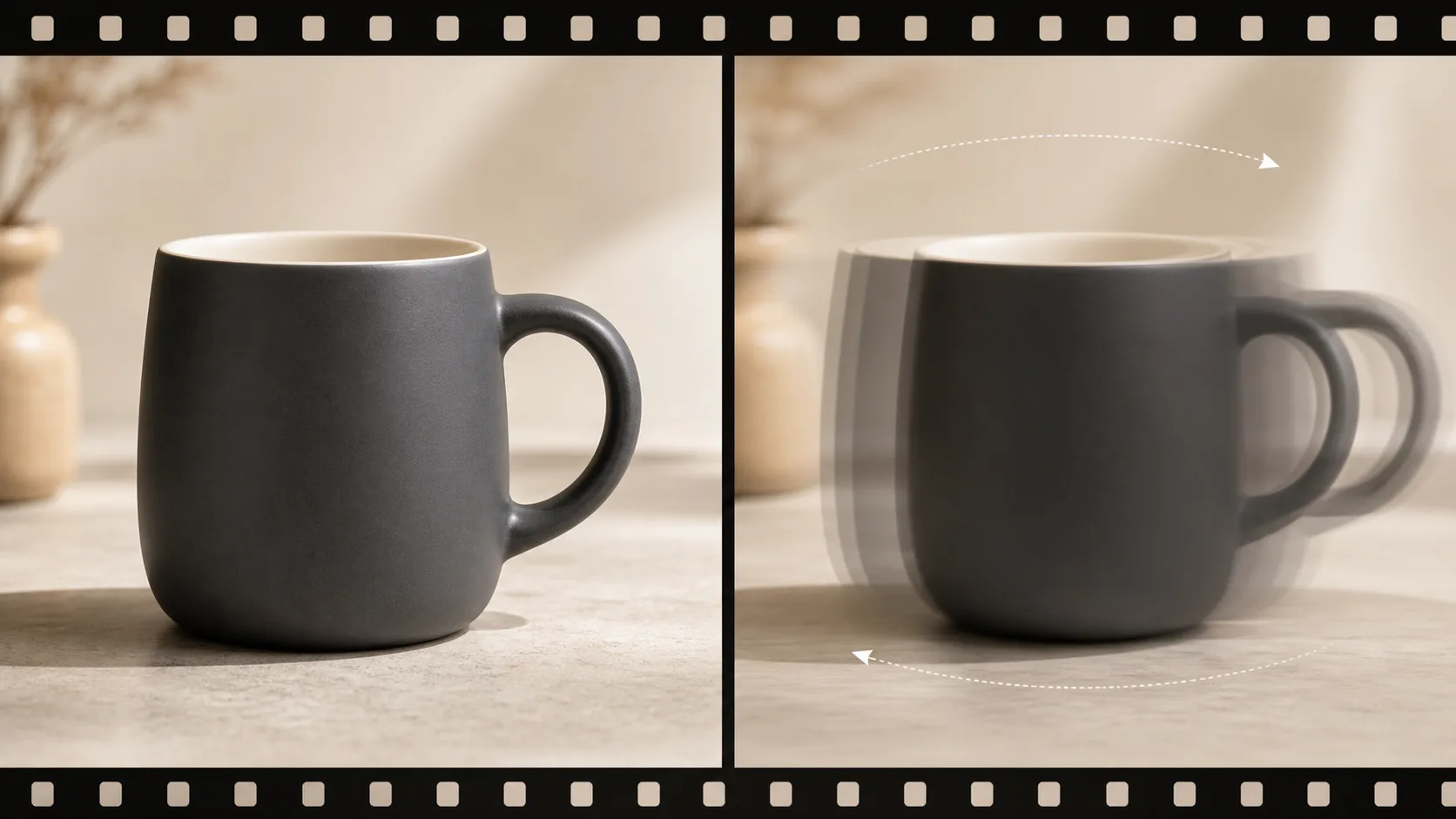
Capabilities
Best For
- Rapid image-to-video animation of product photos and mockups
- Iterative creative workflows requiring fast turnaround
- Animating illustrations and design concepts
- Social media content from existing brand imagery
Strengths
- Significantly faster generation than comparable full-quality video models
- Clean motion with minimal visual artifacts
- Two duration options (5s and 10s) for flexible clip length
- Strong at preserving source image details during animation
Limitations
- Image-to-video only — no text-to-video capability; requires an input image
- No video-to-video (V2V) or reference modes (use Runway Aleph for V2V reskinning)
- Fewer creative controls compared to multi-modal competitors like Sora 2
Tips & Best Practices
Use Runway Gen-4 Turbo on Astorie
Connect Runway Gen-4 Turbo with other AI models on Astorie's infinite canvas. No GPU required — start free.
Get Started FreeFrequently Asked Questions
What is Runway Gen-4 Turbo?
Runway Gen-4 Turbo is a fast image-to-video model from Runway ML that turns a single still image plus a motion prompt into a 5-second or 10-second clip. It is the speed tier of Runway's Gen-4 family and, as of 2026, is image-to-video only — it does not support text-to-video.
Is Runway Gen-4 Turbo image-to-video only?
Yes. As of 2026, Runway Gen-4 Turbo is image-to-video only — every generation must start from a source image you provide. There is no text-to-video mode, so for prompt-only generation you would use a model like Sora 2 or Google Veo instead.
What is the difference between Runway Gen-4 Turbo and Runway Gen-4?
Gen-4 Turbo is the speed-optimized tier of the Runway Gen-4 family: it generates image-to-video clips significantly faster than the standard quality path, trading some fidelity for fast iteration. Both share the Gen-4 architecture, but Turbo is tuned for rapid feedback loops on product shots, mockups, and storyboard frames.
How long are Runway Gen-4 Turbo clips?
Runway Gen-4 Turbo generates clips of either 5 seconds or 10 seconds. A common workflow is to iterate at 5 seconds for speed, then re-run the winning prompt at 10 seconds for the final export.
How is Runway Gen-4 Turbo different from Runway Aleph?
Runway Gen-4 Turbo is image-to-video — it animates a single still image into motion. Runway Aleph is video-to-video — it reskins existing footage with reference images while preserving the original motion and timing. Use Gen-4 Turbo to create motion from a frame; use Aleph to transform a clip you already have.
Which model is best for image-to-video?
There is no single best model — the right pick depends on your shot. Runway Gen-4 Turbo is best when you need fast image-to-video iteration from a designed frame, Sora 2 adds physics-heavy realism and text-to-video, and Kling and Seedance offer different motion styles. On Astorie you fan one source image across all of them at once and pick the winning take.
How do I compare Runway Gen-4 Turbo against other video models on the same image?
On Astorie's node-based canvas you wire one source image into Gen-4 Turbo, Sora 2, Kling, Google Veo, and Seedance simultaneously — a single fan-out runs all of them on the same frame, and every result lands in the version tray so you can compare motion side by side and choose the best one.
Does Runway Gen-4 Turbo run locally or need a GPU?
No. Runway Gen-4 Turbo runs in Astorie's browser-based AI creative canvas with no GPU and no local install — generation happens in the cloud, and you can fan the same image across 50+ image and video models on one infinite canvas.